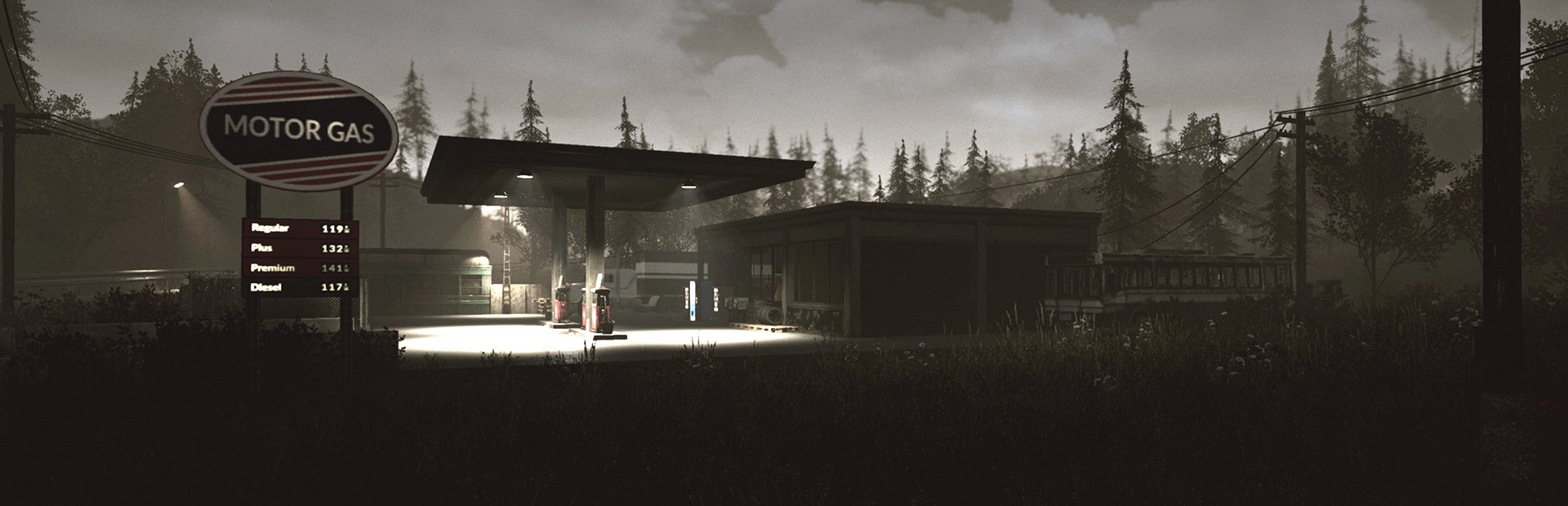
Husk
UndeadScout2017Horror, Indie
12.7GBBuild 1751463Updated 54 days ago
About Husk
Husk is a purebred FPP horror inspired by the most classical representatives of the genre. Discover Shivercliff - a daunting town where you uncover the ominous and tantalizing plot. Face the worst nightmares, solve mysteries and survive the devouring darkness in order to find your family.
A tribute to classical thrillers like Silent Hill or Twin Peaks.
It's 1995, you’re Matthew Palmer and you’ve just woken up after a train crash. There's nobody around you. Especially, there’s no trace of your wife and daughter.
The only sign indicating where you are says:
Welcome to Shivercliff.
Features:
- Down-to-earth storyline touching problems of violence and alcohol addiction
- Immersive narration
- 90's climate with a lot of references
- Inspired by titles like Silent Hill or Alan Wake
- Different locations of Shivercliff town and its surroundings
- Different types of monsters and boss fights
- Classical survival horror
- Dedicated soundtrack created by Arkadiusz Reikowski
- 4-5 hours of gameplay
- Powered by Unreal Engine 4
From the store page, unedited. May contain spoilers.
This release
Reviews and playtime
Mixed
64% of 171
The game
Genres and features
How to install Husk
Pre-installed, so there is no setup wizard. Follow these in order.
- 01
Create a games folder
Make a folder like C:\Games\ and keep every game in it. Avoid Program Files, Downloads and the Desktop.
- 02
Exclude it from Windows Defender
Defender often deletes cracked files by mistake while they extract. Add C:\Games\ as an excluded folder:
Windows Security -> Virus & threat protection -> Manage settings -> Exclusions -> Add an exclusion -> Folder
- 03
Download into C:\Games\
Save the archive straight into that folder. This release is one 12.7GB file.
- 04
Extract it there
Use 7-Zip or WinRAR. Keep about 27.9 GB free while it unpacks.
- One file
- Right-click it -> Extract here.
- Several parts
- Extract only part1 (or .001). The other parts are read automatically.
- 05
Open README.html
It is inside the extracted folder and explains how to start the game.
Still stuck? Read the install help
Download
Set up your games folder and the Defender exclusion before you extract. The Install tab has the steps.
FileDitch
The whole game in one file
VikingFile
The whole game in one file
0807
The whole game in one file
Gofile (legacy)
The whole game in one file
We don't accept fix requests when only one host is down. Please use another mirror above. Links broken? Let us know.
We never password-protect files or hide installers. If a page asks for a password or payment, that is the host's ad, not us. See our safety guide.
System requirements
- Min
- AMD APU A6 3670K or Intel Core i3 2120 or newer architectures
- Rec
- AMD FX8320 or Intel Core i5 4690K or newer architectures
- Min
- 4096 MB RAM
- Rec
- 8192 MB RAM
- Min
- ATI/AMD Radeon HD 7770 and NVIDIA GeForce GTX 560
- Rec
- ATI/AMD Radeon R9 285 and NVIDIA GeForce GTX 1050 Ti
- Min
- 15 GB available space
- Rec
- 20 GB available space
Windows 7, 8.1, 10
Version 11
Default
Broadband Internet connection
These are the developer's listed requirements and may not be 100% accurate. If your specs fall below the minimum, try the game anyway; many games run fine below the listed requirements. When in doubt, check YouTube for performance benchmarks.