HyperBowl
Technicat LLC2018Casual, Sports
131.7 MBBuild 3008164Updated 157 days ago
About HyperBowl
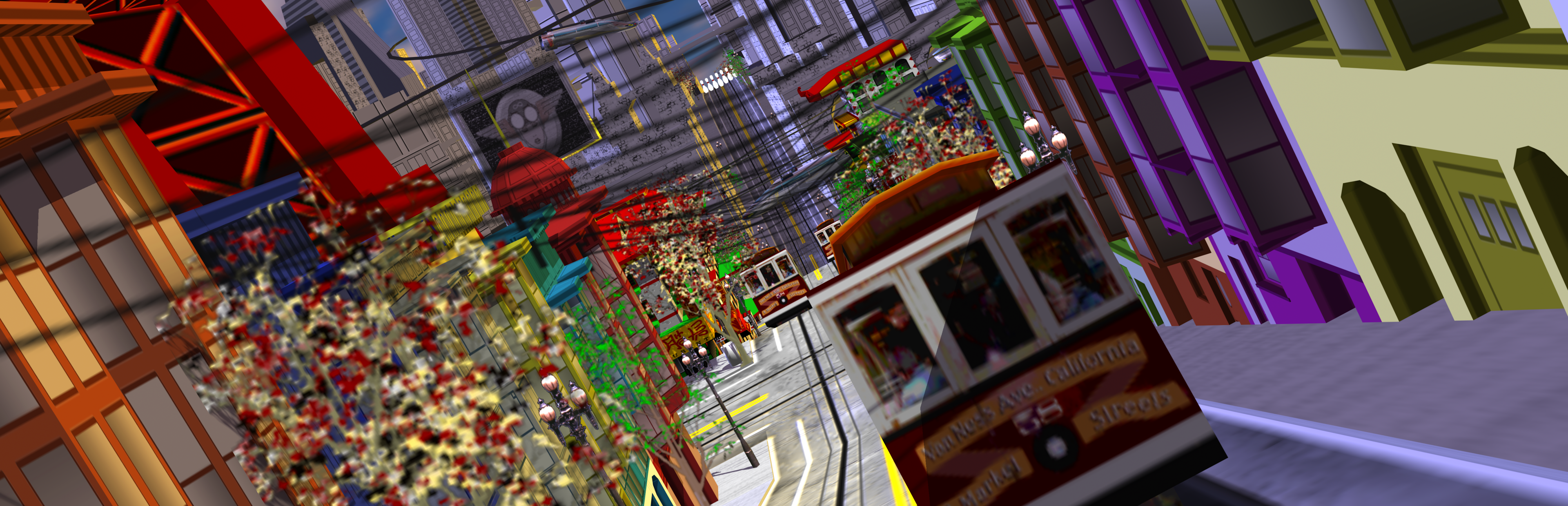
Be the ball! Roll around the original six HyperBowl lanes and some new ones. Enjoy the scenery, but remember to head for the pins! Play 1-4 players in the original Arcade Mode or quick-play in single-player mode.
Play 1-4 players in the original Arcade Mode or quick-play in single-player mode.
Roll the ball forward, left, right, even backwards by pushing the mouse, swiping the trackpad, or pressing the AWSD keys.
Special thanks to the HyperBowl Facebook fans, especially localization, testing, and bug-squashing help from Ischa Bijl, Raymond Chow, Frank Lin, Lien Luong, Adam Pavlakos, Ian Schwabe, Harrison Sotoloff and Elijah Taylor.
This version of HyperBowl by Technicat LLC is built with the original HyperBowl art and sound assets licensed from Absolute Certainty Inc., the Unity game engine, Lens Flare and Simple Particle Pack from Unity Technologies, Selected U3D Japanese Font from Masashi Wada, Particle Scaler by Roel Ezendam, Real Flames by BlackFire FX, FontLibrary from MacXWare, iTween by Pixel Placement, Flocks package from soodaq, Lean Localization from Carlos Wilkes, Finger Gestures from Fatal Frog Software, and Steamworks.NET by Riley Labreque.
New lanes are made with the Penelope sample from Unity Technologies, Cartoon Snowboard Funpark from Stefan M., Mushroom Land from Manufactura4K, Grass Road Race from Sugar Assets, and the Campfire Pack from Dreamdev Studios.
HyperBowl is a trademark of Absolute Certainty Inc.
From the store page, unedited. May contain spoilers.
This release
Reviews and playtime
Very Positive
89% of 73
The game
Genres and features
How to install HyperBowl
Pre-installed, so there is no setup wizard. Follow these in order.
- 01
Create a games folder
Make a folder like C:\Games\ and keep every game in it. Avoid Program Files, Downloads and the Desktop.
- 02
Exclude it from Windows Defender
Defender often deletes cracked files by mistake while they extract. Add C:\Games\ as an excluded folder:
Windows Security -> Virus & threat protection -> Manage settings -> Exclusions -> Add an exclusion -> Folder
- 03
Download into C:\Games\
Save the archive straight into that folder. This release is one 131.7 MB file.
- 04
Extract it there
Use 7-Zip or WinRAR. Keep about 289.8 MB free while it unpacks.
- One file
- Right-click it -> Extract here.
- Several parts
- Extract only part1 (or .001). The other parts are read automatically.
- 05
Open README.html
It is inside the extracted folder and explains how to start the game.
Still stuck? Read the install help
Download
Set up your games folder and the Defender exclusion before you extract. The Install tab has the steps.
FileDitch
The whole game in one file
FileQ
The whole game in one file
Pixeldrain
The whole game in one file
Pixeldrain slows free downloads to a few MB/s. The Copy fast link button gives you a bypass link with no speed limit. Paste it into your download manager, or into your browser's address bar.
Gofile (legacy)
The whole game in one file
We don't accept fix requests when only one host is down. Please use another mirror above. Links broken? Let us know.
We never password-protect files or hide installers. If a page asks for a password or payment, that is the host's ad, not us. See our safety guide.
System requirements
- Min
- Windows 10
- Min
- 2.6 GHz Intel Core i5
- Min
- 8 GB RAM
- Min
- Version 11
- Min
- 1 GB available space
These are the developer's listed requirements and may not be 100% accurate. If your specs fall below the minimum, try the game anyway; many games run fine below the listed requirements. When in doubt, check YouTube for performance benchmarks.