Hypnostasis
TPX5002026Horror, Shooter
1.2GBBuild 26452020Updated 23 days ago
About Hypnostasis
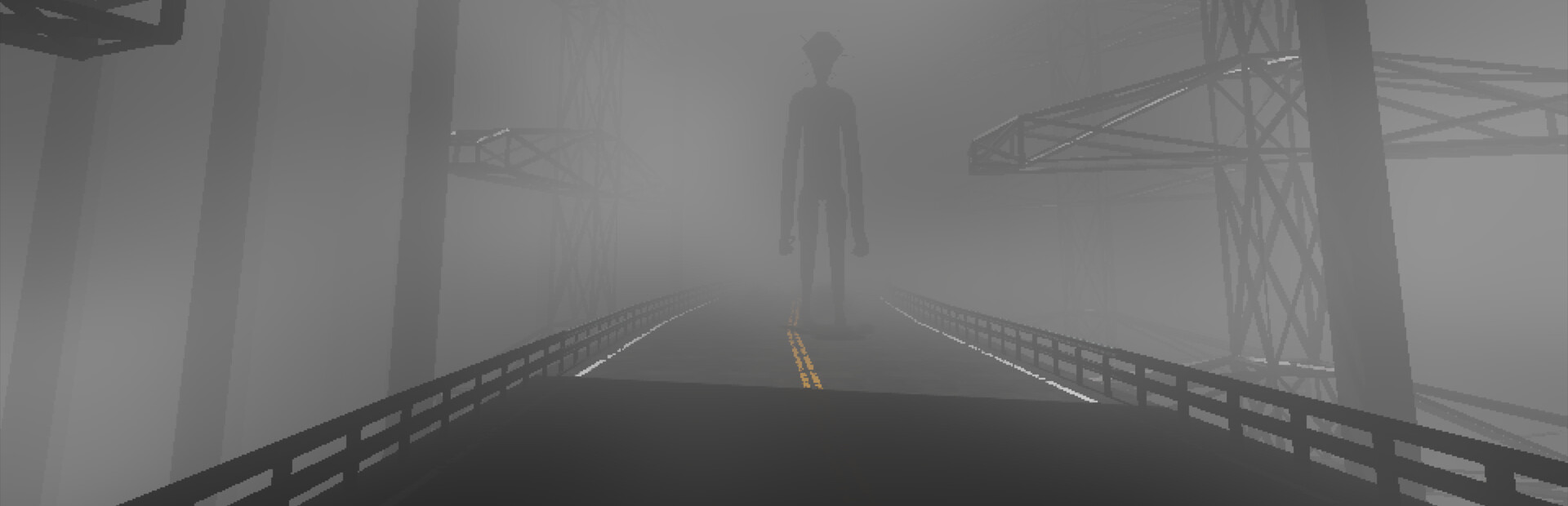
Hypnostasis is a retro survival horror FPS rooted in Jungian psychology. Explore a semi-open nightmare, manage your sanity and scarce resources, and master Goldsrc-style movement to survive. Uncover buried memories across multiple endings — face your shadow, or lose yourself to it.
"Who looks outside, dreams; who looks inside, awakes." — C.G. Jung
You wake in your apartment to find the world warped into something sinister. The rooms you knew now stretch into nightmares, and the creatures wandering them are merciless.

EXPLORE A SEMI-OPEN NIGHTMARE — Navigate expansive, nonlinear levels that reward curiosity. No corridors holding your hand: find your own path while your sanity slowly slips away.

FIGHT WITH EVERYTHING YOU HAVE — High-stakes combat where every bullet counts. Read your enemies, manage your sanity, and know when to run.

SCAVENGE, CRAFT, SURVIVE — Scarce resources force hard choices. Customize your loadout from a wide range of weapons and equipment to match your playstyle.

Will you lose yourself to madness and delusion, or confront the truth and find salvation?
More Key Features:
10+ hours of single-player content
Semi-open level design with a high degree of exploration freedom
A sanity system that turns your own mind into a threat
Multiple endings shaped by your choices
Goldsrc-style movement — air-strafe and bunny-hop through your nightmares
Built-in developer console
Rooted in Jungian analytical psychology
From the store page, unedited. May contain spoilers.
This release
Reviews and playtime
Very Positive
92% of 98
The game
Genres and features
How to install Hypnostasis
Pre-installed, so there is no setup wizard. Follow these in order.
- 01
Create a games folder
Make a folder like C:\Games\ and keep every game in it. Avoid Program Files, Downloads and the Desktop.
- 02
Exclude it from Windows Defender
Defender often deletes cracked files by mistake while they extract. Add C:\Games\ as an excluded folder:
Windows Security -> Virus & threat protection -> Manage settings -> Exclusions -> Add an exclusion -> Folder
- 03
Download into C:\Games\
Save the archive straight into that folder. This release is one 1.2GB file.
- 04
Extract it there
Use 7-Zip or WinRAR. Keep about 2.6 GB free while it unpacks.
- One file
- Right-click it -> Extract here.
- Several parts
- Extract only part1 (or .001). The other parts are read automatically.
- 05
Open README.html
It is inside the extracted folder and explains how to start the game.
Still stuck? Read the install help
Download
Set up your games folder and the Defender exclusion before you extract. The Install tab has the steps.
FilesYard
The whole game in one file
FileDitch
The whole game in one file
VikingFile
The whole game in one file
We don't accept fix requests when only one host is down. Please use another mirror above. Links broken? Let us know.
We never password-protect files or hide installers. If a page asks for a password or payment, that is the host's ad, not us. See our safety guide.
System requirements
- Min
- Windows 10 64 bit
- Rec
- -
- Min
- i5-4460
- Rec
- -
- Min
- 2 GB RAM
- Rec
- -
- Min
- Supports Vulkan, 2GB minimum
- Rec
- -
- Min
- 2 GB available space
- Rec
- -
These are the developer's listed requirements and may not be 100% accurate. If your specs fall below the minimum, try the game anyway; many games run fine below the listed requirements. When in doubt, check YouTube for performance benchmarks.