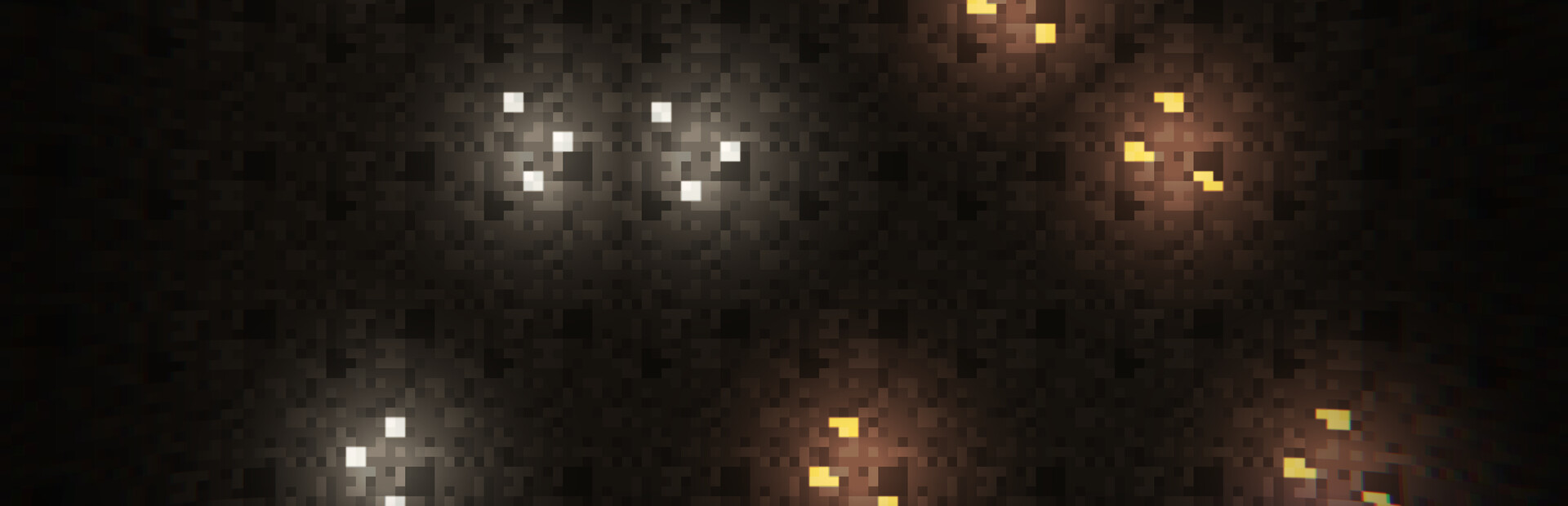
Idle Deepcore
Bluehood Games2026Idle, Simulation
242.8 MBBuild 23757787Updated 162 days ago
About Idle Deepcore
Idle Deepcore is an incremental mining game where you dig ever deeper, smelt ore into ingots, upgrade your pickaxe and machines, and grow several mines in parallel to build a vast underground industry.
Dig deeper. Smelt more. Expand the network. The mine must grow.
Idle Deepcore is an incremental mining game where every block you break brings you closer to an underground industrial empire. Start with your mouse. End up leading a network of automated mines plunging into the depths.

From a pickaxe to an empire
Break your first blocks by hand. Extract raw ore. Smelt it into ingots. Reinvest. Then start again, bigger, deeper, faster.
What begins as a simple excavation becomes a network of mines running in parallel, while you are already planning the next one.
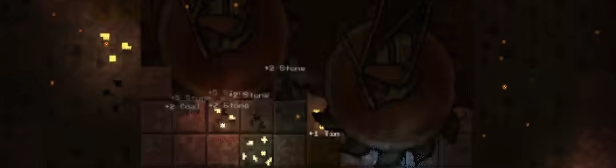
Conquer the world map
Claim new mining zones, each with its own terrain and potential. Manage multiple mines in parallel. Decide where to invest for the best long-term return.

The cycle: mine, smelt, upgrade, repeat
Ore alone is not enough. Turn your raw materials into valuable ingots at the smeltery. Unlock upgrades, buy more powerful furnaces, develop advanced mining technologies.
Every layer of progression feeds the next.
Features
Incremental gameplay focused on depth and expansion
Manual mining and automated production
Multiple mines in parallel, managed in real time
Claimable mining zones on a world map
Smelting system to turn ore into ingots
Upgrade tree for machines and technologies
Pickaxe upgrades for faster extraction
Long-term progression through ever deeper layers
How far will you go?

From the store page, unedited. May contain spoilers.
This release
Reviews and playtime
Very Positive
86% of 475
The game
Genres and features
How to install Idle Deepcore
Pre-installed, so there is no setup wizard. Follow these in order.
- 01
Create a games folder
Make a folder like C:\Games\ and keep every game in it. Avoid Program Files, Downloads and the Desktop.
- 02
Exclude it from Windows Defender
Defender often deletes cracked files by mistake while they extract. Add C:\Games\ as an excluded folder:
Windows Security -> Virus & threat protection -> Manage settings -> Exclusions -> Add an exclusion -> Folder
- 03
Download into C:\Games\
Save the archive straight into that folder. This release is one 242.8 MB file.
- 04
Extract it there
Use 7-Zip or WinRAR. Keep about 534.1 MB free while it unpacks.
- One file
- Right-click it -> Extract here.
- Several parts
- Extract only part1 (or .001). The other parts are read automatically.
- 05
Open README.html
It is inside the extracted folder and explains how to start the game.
Still stuck? Read the install help
Download
Set up your games folder and the Defender exclusion before you extract. The Install tab has the steps.
FileDitch
The whole game in one file
Gofile (legacy)
The whole game in one file
We don't accept fix requests when only one host is down. Please use another mirror above. Links broken? Let us know.
We never password-protect files or hide installers. If a page asks for a password or payment, that is the host's ad, not us. See our safety guide.
System requirements
- Min
- Windows 10
- Min
- Intel Core i5-7400 CPU @ 3.00GHz ; Shader Model 5
- Min
- NVIDIA GForce GTX 1050
- Min
- Version 11
- Min
- 400 MB available space
These are the developer's listed requirements and may not be 100% accurate. If your specs fall below the minimum, try the game anyway; many games run fine below the listed requirements. When in doubt, check YouTube for performance benchmarks.