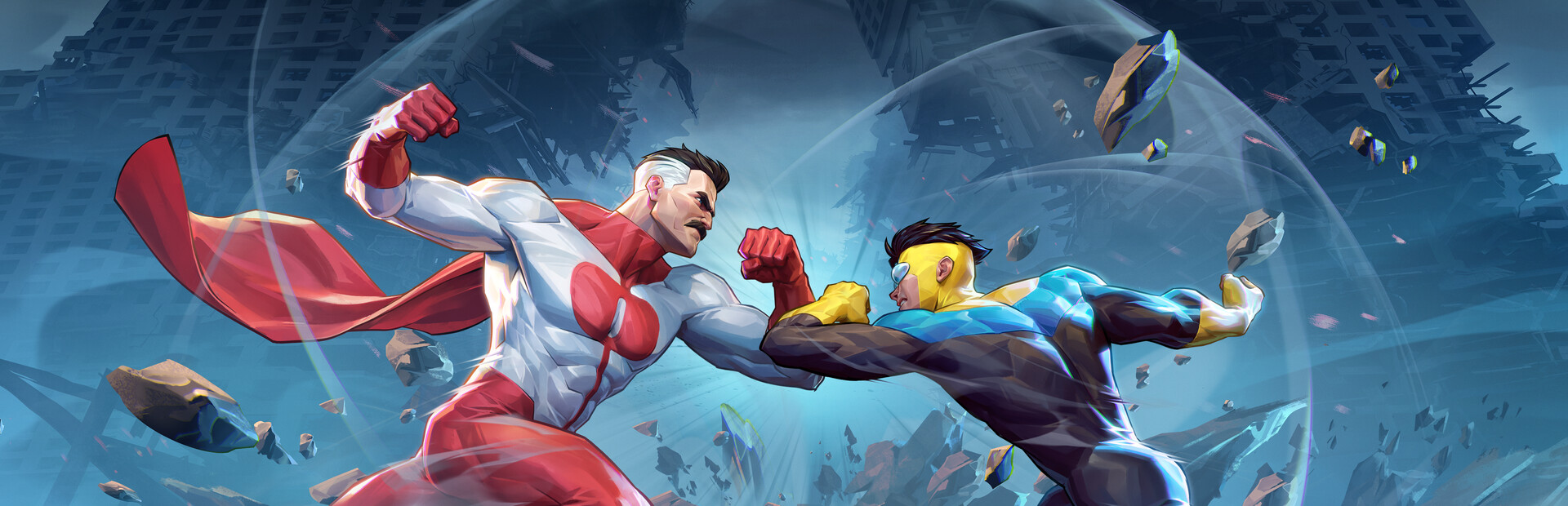
Invincible VS
Quarter Up2026Action, Fighting
9.5 GBBuild 23995931Updated 149 days ago
About Invincible VS
Invincible VS is a brutal superhero 3v3 tag fighting game set in the Invincible universe, where you can battle to the death as a team of fan-favorite characters in iconic locations.
Digital Deluxe Edition


About the Game
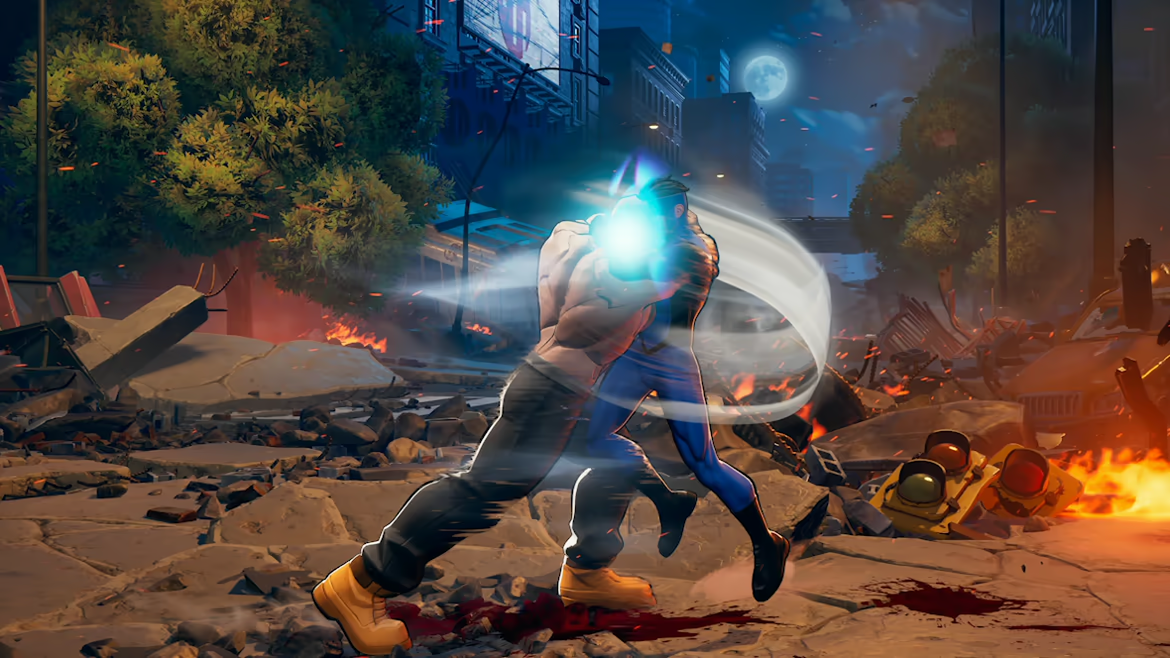
Invincible VS is a brutal superhero 3v3 tag fighting game set in the Invincible universe, where you can battle to the death as a team of fan-favorite characters in iconic locations. Unleash bone-breaking combos through fast combat and smart defensive tactics to leave a trail of blood and destruction. Land vicious Super moves and Ultimates to leave your opponents in a mess of blood.
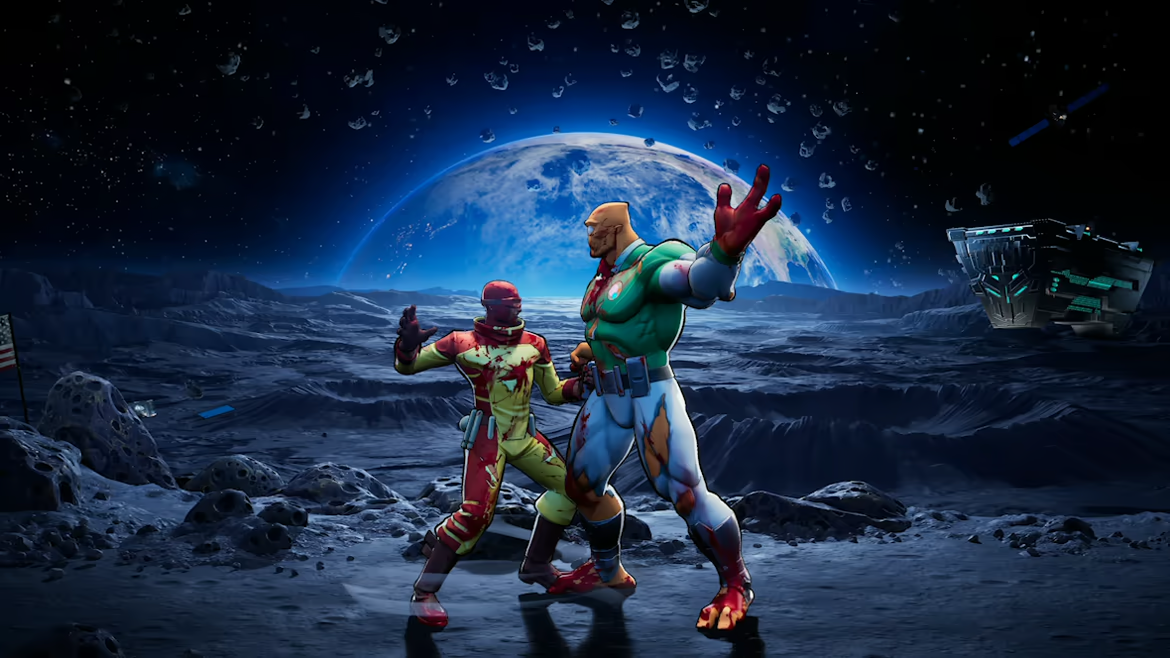
Invincible VS features a variety of game modes including a captivating cinematic story mode with an original narrative from a writer of the animated series. Jump into Arcade and battle with your team, hone your combos in Training mode, and test your skills against the world in competitive and casual multiplayer. Show, comic fans, and fighting game lovers will experience unparalleled heroic brutality, where every earth-shattering blow will leave you feeling... Invincible.
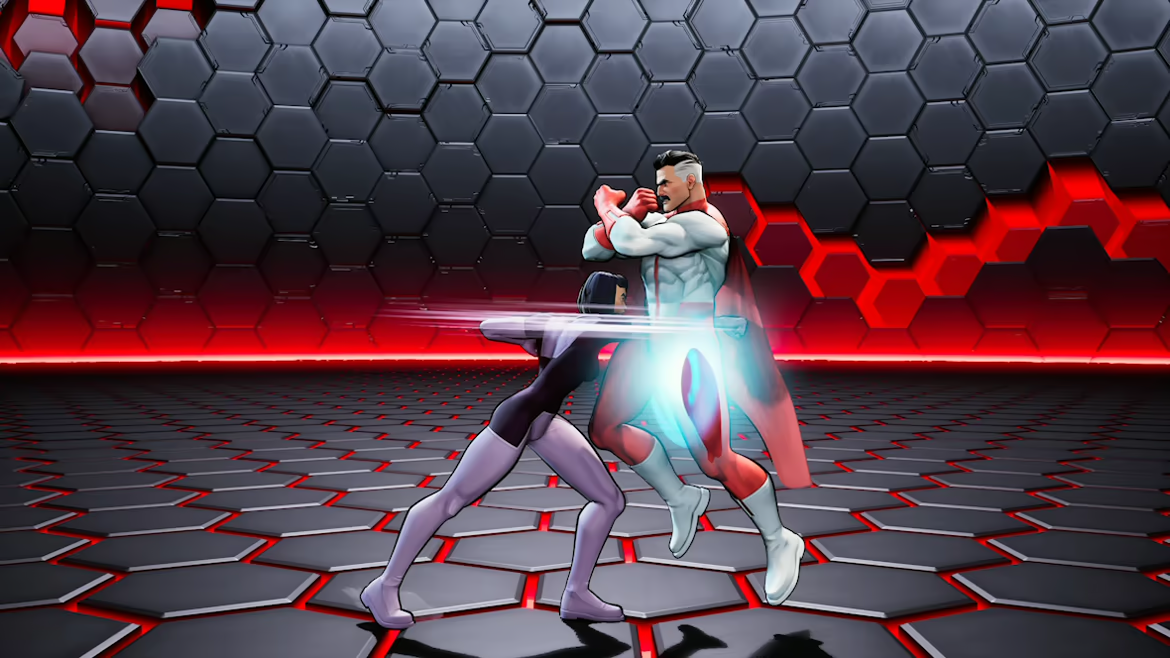
This is the debut title from the newly formed Quarter Up™—the first in-house studio at Skybound—led by former members of the core Killer Instinct (2013) dev team.
From the store page, unedited. May contain spoilers.
This release
Reviews and playtime
Mostly Positive
76% of 3,131
The game
Genres and features
How to install Invincible VS
Pre-installed, so there is no setup wizard. Follow these in order.
- 01
Create a games folder
Make a folder like C:\Games\ and keep every game in it. Avoid Program Files, Downloads and the Desktop.
- 02
Exclude it from Windows Defender
Defender often deletes cracked files by mistake while they extract. Add C:\Games\ as an excluded folder:
Windows Security -> Virus & threat protection -> Manage settings -> Exclusions -> Add an exclusion -> Folder
- 03
Download into C:\Games\
Save the archive straight into that folder. This release is one 9.5 GB file.
- 04
Extract it there
Use 7-Zip or WinRAR. Keep about 20.9 GB free while it unpacks.
- One file
- Right-click it -> Extract here.
- Several parts
- Extract only part1 (or .001). The other parts are read automatically.
- 05
Open README.html
It is inside the extracted folder and explains how to start the game.
Still stuck? Read the install help
Download
Set up your games folder and the Defender exclusion before you extract. The Install tab has the steps.
FileDitch
The whole game in one file
FileQ
The whole game in one file
Pixeldrain
The whole game in one file
Pixeldrain slows free downloads to a few MB/s. The Copy fast link button gives you a bypass link with no speed limit. Paste it into your download manager, or into your browser's address bar.
We don't accept fix requests when only one host is down. Please use another mirror above. Links broken? Let us know.
We never password-protect files or hide installers. If a page asks for a password or payment, that is the host's ad, not us. See our safety guide.
System requirements
- Min
- Windows 10
- Rec
- Windows 11
- Min
- Intel Core i5-9700F / Ryzen 5 2600
- Rec
- Intel Core i7-12700K / Ryzen 7 7700
- Min
- GeForce RTX 2070 (VRAM 8GB) / Radeon RX 7800 (VRAM 8GB)
- Rec
- GeForce RTX 3070 (VRAM 8GB) / Radeon RX 6800 (VRAM 8GB)
- Min
- 15 GB available space
- Rec
- 25 GB available space
16 GB RAM
Version 12
These are the developer's listed requirements and may not be 100% accurate. If your specs fall below the minimum, try the game anyway; many games run fine below the listed requirements. When in doubt, check YouTube for performance benchmarks.