
Jalopy
Minskworks2018Racing, Management
487.8 MBBuild 3960062Updated 109 days ago
About Jalopy
Build, repair, refuel and drive a dilapidated old car on a grand journey through the territories of the former Eastern bloc. Explore Germany, CSFR, Hungary, Yugoslavia and Bulgaria

Navigate miles and miles of tyre changing, fuel burning, carburettor busting, mud clattering terrain, through night and day, rain and shine. Adapt to whatever the procedurally generated world of Jalopy can throw at you.
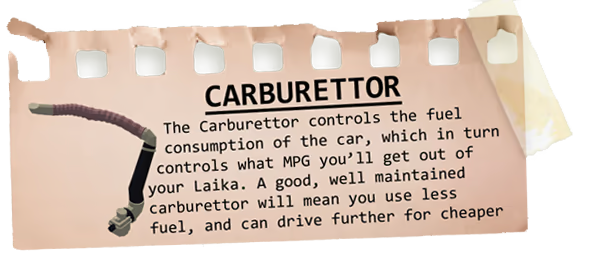
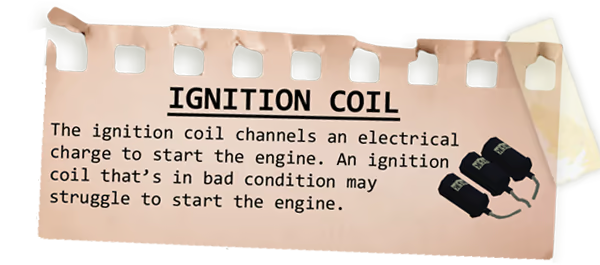
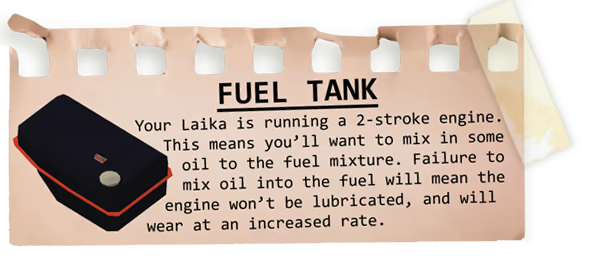
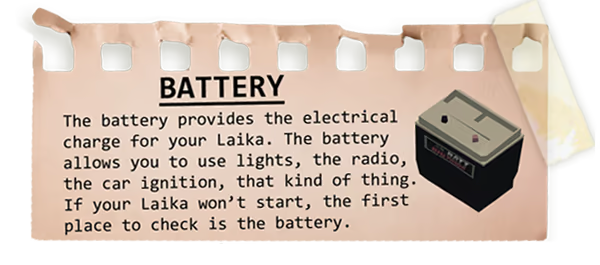
Upgrade, maintain and care for your Laika 601 Deluxe motor vehicle. Keep close attention to everything from the state of your tyres, the condition of your engine and even the space in your trunk. Repair each aspect of your scrappy little car and install unique upgrades to deal with the changing world. Everything from cargo weight to the condition of your carburettor will determine how your car performs on the open road.
The rise of capitalism brings an economical conundrum. Scavenge for scraps to make a small return of investment, or become a baron of the open road and smuggle contraband under the eyes of border patrols to make a sizable profit.
Developer Greg Pryjmachuk worked on the Formula 1 franchise from 2009 through to 2014. In late 2014, Greg began work on this new driving simulation featuring the fictional Laika 601 Deluxe car; reminiscent of the East German “Trabbie”, it will need much love and care to keep it going on this memorable road trip!


From the store page, unedited. May contain spoilers.
This release
Reviews and playtime
Mostly Positive
78% of 9,083
The game
Genres and features

How to install Jalopy
Pre-installed, so there is no setup wizard. Follow these in order.
- 01
Create a games folder
Make a folder like C:\Games\ and keep every game in it. Avoid Program Files, Downloads and the Desktop.
- 02
Exclude it from Windows Defender
Defender often deletes cracked files by mistake while they extract. Add C:\Games\ as an excluded folder:
Windows Security -> Virus & threat protection -> Manage settings -> Exclusions -> Add an exclusion -> Folder
- 03
Download into C:\Games\
Save the archive straight into that folder. This release is one 487.8 MB file.
- 04
Extract it there
Use 7-Zip or WinRAR. Keep about 1.0 GB free while it unpacks.
- One file
- Right-click it -> Extract here.
- Several parts
- Extract only part1 (or .001). The other parts are read automatically.
- 05
Open README.html
It is inside the extracted folder and explains how to start the game.
Still stuck? Read the install help
Download
Set up your games folder and the Defender exclusion before you extract. The Install tab has the steps.
FileDitch
The whole game in one file
FileQ
The whole game in one file
Pixeldrain
The whole game in one file
Pixeldrain slows free downloads to a few MB/s. The Copy fast link button gives you a bypass link with no speed limit. Paste it into your download manager, or into your browser's address bar.
Gofile (legacy)
The whole game in one file
We don't accept fix requests when only one host is down. Please use another mirror above. Links broken? Let us know.
We never password-protect files or hide installers. If a page asks for a password or payment, that is the host's ad, not us. See our safety guide.
System requirements
- Min
- Windows 7/8/10 (64bit)
- Min
- Intel Core i3 2GHz or equivalent
- Min
- 4 GB RAM
- Min
- Dedicated graphics card with 1GB memory
- Min
- Version 9.0
- Min
- 2 GB available space
These are the developer's listed requirements and may not be 100% accurate. If your specs fall below the minimum, try the game anyway; many games run fine below the listed requirements. When in doubt, check YouTube for performance benchmarks.