
Squad2015Simulation, Sandbox
2.5 GBBuild 10132464Updated 186 days ago
About Kerbal Space Program
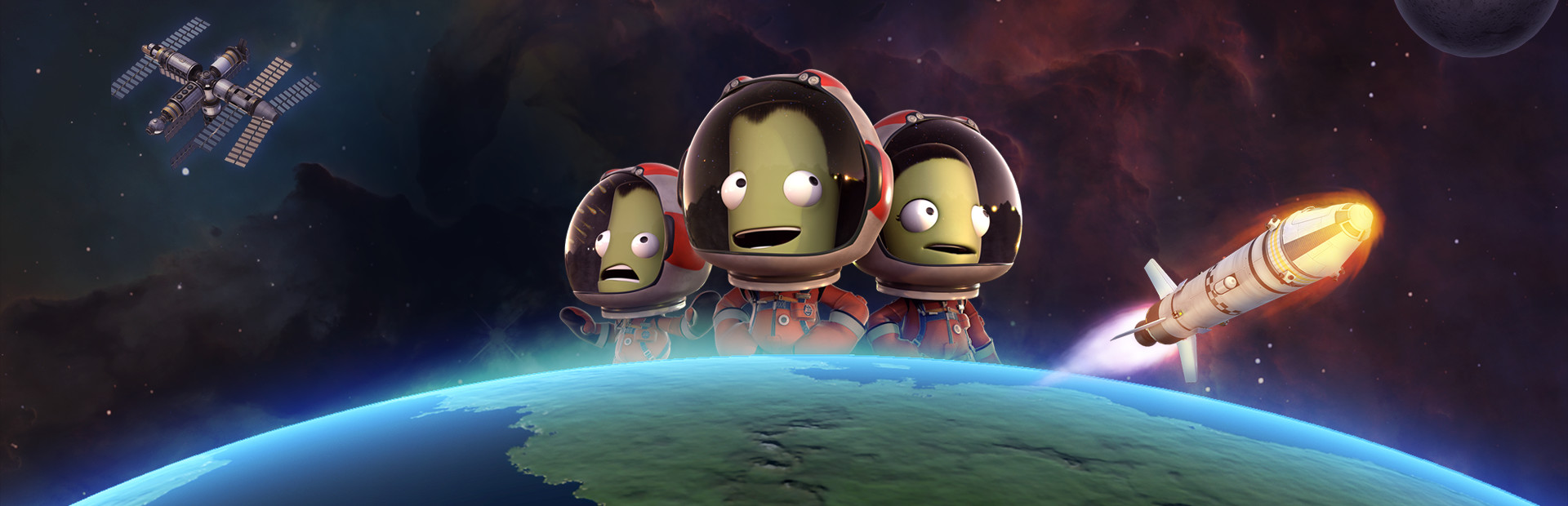
In Kerbal Space Program, take charge of the space program for the alien race known as the Kerbals. You have access to an array of parts to assemble fully-functional spacecraft that flies (or doesn’t) based on realistic aerodynamic and orbital physics.
Kerbal Space Program features three gameplay modes. In Science Mode, perform space experiments to unlock new technology and advance the knowledge of Kerbalkind. In Career Mode, oversee every aspect of the space program, including construction, strategy, funding, upgrades, and more. In Sandbox, you are free to build any spacecraft you can think of, with all parts and technology in the game.
Key Features
- Build spaceships, rockets, and vehicles using any imaginable combination of parts, each with their own function that will affect the way your spacecraft behaves.
- Take full control over your ship’s setup to execute complex flight maneuvers.
- Manage your Kerbal crewmembers, including hiring, training, and sending them into space to become heroes.
- Discover a whole star system with unique moons and planets, exploring detailed terrain at a vast scale.
- Send your Kerbal crew outside their ships for “extra-vehicular” activities.
- Dock spacecraft together to construct space stations, massive starships, and surface bases on new planets.
- Use satellites to scan terrain and find biomes and other anomalies.
- Set up communications networks to communicate between your spacecraft and Kerbal Space Center.
- Research and develop new technologies to extract valuable information and resources from all over the solar system, and much more!
Try out the many mods created by the Kerbal Space Program community!
From the store page, unedited. May contain spoilers.
This release
Reviews and playtime
Overwhelmingly Positive
95% of 122,592
The game
Genres and features

How to install Kerbal Space Program
Pre-installed, so there is no setup wizard. Follow these in order.
- 01
Create a games folder
Make a folder like C:\Games\ and keep every game in it. Avoid Program Files, Downloads and the Desktop.
- 02
Exclude it from Windows Defender
Defender often deletes cracked files by mistake while they extract. Add C:\Games\ as an excluded folder:
Windows Security -> Virus & threat protection -> Manage settings -> Exclusions -> Add an exclusion -> Folder
- 03
Download into C:\Games\
Save the archive straight into that folder. This release is one 2.5 GB file.
- 04
Extract it there
Use 7-Zip or WinRAR. Keep about 5.4 GB free while it unpacks.
- One file
- Right-click it -> Extract here.
- Several parts
- Extract only part1 (or .001). The other parts are read automatically.
- 05
Open README.html
It is inside the extracted folder and explains how to start the game.
Still stuck? Read the install help
Download
Set up your games folder and the Defender exclusion before you extract. The Install tab has the steps.
VikingFile
The whole game in one file
FileQ
The whole game in one file
We don't accept fix requests when only one host is down. Please use another mirror above. Links broken? Let us know.
We never password-protect files or hide installers. If a page asks for a password or payment, that is the host's ad, not us. See our safety guide.
System requirements
- Min
- Windows 7 SP1+
- Rec
- Windows 10 64-bit
- Min
- Core 2 Duo 2.0 Ghz
- Rec
- Core i5
- Min
- 4 GB RAM
- Rec
- 8 GB RAM
- Min
- DX10 (SM 4.0) capable, 512MB VRAM
- Rec
- DX10 (SM 4.0) capable, 1GB VRAM
- Min
- 3 GB HD space
- Rec
- 4 GB HD space
These are the developer's listed requirements and may not be 100% accurate. If your specs fall below the minimum, try the game anyway; many games run fine below the listed requirements. When in doubt, check YouTube for performance benchmarks.


