LIFTED
Adventure Works L.L.C.2026Adventure, Platformer
6.4GBBuild 24713887Updated 59 days ago
About LIFTED
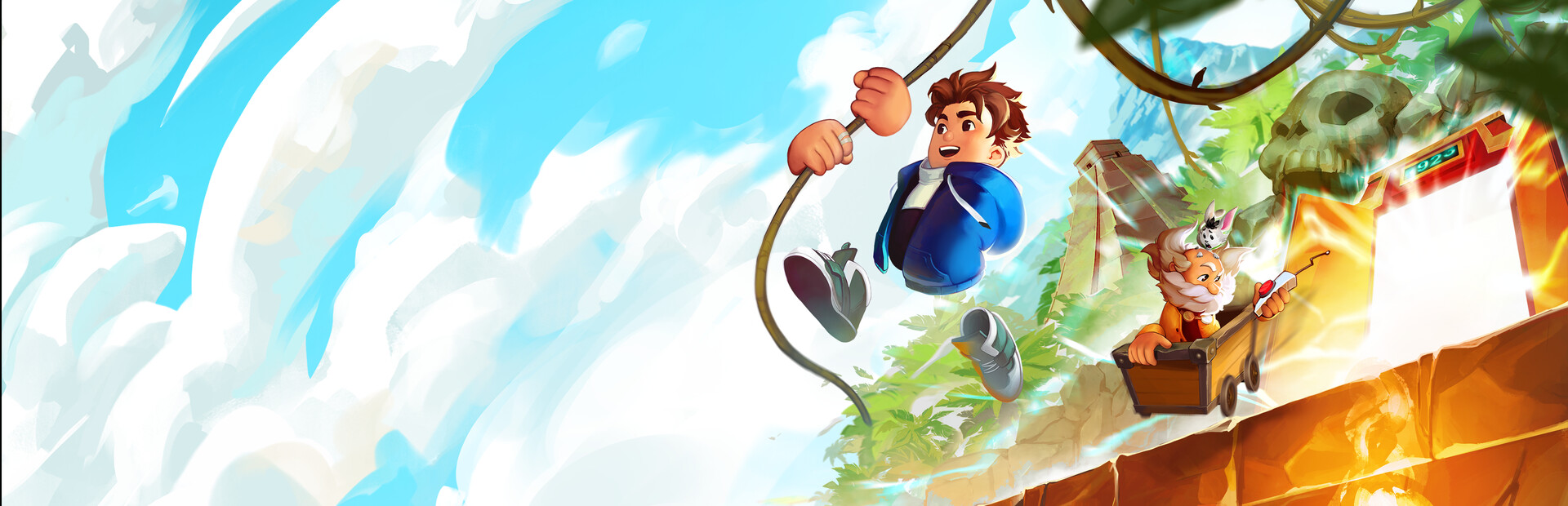
Get LIFTED! Play as slacker Ari, the accidental wingman in his professor's manic, love-fueled time heist. Swing, climb, and puzzle through history to outsmart rival tomb raiders in a cinematic '80s blockbuster adventure!

Ari just wanted extra credit. Instead, he became the accidental wingman in a time-traveling heist to help his physics professor woo the history teacher. Perfect for Controllers and Steam Deck!


LIFTED channels the spirit of classic adventure games, mixing wholesome platforming with high-stakes discovery. Follow clues to find the lost Tiara, solve environmental puzzles, and master fluid movement. Professor Raventhorpe provides the "Vision" while you provide the manual labor.
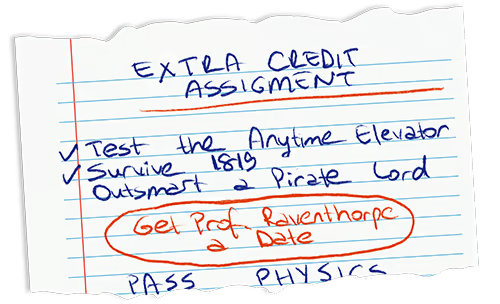
But keep your head on a swivel. When the villains show up (or an avalanche starts), the pace explodes. The only way out is through.

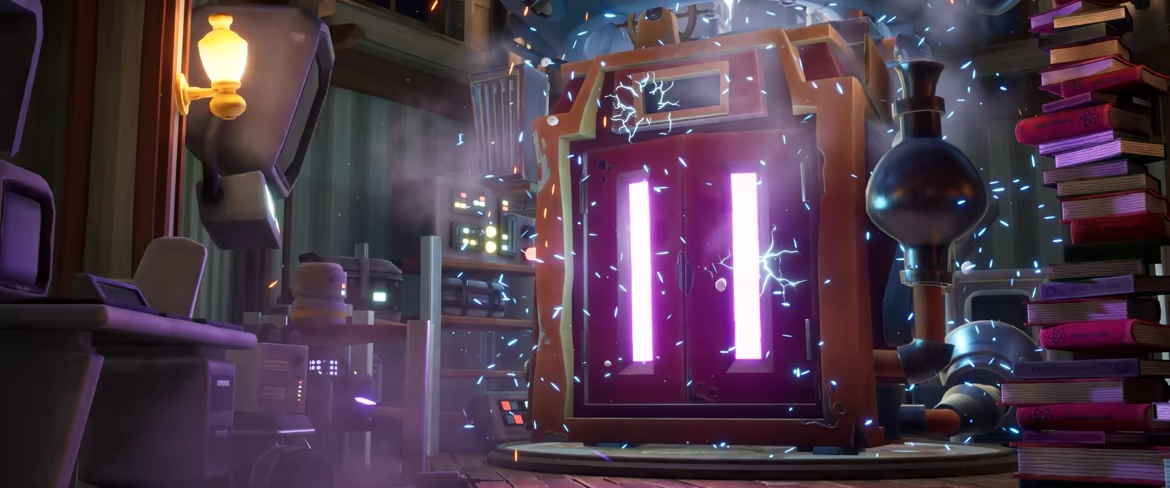
Professor Raventhorpe’s "Anytime Elevator" hurtles you through both time AND space. In this machine, the floor numbers map to history.
Hit the button for Floor 1712, align the map to the Caribbean, and you arrive in the Year 1712. Right in the middle of pirate-infested Tortuga! But watch out: while the Elevator gets the time right, it rarely lands exactly where you expected. Prof. R is still working out the kinks...
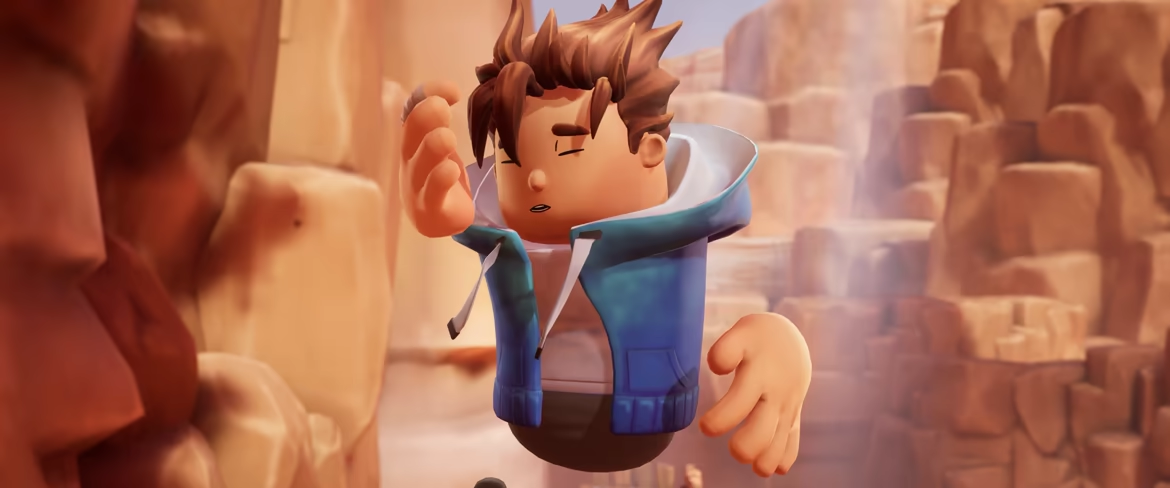
Experience a story full of heart, humor, and 80s movie magic featuring top-tier voice acting from Joe Gaudet as Ari, Ray O'Hare as Professor Raventhorpe, and Evan Widjaja as Julius.
The Slacker: Ari just wants to go home.
The Genius: Professor Raventhorpe will do anything for love.
The Chinchilla: Julius is the only one who knows what he's doing.

Thanks for stopping by! If you have a few minutes, give the FREE DEMO a try and experience the beginning of Ari’s adventure today.
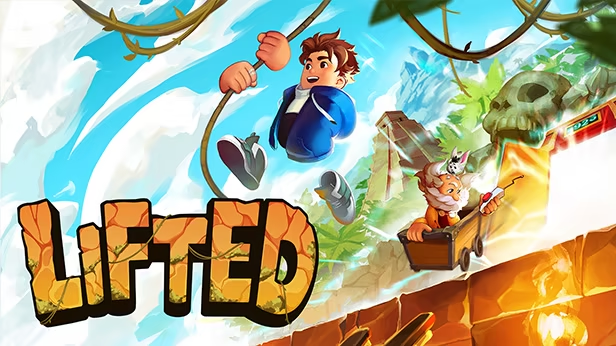

From the store page, unedited. May contain spoilers.
This release
Reviews and playtime
Very Positive
95% of 85
The game
Genres and features
How to install LIFTED
Pre-installed, so there is no setup wizard. Follow these in order.
- 01
Create a games folder
Make a folder like C:\Games\ and keep every game in it. Avoid Program Files, Downloads and the Desktop.
- 02
Exclude it from Windows Defender
Defender often deletes cracked files by mistake while they extract. Add C:\Games\ as an excluded folder:
Windows Security -> Virus & threat protection -> Manage settings -> Exclusions -> Add an exclusion -> Folder
- 03
Download into C:\Games\
Save the archive straight into that folder. This release is one 6.4GB file.
- 04
Extract it there
Use 7-Zip or WinRAR. Keep about 14.1 GB free while it unpacks.
- One file
- Right-click it -> Extract here.
- Several parts
- Extract only part1 (or .001). The other parts are read automatically.
- 05
Open README.html
It is inside the extracted folder and explains how to start the game.
Still stuck? Read the install help
Download
Set up your games folder and the Defender exclusion before you extract. The Install tab has the steps.
FileDitch
The whole game in one file
VikingFile
The whole game in one file
0807
The whole game in one file
Gofile (legacy)
The whole game in one file
We don't accept fix requests when only one host is down. Please use another mirror above. Links broken? Let us know.
We never password-protect files or hide installers. If a page asks for a password or payment, that is the host's ad, not us. See our safety guide.
System requirements
- Min
- Windows 10 22H2
- Rec
- Windows 11
- Min
- i5-6600
- Rec
- i5-9600K
- Min
- 8 GB RAM
- Rec
- 16 GB RAM
- Min
- GTX 950
- Rec
- RTX 2070
Version 12
10 GB available space
These are the developer's listed requirements and may not be 100% accurate. If your specs fall below the minimum, try the game anyway; many games run fine below the listed requirements. When in doubt, check YouTube for performance benchmarks.