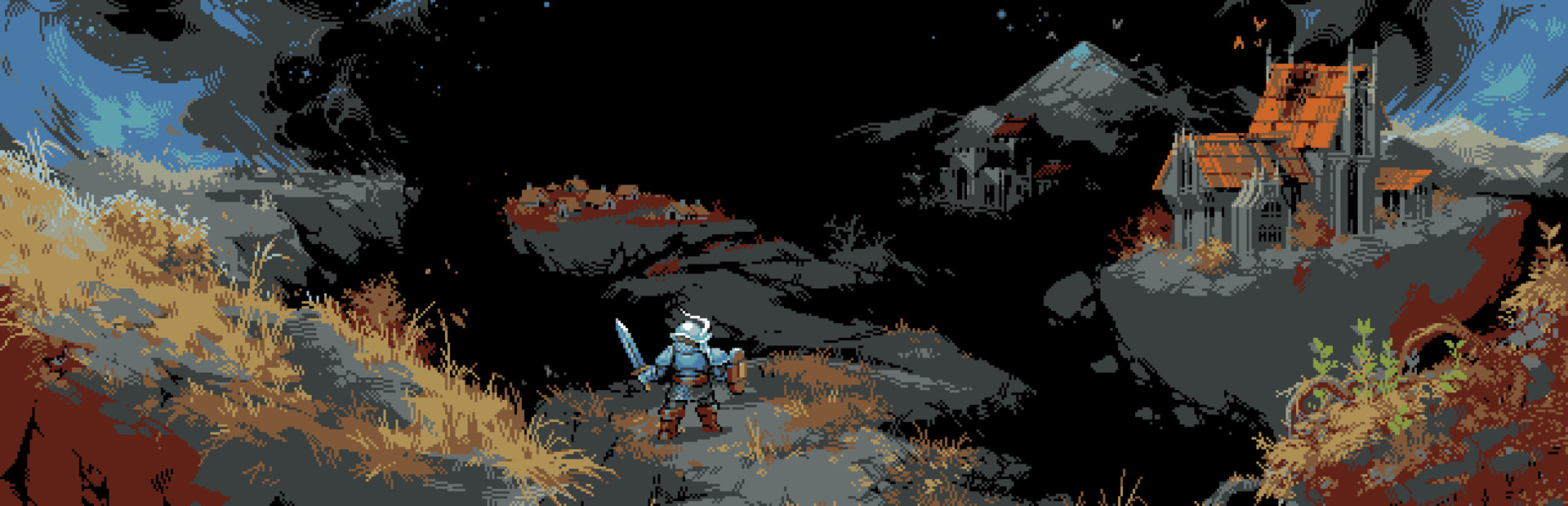
Loop Hero
Four Quarters2021Tactics, Roguelike
178.7MBBuild 8880841Updated 41 days ago
About Loop Hero
The Lich has thrown the world into a timeless loop and plunged its inhabitants into never ending chaos. Wield an expanding deck of mystical cards to place enemies, buildings, and terrain along each unique expedition loop for the brave hero.
Infinite Adventure: Select from unlockable character classes and deck cards before setting out on each expedition along a randomly generated loop path. No expedition is ever the same as the ones before it.
Plan Your Struggle: Strategically place building, terrain, and enemy cards along each loop to create your own dangerous path. Find balance between the cards to increase your chances of survival while recovering valuable loot and resources for your camp.
Loot and Upgrade: Strike down menacing creatures, recover stronger loot to equip on the fly and unlock new perks along the way.
Expand Your Camp: Turn hard-earned resources into campsite upgrades and gain valuable reinforcements with each completed loop along the expedition path.
Save the Lost World: Overcome a series of unholy guardian bosses over a grand saga to save the world and break the time loop of the Lich!
From the store page, unedited. May contain spoilers.
This release
Reviews and playtime
Very Positive
92% of 33,946
The game
Genres and features


How to install Loop Hero
Pre-installed, so there is no setup wizard. Follow these in order.
- 01
Create a games folder
Make a folder like C:\Games\ and keep every game in it. Avoid Program Files, Downloads and the Desktop.
- 02
Exclude it from Windows Defender
Defender often deletes cracked files by mistake while they extract. Add C:\Games\ as an excluded folder:
Windows Security -> Virus & threat protection -> Manage settings -> Exclusions -> Add an exclusion -> Folder
- 03
Download into C:\Games\
Save the archive straight into that folder. This release is one 178.7MB file.
- 04
Extract it there
Use 7-Zip or WinRAR. Keep about 393.1 MB free while it unpacks.
- One file
- Right-click it -> Extract here.
- Several parts
- Extract only part1 (or .001). The other parts are read automatically.
- 05
Open README.html
It is inside the extracted folder and explains how to start the game.
Still stuck? Read the install help
Download
Set up your games folder and the Defender exclusion before you extract. The Install tab has the steps.
FileDitch
The whole game in one file
VikingFile
The whole game in one file
0807
The whole game in one file
We don't accept fix requests when only one host is down. Please use another mirror above. Links broken? Let us know.
We never password-protect files or hide installers. If a page asks for a password or payment, that is the host's ad, not us. See our safety guide.
System requirements
- Min
- Intel Core2 Duo E4500 (2 * 2200) or equivalent, AMD Athlon 64 X2 Dual Core 3600+ (2 * 1910) or equivalent
- Rec
- Intel Core2 Duo E6750 (2 * 2660) or equivalent, AMD Athlon 64 X2 Dual Core 5000+ (2 * 2600) or equivalent
- Min
- GeForce 7300 GT (512 MB), Radeon X1300 Pro (256 MB)
- Rec
- GeForce 8600 GT (512 MB), Radeon HD 4650 (1024 MB)
Windows 7, 8.1, 10 x64
2 GB RAM
300 MB available space
These are the developer's listed requirements and may not be 100% accurate. If your specs fall below the minimum, try the game anyway; many games run fine below the listed requirements. When in doubt, check YouTube for performance benchmarks.