ArtDock2026Strategy, Roguelike
440.7MBBuild 24860740Updated 82 days ago
About Lootbound
Lootbound is a tactical roguelite with turn-based combat, loot management and D&D elements set in a dark fantasy world. Fight dangerous enemies, collect epic loot, recruit allies and lead them on a path of adventure.
ROAD MAP

About the Game
 Lootbound: take risks, build your squad and create your build
Every run starts with you alone.
As you move across the map, choose a route that leads to valuable loot. Along the way, you will meet companions who will help you fight this difficult battle!

Team and equipment
You need to collect a separate set of equipment for the hero and each companion.
Items do not have fixed slots. You can rotate them and place them in the inventory as long as there is free space.

Item auras
Items become truly powerful when they start affecting one another. Some items have auras that strengthen weapons or armor in adjacent cells.
Sometimes moving an item by a single cell is enough to change the entire build.

Companions and abilities
In combat, you control only the main hero.
Companions act on their own. They already know what to do...

Create the final GUARDIAN
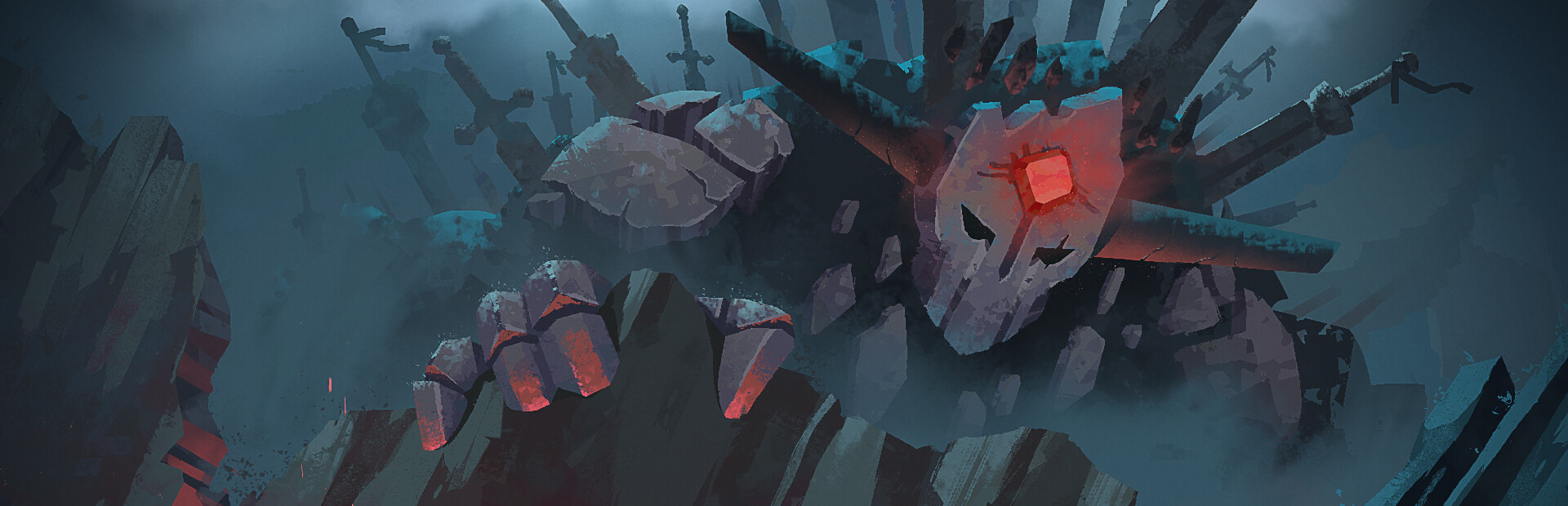
At the end of each biome, you choose one of two boss parts.
Each part changes the Guardian's appearance and power. After completing all biomes, you will have to face the final boss.

Risk and reward
Some rewards in Lootbound cannot be obtained just like that.
In special rooms, you are offered several options with different difficulty levels. The more valuable the reward, the harder it is to obtain with a dice roll.

This is Lootbound...

From the store page, unedited. May contain spoilers.
This release
Reviews and playtime
Mostly Positive
76% of 1,438
The game
Genres and features
How to install Lootbound
Pre-installed, so there is no setup wizard. Follow these in order.
- 01
Create a games folder
Make a folder like C:\Games\ and keep every game in it. Avoid Program Files, Downloads and the Desktop.
- 02
Exclude it from Windows Defender
Defender often deletes cracked files by mistake while they extract. Add C:\Games\ as an excluded folder:
Windows Security -> Virus & threat protection -> Manage settings -> Exclusions -> Add an exclusion -> Folder
- 03
Download into C:\Games\
Save the archive straight into that folder. This release is one 440.7MB file.
- 04
Extract it there
Use 7-Zip or WinRAR. Keep about 969.5 MB free while it unpacks.
- One file
- Right-click it -> Extract here.
- Several parts
- Extract only part1 (or .001). The other parts are read automatically.
- 05
Open README.html
It is inside the extracted folder and explains how to start the game.
Still stuck? Read the install help
Download
Set up your games folder and the Defender exclusion before you extract. The Install tab has the steps.
FileDitch
The whole game in one file
FileQ
The whole game in one file
Pixeldrain
The whole game in one file
Pixeldrain slows free downloads to a few MB/s. The Copy fast link button gives you a bypass link with no speed limit. Paste it into your download manager, or into your browser's address bar.
Gofile (legacy)
The whole game in one file
We don't accept fix requests when only one host is down. Please use another mirror above. Links broken? Let us know.
We never password-protect files or hide installers. If a page asks for a password or payment, that is the host's ad, not us. See our safety guide.
System requirements
- Min
- Windows 7/8/8.1/10/11 x64
- Rec
- -
- Min
- Intel i3-10100F
- Rec
- -
- Min
- 8 GB RAM
- Rec
- -
- Min
- NVIDIA GTX 1050
- Rec
- -
- Min
- Version 11
- Rec
- -
- Min
- 1 GB available space
- Rec
- -
These are the developer's listed requirements and may not be 100% accurate. If your specs fall below the minimum, try the game anyway; many games run fine below the listed requirements. When in doubt, check YouTube for performance benchmarks.