
Lucy B. Locks2026Sandbox, Horror
952.7MBBuild 25451214Updated 37 days ago
About Lucid Blocks
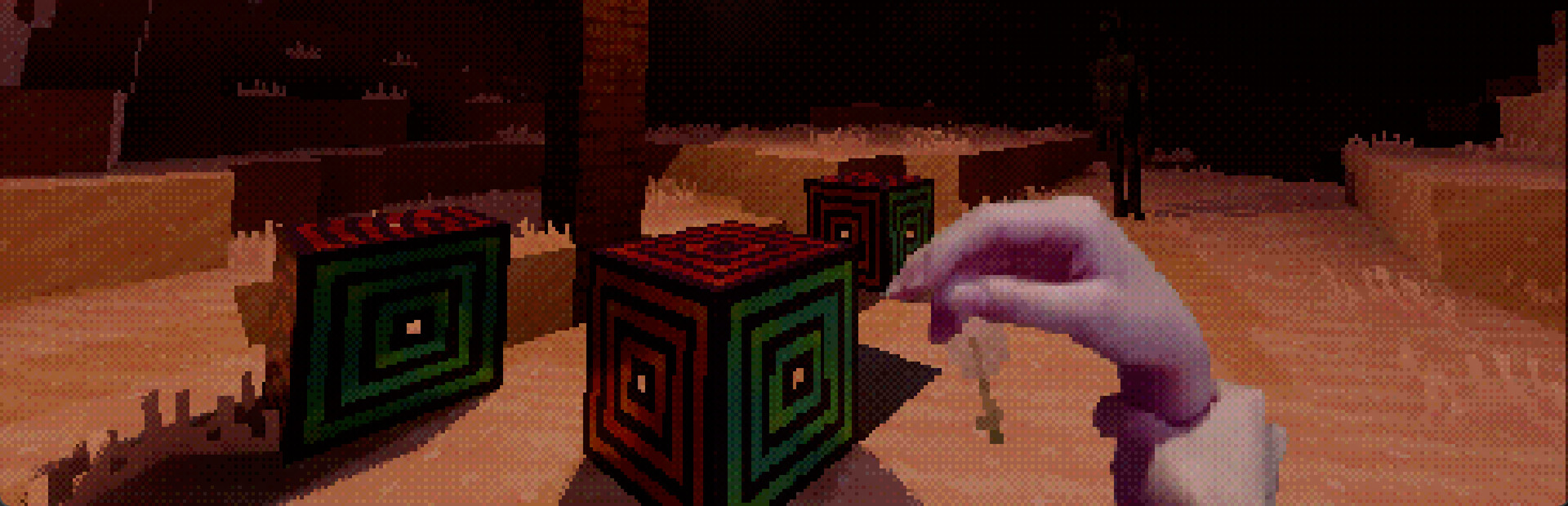
Explore, build, and survive in a liminal voxel expanse oozing with surreal landscapes and esoteric critters.


Surreal, ethereal, and liminal environments
Infinite procedural generation, both vertically and horizontally
Cities made of plastic, serene fields of grass, and massive abandoned warehouses
Lovely entities and critters to meet scattered throughout your dreams

Fend against fiendful foes like manikins, squishy gels, higher-dimensional beings, and colossal spiders
Wield grappling hooks, bee gliders, bombs, ball wands, blades, haze hands, and cute accessories
Craft freely with the unrestricted item fusion system (apotheosis):
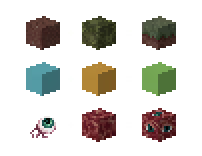

Build anything in a voxel sandbox using dozens of beautiful blocks and dynamic lights
Summon friendly bubblebears, kodama, and fruit femmes to fill the void
Share your creations with other dreamers in the firmament
From the store page, unedited. May contain spoilers.
This release
Reviews and playtime
Very Positive
93% of 5,257
The game
Genres and features
How to install Lucid Blocks
Pre-installed, so there is no setup wizard. Follow these in order.
- 01
Create a games folder
Make a folder like C:\Games\ and keep every game in it. Avoid Program Files, Downloads and the Desktop.
- 02
Exclude it from Windows Defender
Defender often deletes cracked files by mistake while they extract. Add C:\Games\ as an excluded folder:
Windows Security -> Virus & threat protection -> Manage settings -> Exclusions -> Add an exclusion -> Folder
- 03
Download into C:\Games\
Save the archive straight into that folder. This release is one 952.7MB file.
- 04
Extract it there
Use 7-Zip or WinRAR. Keep about 2.0 GB free while it unpacks.
- One file
- Right-click it -> Extract here.
- Several parts
- Extract only part1 (or .001). The other parts are read automatically.
- 05
Open README.html
It is inside the extracted folder and explains how to start the game.
Still stuck? Read the install help
Download
Set up your games folder and the Defender exclusion before you extract. The Install tab has the steps.
FilesYard
The whole game in one file
FileDitch
The whole game in one file
VikingFile
The whole game in one file
We don't accept fix requests when only one host is down. Please use another mirror above. Links broken? Let us know.
We never password-protect files or hide installers. If a page asks for a password or payment, that is the host's ad, not us. See our safety guide.
System requirements
- Min
- 10
- Rec
- -
- Min
- Intel® Core™ i3-8130U
- Rec
- -
- Min
- 8 GB RAM
- Rec
- -
- Min
- Intel UHD Graphics 620
- Rec
- -
- Min
- 1100 MB available space
- Rec
- -
- Min
- Requires Vulkan support. Systems without Vulkan will experience crashes and severe graphical glitches.
- Rec
- -
These are the developer's listed requirements and may not be 100% accurate. If your specs fall below the minimum, try the game anyway; many games run fine below the listed requirements. When in doubt, check YouTube for performance benchmarks.