LUNARK
Canari Games2023Indie, Action
286.9 MBBuild 11167854Updated 100 days ago
About LUNARK
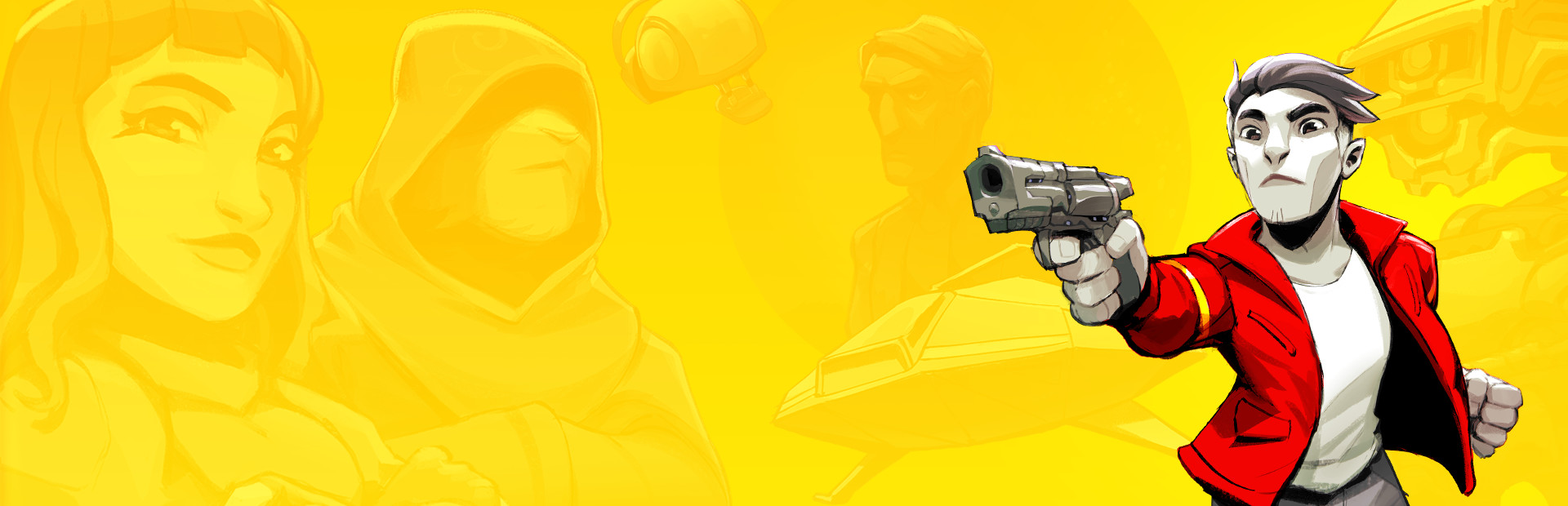
A pixel-art sci-fi adventure set in the midst of a rebellion against a totalitarian regime, LUNARK is a modern take on the 2D cinematic platformer genre of the '90s. Run, jump, hang, climb, roll, and shoot your way through gorgeous and mysterious locations!

Join the revolution in this cinematic sci-fi platformer

Set on a distant planet ruled by a totalitarian regime, LUNARK is a modern take on the 2D cinematic platformer genre of the '90s. As Leo, a courier with unique abilities and a mysterious past, you'll run, jump, hang, climb, roll, and shoot through gorgeously animated pixel-art environments ranging from a dystopian megalopolis to eerie caves to an alien forest. You must overcome traps, solve puzzles, earn upgrades, and battle enemy droids, and when you're not fighting for survival, you'll meet a cast of colorful characters who will put Leo's allegiances to the test. Uncover the dark origin of humanity's new home and the truth about yourself in this epic sci-fi adventure!
Key Features:
• Experience a modern 2D cinematic platformer with precision gameplay, stunning animation, and rotoscoped cutscenes!
• Immerse yourself in a compelling sci-fi story of survival, revolution, and mystery
• Intuitive but versatile controls: Run, jump, hang, climb, roll, and shoot your way to freedom!
• Explore glorious pixel-art environments, including mysterious alien ruins, a flying penitentiary, a high-tech megalopolis, and an alien forest
• Solve puzzles, overcome traps, and interact with a variety of characters
• Discover hidden upgrades to expand your health and weapon capabilities
• Yes, you can pet the dog (and cat)!
From the store page, unedited. May contain spoilers.
This release
Reviews and playtime
Very Positive
84% of 223
The game
Genres and features
How to install LUNARK
Pre-installed, so there is no setup wizard. Follow these in order.
- 01
Create a games folder
Make a folder like C:\Games\ and keep every game in it. Avoid Program Files, Downloads and the Desktop.
- 02
Exclude it from Windows Defender
Defender often deletes cracked files by mistake while they extract. Add C:\Games\ as an excluded folder:
Windows Security -> Virus & threat protection -> Manage settings -> Exclusions -> Add an exclusion -> Folder
- 03
Download into C:\Games\
Save the archive straight into that folder. This release is one 286.9 MB file.
- 04
Extract it there
Use 7-Zip or WinRAR. Keep about 631.2 MB free while it unpacks.
- One file
- Right-click it -> Extract here.
- Several parts
- Extract only part1 (or .001). The other parts are read automatically.
- 05
Open README.html
It is inside the extracted folder and explains how to start the game.
Still stuck? Read the install help
Download
Set up your games folder and the Defender exclusion before you extract. The Install tab has the steps.
FileDitch
The whole game in one file
0807
The whole game in one file
FileQ
The whole game in one file
We don't accept fix requests when only one host is down. Please use another mirror above. Links broken? Let us know.
We never password-protect files or hide installers. If a page asks for a password or payment, that is the host's ad, not us. See our safety guide.
System requirements
- Min
- Windows 7, 8, 10
- Min
- 1 GB RAM
- Min
- 200 MB available space
These are the developer's listed requirements and may not be 100% accurate. If your specs fall below the minimum, try the game anyway; many games run fine below the listed requirements. When in doubt, check YouTube for performance benchmarks.