Maize
Finish Line Games2016Puzzle, Point & Click
4.9 GB(12 Dec 2016 | 1514127)Updated 186 days ago
About Maize
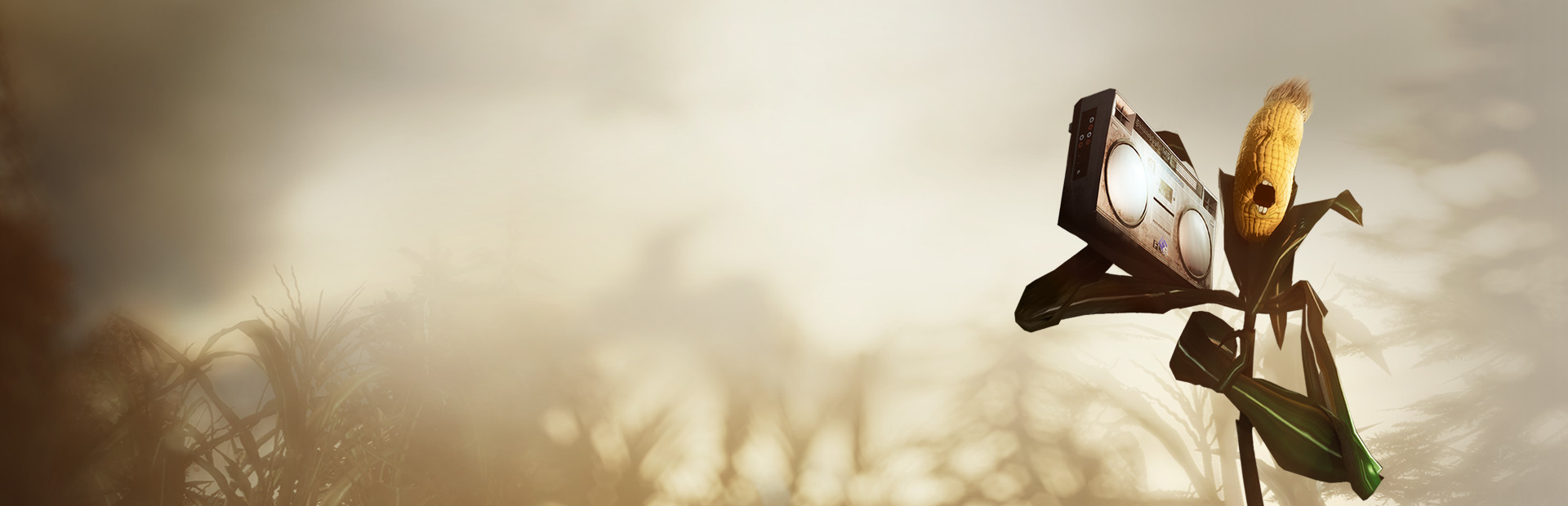
Maize is a first-person adventure game about what happens when two scientists misinterpret a memo from the U.S. Government and create sentient corn. And that last sentence is pretty much the least ridiculous thing about the game.
Explore an abandoned farm and a not-so-abandoned underground research facility as you uncover the mysteries around Maize, and possibly learn a bit about yourself along the way. Or maybe not.
With a colourful cast of characters and an absolutely absurd world, Maize offers up a unique experience that keeps the surprises coming. Seriously, they’re everywhere.
Features
- Immerse yourself and explore Maize’s fully-realized environment,featuring a cornucopia of areas to explore (see what we did there?)
- Solve environmental puzzles that get more and more absurd the further you delve into the adventure
- Uncover the secrets of Maize’s world, as you try and figure out what it is the corn really want, aside from a very good nap
- Meet some friends and enemies along the way, which include a very small grumpy Russian robot bear and an unhinged corn stalk who’s a bit of a jerk
From the store page, unedited. May contain spoilers.
This release
Reviews and playtime
Very Positive
88% of 809
The game
Genres and features
How to install Maize
Pre-installed, so there is no setup wizard. Follow these in order.
- 01
Create a games folder
Make a folder like C:\Games\ and keep every game in it. Avoid Program Files, Downloads and the Desktop.
- 02
Exclude it from Windows Defender
Defender often deletes cracked files by mistake while they extract. Add C:\Games\ as an excluded folder:
Windows Security -> Virus & threat protection -> Manage settings -> Exclusions -> Add an exclusion -> Folder
- 03
Download into C:\Games\
Save the archive straight into that folder. This release is one 4.9 GB file.
- 04
Extract it there
Use 7-Zip or WinRAR. Keep about 10.7 GB free while it unpacks.
- One file
- Right-click it -> Extract here.
- Several parts
- Extract only part1 (or .001). The other parts are read automatically.
- 05
Open README.html
It is inside the extracted folder and explains how to start the game.
Still stuck? Read the install help
Download
Set up your games folder and the Defender exclusion before you extract. The Install tab has the steps.
VikingFile
The whole game in one file
FileQ
The whole game in one file
Pixeldrain
The whole game in one file
Pixeldrain slows free downloads to a few MB/s. The Copy fast link button gives you a bypass link with no speed limit. Paste it into your download manager, or into your browser's address bar.
Gofile (legacy)
The whole game in one file
We don't accept fix requests when only one host is down. Please use another mirror above. Links broken? Let us know.
We never password-protect files or hide installers. If a page asks for a password or payment, that is the host's ad, not us. See our safety guide.
System requirements
- Min
- Dual-core Intel or AMD, 2.0 GHz or higher
- Rec
- Quad-core Intel or AMD, 3.0 GHz or higher
- Min
- 4 GB RAM
- Rec
- 8 GB RAM
- Min
- NVIDIA GeForce 460 GTX | AMD Radeon 6870 HD series or higher
- Rec
- AMD Radeon RX 480 | NVIDIA GeForce GTX 760 or higher
- Min
- -
- Rec
- SSD Drive
Windows 7 or above, 64 bit
Version 11
11 GB available space
These are the developer's listed requirements and may not be 100% accurate. If your specs fall below the minimum, try the game anyway; many games run fine below the listed requirements. When in doubt, check YouTube for performance benchmarks.