Map Map - A Game About Maps
Pipapo Games2026Puzzle, Casual
1.5 GBBuild 24415402Updated 108 days ago
About Map Map - A Game About Maps
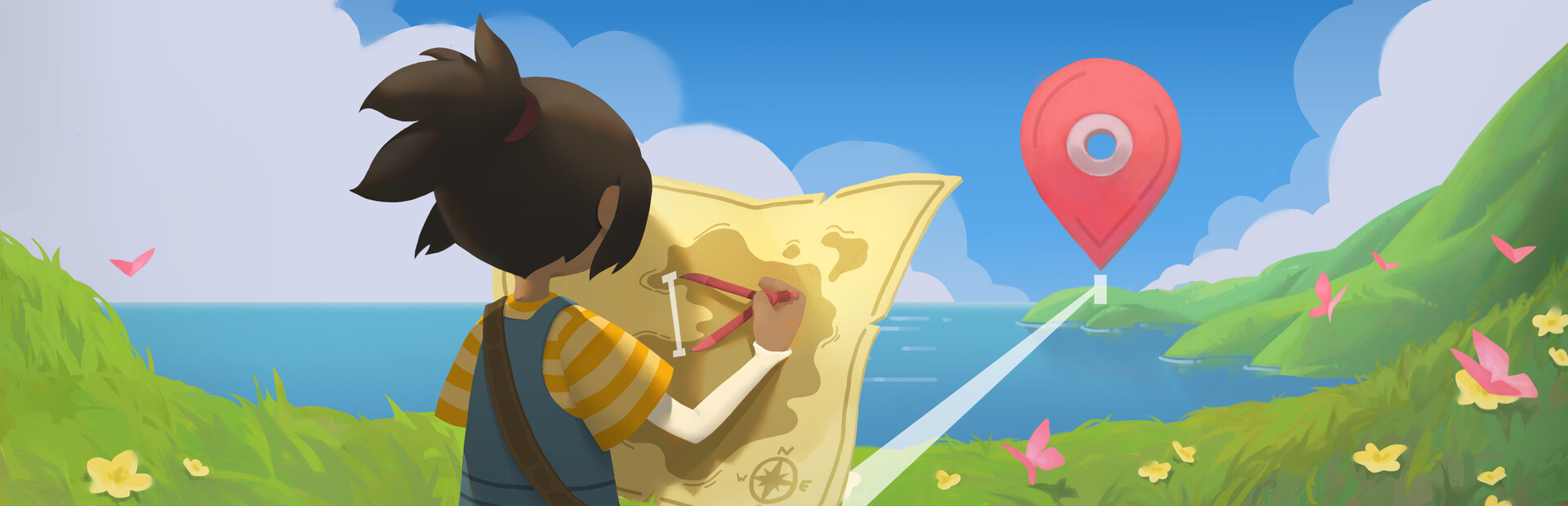
In this game YOU make the maps! Become the cartographer of a small adventure crew and use proper navigation tools like a real explorer. Map the environment to turn unknown islands into a hand-drawn journey toward a legendary treasure.
In this cozy single player game, you explore wondrous landscapes to find a legendary lost treasure. In your search for clues, you travel from island to island and set up camp with your crew of adventurers. They task you with finding different places in the surrounding landscape. Explore the island, find the locations you are looking for and pinpoint them on your map. Complete quests for your companions and follow the trace of the hidden treasure.


Use real cartography logic to mark landmarks, ruins, and secrets as accurately as possible onto your map. You choose how to approach each challenge, using observation and creativity to find your own solutions.


Use and unlock proper navigation tools to measure your steps, navigate by compass, and scan the horizon with telescopes and sextants to triangulate your way across each island. Each new tool you discover opens up many new ways to map each island.


Each island is filled with ancient ruins, wildlife, hidden paths, and cozy little details that reward curiosity and careful observation.


Orient yourself naturally by reading the landscape and enjoying the gentle thrill of understanding a place on your own.
From the store page, unedited. May contain spoilers.
This release
Reviews and playtime
Very Positive
91% of 291
The game
Genres and features
How to install Map Map - A Game About Maps
Pre-installed, so there is no setup wizard. Follow these in order.
- 01
Create a games folder
Make a folder like C:\Games\ and keep every game in it. Avoid Program Files, Downloads and the Desktop.
- 02
Exclude it from Windows Defender
Defender often deletes cracked files by mistake while they extract. Add C:\Games\ as an excluded folder:
Windows Security -> Virus & threat protection -> Manage settings -> Exclusions -> Add an exclusion -> Folder
- 03
Download into C:\Games\
Save the archive straight into that folder. This release is one 1.5 GB file.
- 04
Extract it there
Use 7-Zip or WinRAR. Keep about 3.3 GB free while it unpacks.
- One file
- Right-click it -> Extract here.
- Several parts
- Extract only part1 (or .001). The other parts are read automatically.
- 05
Open README.html
It is inside the extracted folder and explains how to start the game.
Still stuck? Read the install help
Download
Set up your games folder and the Defender exclusion before you extract. The Install tab has the steps.
FileDitch
The whole game in one file
FileQ
The whole game in one file
Pixeldrain
The whole game in one file
Pixeldrain slows free downloads to a few MB/s. The Copy fast link button gives you a bypass link with no speed limit. Paste it into your download manager, or into your browser's address bar.
We don't accept fix requests when only one host is down. Please use another mirror above. Links broken? Let us know.
We never password-protect files or hide installers. If a page asks for a password or payment, that is the host's ad, not us. See our safety guide.
System requirements
- Min
- Windows 10 64 bit
- Rec
- -
- Min
- Intel Core i5-4590 / AMD FX 8350
- Rec
- -
- Min
- 8 GB RAM
- Rec
- -
- Min
- GTX 1050
- Rec
- -
- Min
- 5 GB available space
- Rec
- -
These are the developer's listed requirements and may not be 100% accurate. If your specs fall below the minimum, try the game anyway; many games run fine below the listed requirements. When in doubt, check YouTube for performance benchmarks.