Mazebound
Absam Studios2026Survival, Horror
2.6 GBBuild 23596243Updated 175 days ago
About Mazebound
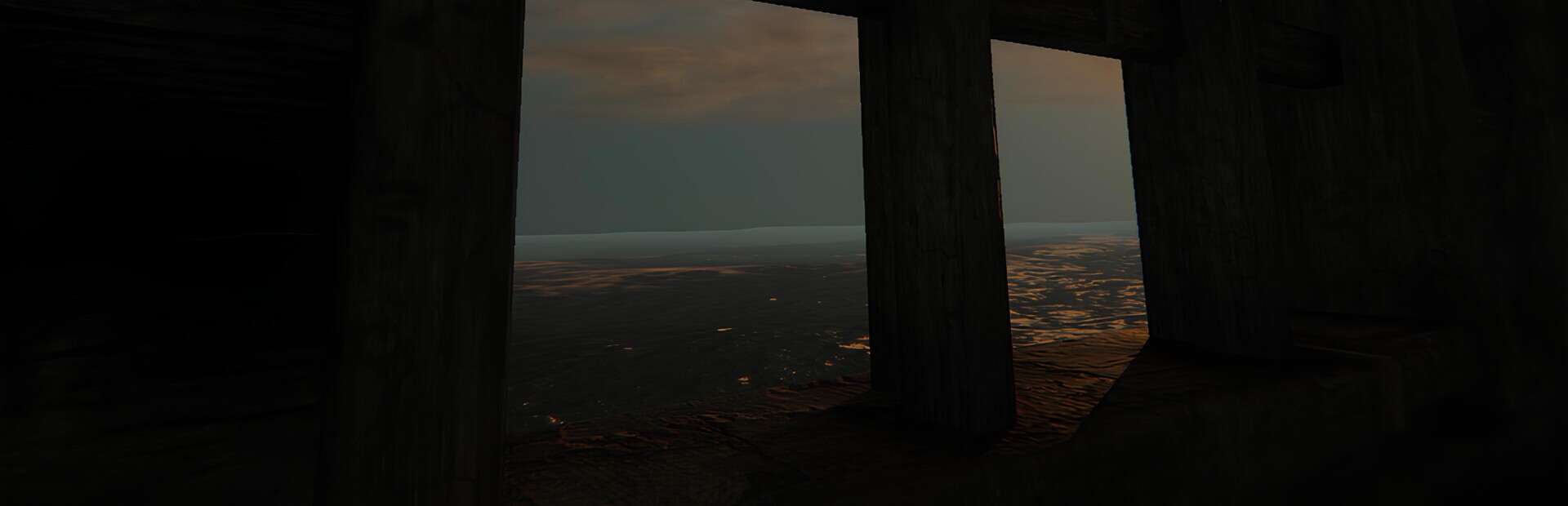
In this survival horror, you're surrounded by sea and a towering gate ahead. Walk into the maze, hunt, gather, and run to survive, alone or with friends. Remember: You're not the only one starving...
Expect To Die. A Lot.

About the Game
With boundless sea at your back and a towering gate ahead, you have no choice but to walk into the maze. Hunt, gather, and run to survive, alone or with friends. In this survival horror, you're not the only one watching. You're not the only one starving.
Find Your Own Way
No one is waiting around the corner to guide you. The only allies are the ones you bring: your friends. So choose wisely, plan carefully, and think outside the box.
Tear branches for torches. Break crates for scraps. Build crude defenses, light your path, and hold your ground when the maze closes in. Everything you carry, you earned.

Gather and Endure
Just because it’s quiet or the view looks good doesn’t mean it’s safe.
Craft weapons from wood, stone, and scrap to defend yourself. Hunt for food, light fires, pick berries, and collect anything that helps you survive. Do not linger in one spot for too long...
Face What Haunts You
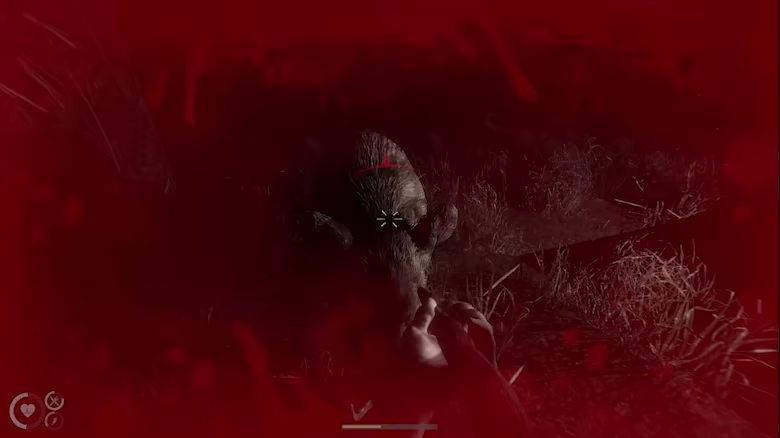
The maze isn’t empty. It's alive.
You'll encounter twisted beings shaped by hunger, curiosity, or something worse.
Some like to crawl. Some like to wait. Some mimic what once was human.
You have to keep moving. No. Matter. What.

From the store page, unedited. May contain spoilers.
This release
Reviews and playtime
Very Positive
82% of 630
The game
Genres and features
How to install Mazebound
Pre-installed, so there is no setup wizard. Follow these in order.
- 01
Create a games folder
Make a folder like C:\Games\ and keep every game in it. Avoid Program Files, Downloads and the Desktop.
- 02
Exclude it from Windows Defender
Defender often deletes cracked files by mistake while they extract. Add C:\Games\ as an excluded folder:
Windows Security -> Virus & threat protection -> Manage settings -> Exclusions -> Add an exclusion -> Folder
- 03
Download into C:\Games\
Save the archive straight into that folder. This release is one 2.6 GB file.
- 04
Extract it there
Use 7-Zip or WinRAR. Keep about 5.7 GB free while it unpacks.
- One file
- Right-click it -> Extract here.
- Several parts
- Extract only part1 (or .001). The other parts are read automatically.
- 05
Open README.html
It is inside the extracted folder and explains how to start the game.
Still stuck? Read the install help
Download
Set up your games folder and the Defender exclusion before you extract. The Install tab has the steps.
FileDitch
The whole game in one file
FileQ
The whole game in one file
Gofile (legacy)
The whole game in one file
We don't accept fix requests when only one host is down. Please use another mirror above. Links broken? Let us know.
We never password-protect files or hide installers. If a page asks for a password or payment, that is the host's ad, not us. See our safety guide.
System requirements
- Min
- Windows 10 (64-bit)
- Rec
- -
- Min
- Intel i5-4590 / AMD FX-8350
- Rec
- -
- Min
- 4 GB RAM
- Rec
- -
- Min
- NVIDIA GTX 960 / AMD R9 380
- Rec
- -
- Min
- Version 11
- Rec
- -
- Min
- 6 GB available space
- Rec
- -
- Min
- DirectX®-compatible
- Rec
- -
- Min
- Microphone recommended - monsters can hear you.
- Rec
- -
These are the developer's listed requirements and may not be 100% accurate. If your specs fall below the minimum, try the game anyway; many games run fine below the listed requirements. When in doubt, check YouTube for performance benchmarks.