Artless Games2026Interactive Fiction, Puzzle
100.8MBBuild 26613670Updated 15 days ago
About Message From Aliens
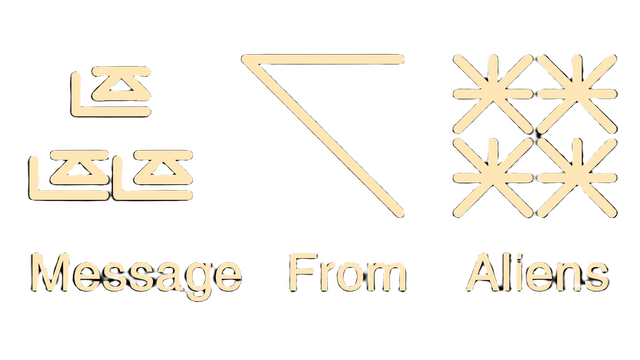
Explore an alien logographic writing system with over 1,000 glyphs, from their number system to their culture and thought.
In year 2058, Earth received a large number of mysterious symbols from space. Who are they? Where are they from? And more importantly, what are they talking about?
Message From Aliens is a sci-fi puzzle game about decoding an alien language.
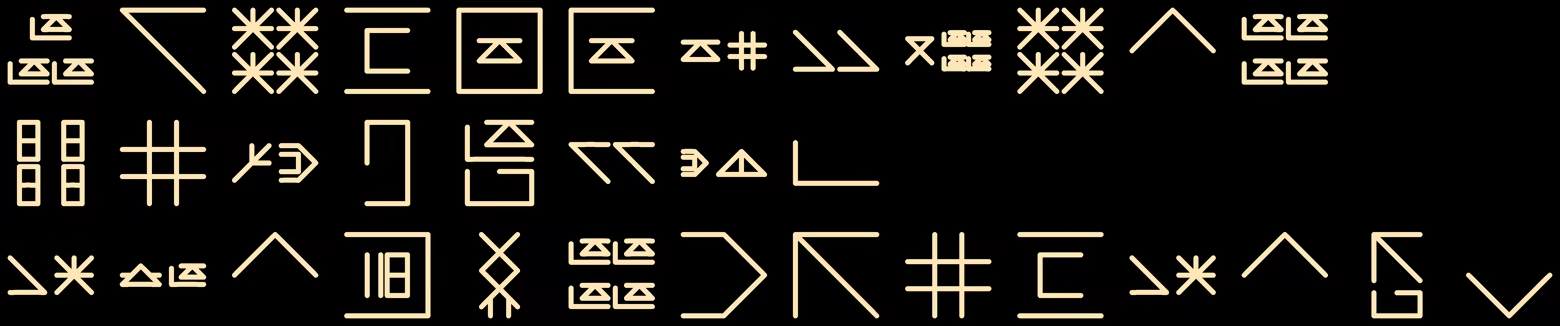
The entire game interface is written in mysterious symbols, and the only human language you can see in this game is your own notes.
Features:
1. An alien logographic writing system with over 1,000 characters, and more than 20,000 characters of game text.
You don't need to translate everything if you want to reach the game's ending. And there is plenty of content and secret if you want to explore more.
2. Don't be scared by the number of characters. The alien logograms are designed to be more logical and less complex than human logograms.
3. The first chapter of this game introduces alien number system. Most of the alien texts are just equations. (Alien Carl Sagan also believes math is the universal common knowledge.)
And the last chapter includes alien poetry and alien jokes.
4. In-game alien-alien dictionary.
5. This game is inspired by the novels Stories of Your Life and Contact.
In fact, you are playing both protagonist's role, interpreting alien signals and deciphering an alien writing system.
Don't worry. Playing game will not teleport you to light-years away, or turn your understanding of time non-linear.
6. Some scientific concepts are involved, such as gravity and water electrolysis.
This game is not recommended for players under 15 years old.
7. Mini-games (in alien language)
From the store page, unedited. May contain spoilers.
This release
Reviews and playtime
Overwhelmingly Positive
95% of 920
The game
Genres and features
How to install Message From Aliens
Pre-installed, so there is no setup wizard. Follow these in order.
- 01
Create a games folder
Make a folder like C:\Games\ and keep every game in it. Avoid Program Files, Downloads and the Desktop.
- 02
Exclude it from Windows Defender
Defender often deletes cracked files by mistake while they extract. Add C:\Games\ as an excluded folder:
Windows Security -> Virus & threat protection -> Manage settings -> Exclusions -> Add an exclusion -> Folder
- 03
Download into C:\Games\
Save the archive straight into that folder. This release is one 100.8MB file.
- 04
Extract it there
Use 7-Zip or WinRAR. Keep about 221.8 MB free while it unpacks.
- One file
- Right-click it -> Extract here.
- Several parts
- Extract only part1 (or .001). The other parts are read automatically.
- 05
Open README.html
It is inside the extracted folder and explains how to start the game.
Still stuck? Read the install help
Download
Set up your games folder and the Defender exclusion before you extract. The Install tab has the steps.
FilesYard
The whole game in one file
FileDitch
The whole game in one file
VikingFile
The whole game in one file
We don't accept fix requests when only one host is down. Please use another mirror above. Links broken? Let us know.
We never password-protect files or hide installers. If a page asks for a password or payment, that is the host's ad, not us. See our safety guide.
System requirements
- Min
- win 10
- Rec
- -
These are the developer's listed requirements and may not be 100% accurate. If your specs fall below the minimum, try the game anyway; many games run fine below the listed requirements. When in doubt, check YouTube for performance benchmarks.