
NoodleForge (Gvarados & Diomonder)2025Strategy, Simulation
815.0MBBuild 25222182Updated 78 days ago
About MineMogul
Design and build a factory deep underground in this physics-based automation sandbox. Mine resources, buy machines and master the chaos as you become the ultimate Mine Mogul!
Design and build a factory deep underground in this physics-based automation sandbox. Mine resources, buy machines and master the chaos as you become the ultimate Mine Mogul!
Build A Sprawling Factory
Enjoy the casual construction of massive, interconnected factories deep underground. Wind conveyors through twisting mineshafts, connect machines, and harness physics to automate your every need.
Explore The Unknown
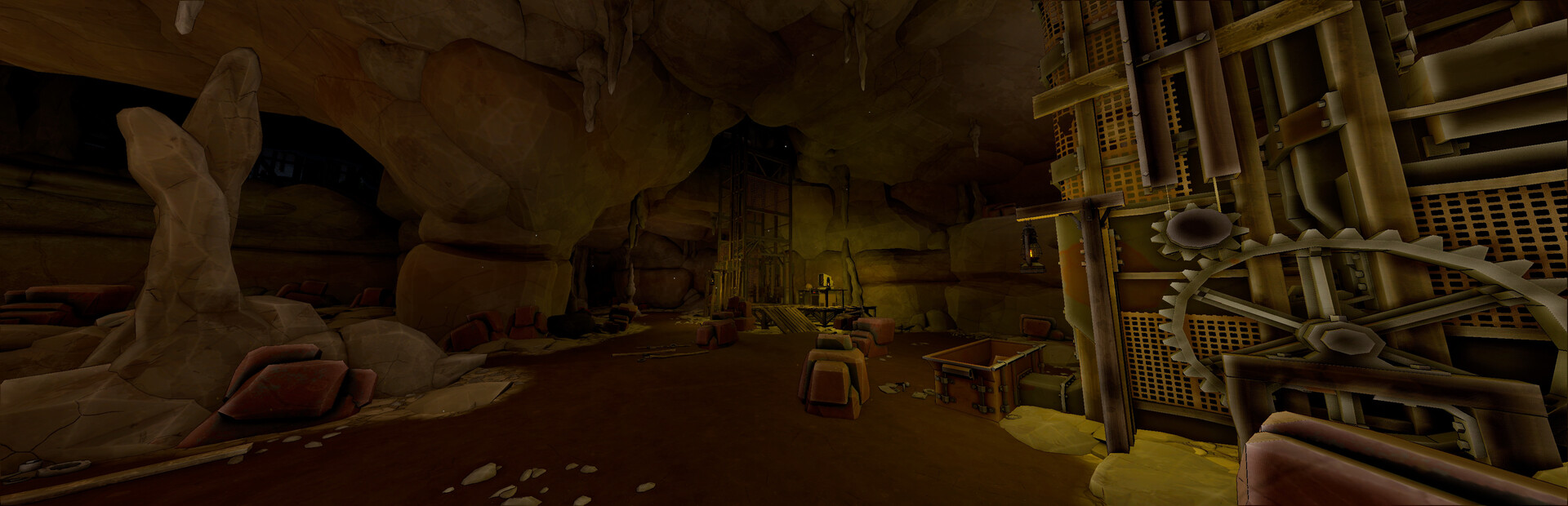
Venture into the mysterious, hollowed shell of a forgotten cave system. Discover secrets, unearth hidden resources, and rebuild among the ruins of abandoned mining operations. Every cavern holds new opportunities for the ambitious mogul.

Manage The Chaos
As your factory grows, so does the madness! Conveyors overflow, parts scatter, and unexpected physics mishaps keep you on your toes. Tweak your designs, optimize machine placement, and find creative solutions to keep the gears turning and the chaos under control.

From the store page, unedited. May contain spoilers.
This release
Reviews and playtime
Overwhelmingly Positive
96% of 4,654
The game
Genres and features
How to install MineMogul
Pre-installed, so there is no setup wizard. Follow these in order.
- 01
Create a games folder
Make a folder like C:\Games\ and keep every game in it. Avoid Program Files, Downloads and the Desktop.
- 02
Exclude it from Windows Defender
Defender often deletes cracked files by mistake while they extract. Add C:\Games\ as an excluded folder:
Windows Security -> Virus & threat protection -> Manage settings -> Exclusions -> Add an exclusion -> Folder
- 03
Download into C:\Games\
Save the archive straight into that folder. This release is one 815.0MB file.
- 04
Extract it there
Use 7-Zip or WinRAR. Keep about 1.8 GB free while it unpacks.
- One file
- Right-click it -> Extract here.
- Several parts
- Extract only part1 (or .001). The other parts are read automatically.
- 05
Open README.html
It is inside the extracted folder and explains how to start the game.
Still stuck? Read the install help
Download
Set up your games folder and the Defender exclusion before you extract. The Install tab has the steps.
FileDitch
The whole game in one file
FileQ
The whole game in one file
Pixeldrain
The whole game in one file
Pixeldrain slows free downloads to a few MB/s. The Copy fast link button gives you a bypass link with no speed limit. Paste it into your download manager, or into your browser's address bar.
Gofile (legacy)
The whole game in one file
We don't accept fix requests when only one host is down. Please use another mirror above. Links broken? Let us know.
We never password-protect files or hide installers. If a page asks for a password or payment, that is the host's ad, not us. See our safety guide.
System requirements
- Min
- Windows 10
- Rec
- Windows 11 or newer
- Min
- AMD Ryzen 5 3600 or Intel Core i5-10400
- Rec
- AMD Ryzen 7 3700X, Intel Core i7-9700K or better
- Min
- 8 GB RAM
- Rec
- 16 GB RAM
- Min
- GeForce GTX 950 or Radeon R9 380
- Rec
- GeForce GTX 1060, Radeon RX 5600 XT or better
- Min
- Version 11
- Rec
- Version 12
- Min
- This game uses real physics simulation for everything. Having a stronger CPU will allow for more physics objects. The Min CPU listed should be enough to support about 2000 objects at once
- Rec
- -
2 GB available space
These are the developer's listed requirements and may not be 100% accurate. If your specs fall below the minimum, try the game anyway; many games run fine below the listed requirements. When in doubt, check YouTube for performance benchmarks.