Mining Merchant
Delayed Victory2026Sandbox, Casual
121.9 MBBuild 23304443Updated 149 days ago
About Mining Merchant
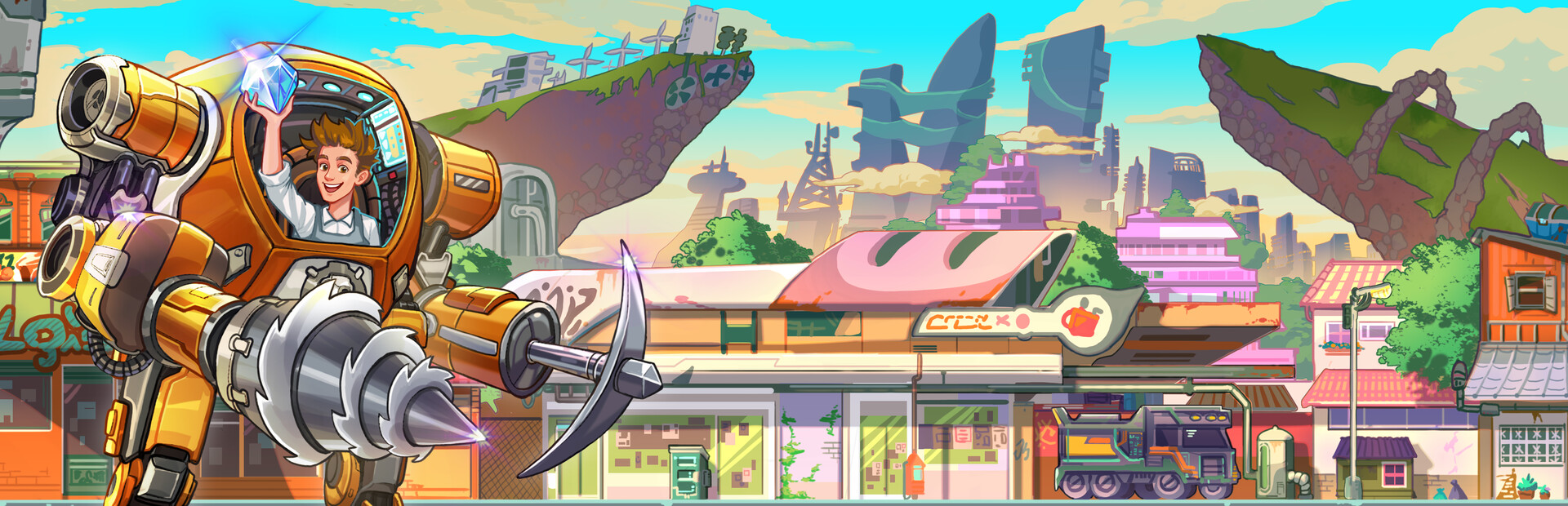
Mining Merchant is a relaxing mining and shopkeeping adventure game. Mine by day to uncover rare ores and gems, then craft jewelry to sell in your shop by night. Rebuild your uncle’s business solo or in co-op and uncover the mystery behind the nightly earthquakes.

Mine the Underground
Head into the depths to dig up precious gems, rare metals, and hidden treasures. Play solo or team up in 4 player co-op to extract materials needed to craft goods for your shop.
Craft shiny jewelry
Turn raw materials into shiny rings, necklaces, and other sparkly goods. Smelt, shape, and set gems with a satisfying, physics-based crafting system.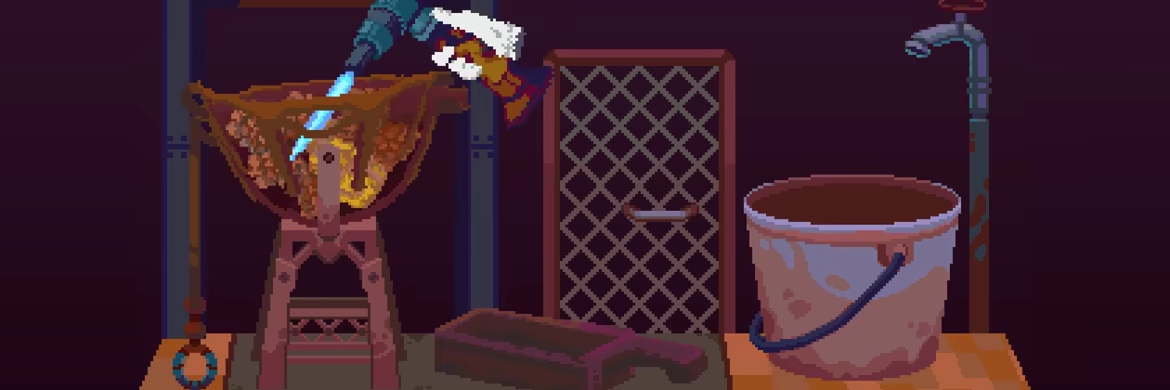
Run (and Save) the Family Shop
Your uncle’s once-thriving shop is now a mess, and it’s up to you to turn it around. Stock the shelves, serve picky customers, and rebuild your reputation from the ground up.
Upgrade everything
Level up to mine faster, dig deeper, and carry more loot. Expand your shop with new floors and upgrade each room to build a booming business.
Play Solo or in Co-op
Play alone at your own pace or team up with up to 4 people in online co-op! Share the work, pool your profits, and run your operation together.
Features
- Mine gems, rare metals, and other valuable resources underground
- Craft shiny jewelry with a satisfying, interactive crafting system
- Run your shop: stock shelves, help customers, and build your reputation
- Level up and upgrade your mechs, truck, character and shop
- Play solo at your own pace or team up with up to 4 people in online co-op
- Find inner peace with casual, relaxing, and rewarding gameplay
From the store page, unedited. May contain spoilers.
This release
Includes1 DLC
- Mining Merchant - Supporter Pack
Reviews and playtime
Very Positive
88% of 459
The game
Genres and features
How to install Mining Merchant
Pre-installed, so there is no setup wizard. Follow these in order.
- 01
Create a games folder
Make a folder like C:\Games\ and keep every game in it. Avoid Program Files, Downloads and the Desktop.
- 02
Exclude it from Windows Defender
Defender often deletes cracked files by mistake while they extract. Add C:\Games\ as an excluded folder:
Windows Security -> Virus & threat protection -> Manage settings -> Exclusions -> Add an exclusion -> Folder
- 03
Download into C:\Games\
Save the archive straight into that folder. This release is one 121.9 MB file.
- 04
Extract it there
Use 7-Zip or WinRAR. Keep about 268.2 MB free while it unpacks.
- One file
- Right-click it -> Extract here.
- Several parts
- Extract only part1 (or .001). The other parts are read automatically.
- 05
Open README.html
It is inside the extracted folder and explains how to start the game.
Still stuck? Read the install help
Download
Set up your games folder and the Defender exclusion before you extract. The Install tab has the steps.
FileDitch
The whole game in one file
FileQ
The whole game in one file
Pixeldrain
The whole game in one file
Pixeldrain slows free downloads to a few MB/s. The Copy fast link button gives you a bypass link with no speed limit. Paste it into your download manager, or into your browser's address bar.
We don't accept fix requests when only one host is down. Please use another mirror above. Links broken? Let us know.
We never password-protect files or hide installers. If a page asks for a password or payment, that is the host's ad, not us. See our safety guide.
System requirements
- Min
- Windows 10
- Rec
- -
- Min
- Intel i5
- Rec
- -
- Min
- 4 GB RAM
- Rec
- -
- Min
- NVIDIA GeForce GTX970
- Rec
- -
- Min
- Version 9.0
- Rec
- -
- Min
- 200 MB available space
- Rec
- -
- Min
- Broadband Internet connection
- Rec
- -
These are the developer's listed requirements and may not be 100% accurate. If your specs fall below the minimum, try the game anyway; many games run fine below the listed requirements. When in doubt, check YouTube for performance benchmarks.