MINOS
Artificer2026Strategy, Tower Defense
2.3GBBuild 24471884Updated 11 days ago
About MINOS
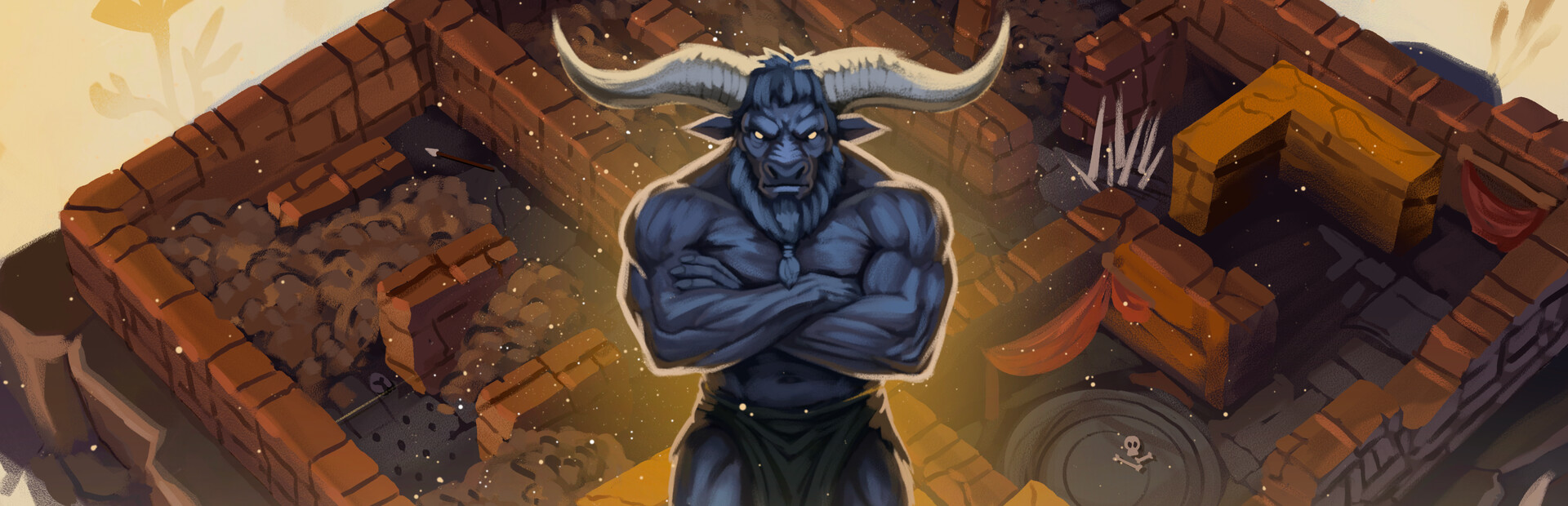
Minos is a maze-building roguelite where you, the fabled Minotaur, must defend your sanctuary from bloodthirsty adventurers. Design and re-design deadly labyrinths, set traps, and turn every brave fool into your next victim.
They've heard the stories of a monster in the dark, fame and riches waiting for the one who slays it. What they don't know is that you are the one who built this maze, laid the traps, and now lie in wait.
Every run brings new enemies, new traps, and new ways to turn their bravery into a bloody disaster. No two nights are ever the same.
Build Your Perfect Trap
Drag walls, gates, and corridors into place to shape your maze however you like. Make long, winding paths full of traps or confuse and split them up with rotating passages and shifting gates. It's your labyrinth. Cruel or clever, it's up to you.
Chain Reactions of Death
Every spike, boulder, blade, and fire trap can be linked into intricate sequences. Set pressure plates to trigger a whole cascade of chaos, fooling heroes into thinking they are making progress, right before everything goes beautifully, horribly wrong.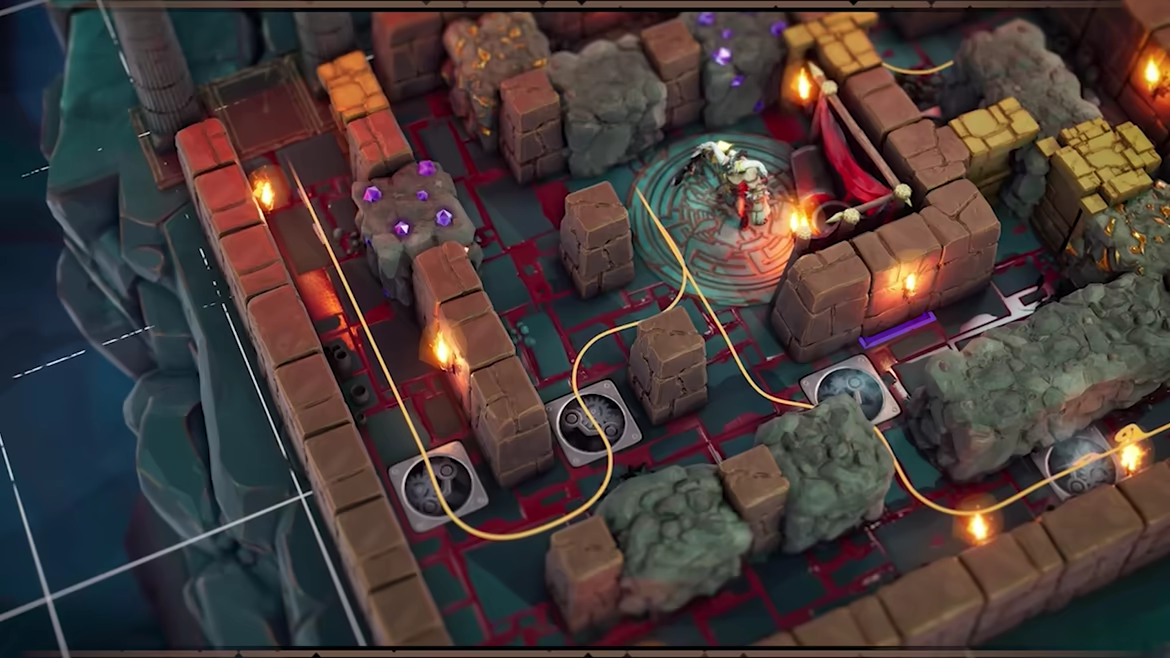
Who's the Real Monster?
Uncover the story behind the Minotaur and the man who became it. What drove Daedalus to create such a place? When Theseus finally comes, you'll decide who deserves to walk out alive.From the store page, unedited. May contain spoilers.
This release
Reviews and playtime
Very Positive
88% of 568
The game
Genres and features
How to install MINOS
Pre-installed, so there is no setup wizard. Follow these in order.
- 01
Create a games folder
Make a folder like C:\Games\ and keep every game in it. Avoid Program Files, Downloads and the Desktop.
- 02
Exclude it from Windows Defender
Defender often deletes cracked files by mistake while they extract. Add C:\Games\ as an excluded folder:
Windows Security -> Virus & threat protection -> Manage settings -> Exclusions -> Add an exclusion -> Folder
- 03
Download into C:\Games\
Save the archive straight into that folder. This release is one 2.3GB file.
- 04
Extract it there
Use 7-Zip or WinRAR. Keep about 5.1 GB free while it unpacks.
- One file
- Right-click it -> Extract here.
- Several parts
- Extract only part1 (or .001). The other parts are read automatically.
- 05
Open README.html
It is inside the extracted folder and explains how to start the game.
Still stuck? Read the install help
Download
Set up your games folder and the Defender exclusion before you extract. The Install tab has the steps.
FilesYard
The whole game in one file
FileDitch
The whole game in one file
VikingFile
The whole game in one file
We don't accept fix requests when only one host is down. Please use another mirror above. Links broken? Let us know.
We never password-protect files or hide installers. If a page asks for a password or payment, that is the host's ad, not us. See our safety guide.
System requirements
- Min
- Windows 10 x64 Bit
- Rec
- Windows 11 x64 Bit
- Min
- Intel Core i5-6600K / AMD Ryzen 5 2500U
- Rec
- Intel Core i7-6700K / AMD AMD Ryzen 5 1500X
- Min
- 8 GB RAM
- Rec
- 16 GB RAM
- Min
- GeForce GTX 960 / Radeon RX 570 / Arc A380
- Rec
- GeForce RTX 2070 / Radeon RX 5700 XT / Arc A580
- Min
- Version 11
- Rec
- Version 12
- Min
- Low Quality setting, in 1080p, producing 30 FPS
- Rec
- High Quality setting, in 1080p, producing 60 FPS
5 GB available space
These are the developer's listed requirements and may not be 100% accurate. If your specs fall below the minimum, try the game anyway; many games run fine below the listed requirements. When in doubt, check YouTube for performance benchmarks.