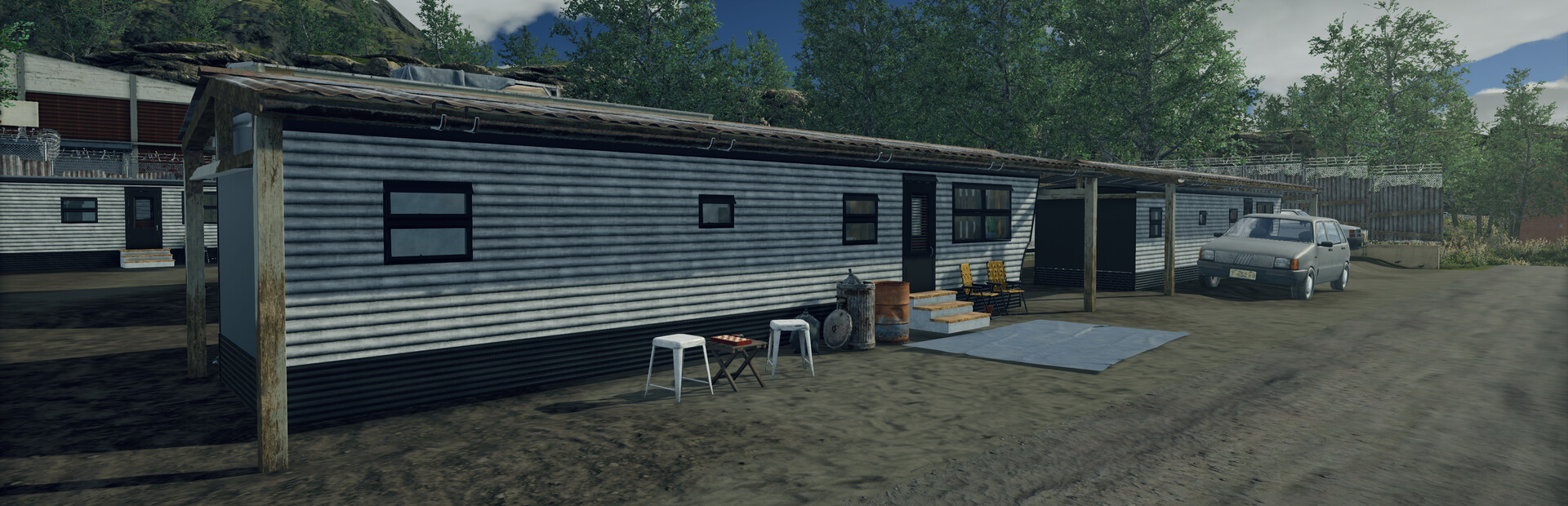
Moonshiner Simulator
Goosix Games2026Simulation, Action
7.6GBBuild 26407681Updated 19 days ago
About Moonshiner Simulator
Moonshiner Simulator is an in-depth spirits production simulator. Start from the bottom and build your operation into a thriving empire by mastering the intricacies of the craft and creating unique recipes. But beware – there will always be those who want to see you fail.
Moonshiner Simulator is an in-depth spirits production simulator. Start from the bottom and build your operation into a thriving empire by mastering the intricacies of the craft and creating unique recipes. But beware – there will always be those who want to see you fail.
KEY FEATURES:
Master the entire process — from brewing mash and moonshine to crafting fine whiskey, liqueurs, and dozens of other spirits. Experiment with ingredients and discover special recipes to impress even the most discerning connoisseurs.
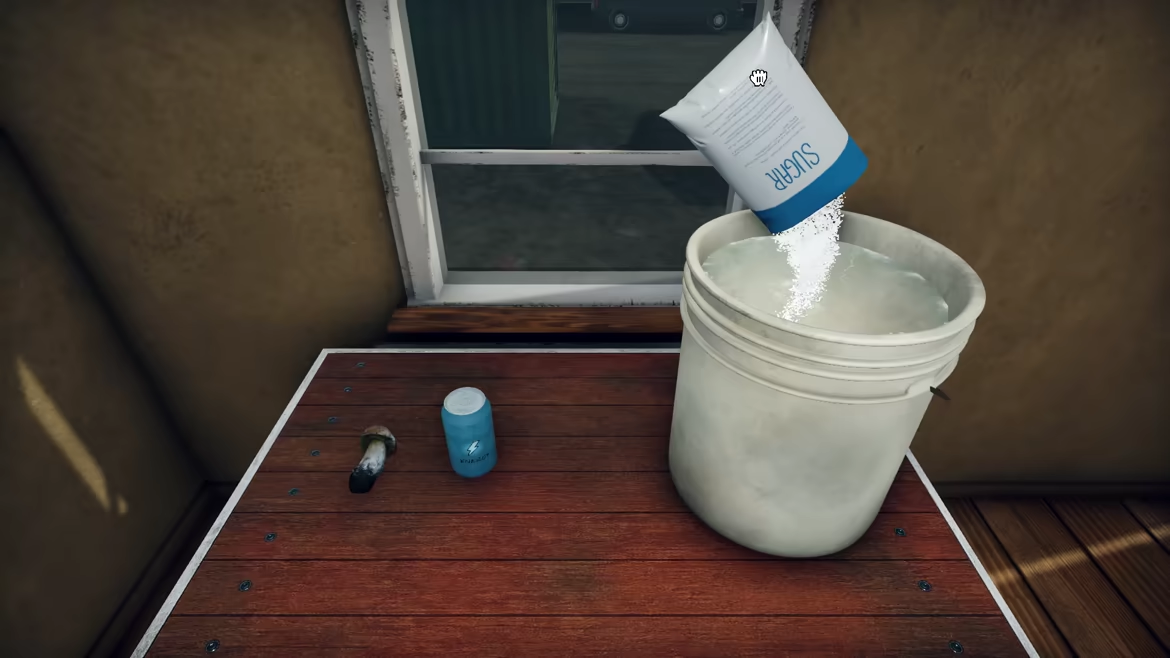
Your Business, Your Rules: Start with hand-to-hand sales and gradually expand your distribution network. Hire assistants, optimize logistics, and find new outlets to make your name known far and wide.
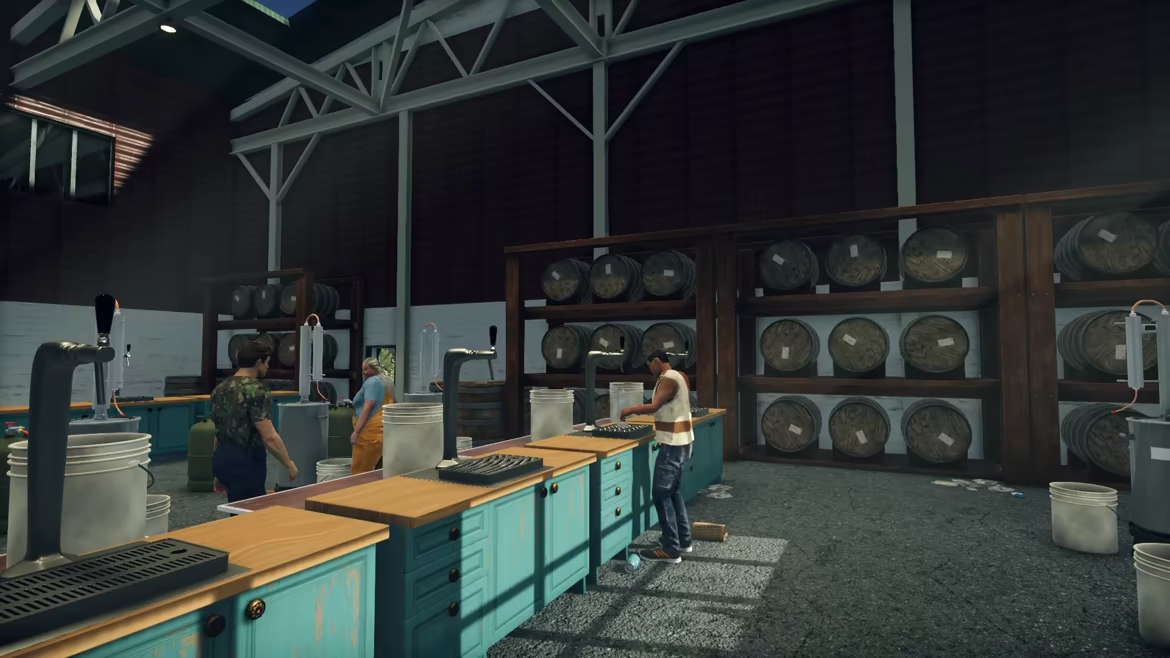
Evolve Your Operation: Begin with a homemade still and work your way up to professional equipment. Purchase and upgrade new facilities, transforming them into powerful and efficient mini-factories.

Strength in Numbers! Team up with friends in co-op mode for up to 8 players to build and manage your booze empire together.

A World of Ingredients: Travel through diverse locations in search of new ingredients — from a quiet village and dense forests to a bustling town.

From the store page, unedited. May contain spoilers.
This release
Reviews and playtime
Very Positive
87% of 216
The game
Genres and features
How to install Moonshiner Simulator
Pre-installed, so there is no setup wizard. Follow these in order.
- 01
Create a games folder
Make a folder like C:\Games\ and keep every game in it. Avoid Program Files, Downloads and the Desktop.
- 02
Exclude it from Windows Defender
Defender often deletes cracked files by mistake while they extract. Add C:\Games\ as an excluded folder:
Windows Security -> Virus & threat protection -> Manage settings -> Exclusions -> Add an exclusion -> Folder
- 03
Download into C:\Games\
Save the archive straight into that folder. This release is one 7.6GB file.
- 04
Extract it there
Use 7-Zip or WinRAR. Keep about 16.7 GB free while it unpacks.
- One file
- Right-click it -> Extract here.
- Several parts
- Extract only part1 (or .001). The other parts are read automatically.
- 05
Open README.html
It is inside the extracted folder and explains how to start the game.
Still stuck? Read the install help
Download
Set up your games folder and the Defender exclusion before you extract. The Install tab has the steps.
FilesYard
The whole game in one file
FileDitch
The whole game in one file
VikingFile
The whole game in one file
We don't accept fix requests when only one host is down. Please use another mirror above. Links broken? Let us know.
We never password-protect files or hide installers. If a page asks for a password or payment, that is the host's ad, not us. See our safety guide.
System requirements
- Min
- Windows 10
- Rec
- Windows 11
- Min
- AMD Ryzen 5 1400 / Intel Core i5-6600
- Rec
- AMD Ryzen 7 3700X / Intel® Core i7-6700K
- Min
- 6 GB RAM
- Rec
- 8 GB RAM
- Min
- GeForce GTX 1060 / Radeon RX 580
- Rec
- GeForce RTX 3060 / Radeon RX 6700
Version 11
10 GB available space
These are the developer's listed requirements and may not be 100% accurate. If your specs fall below the minimum, try the game anyway; many games run fine below the listed requirements. When in doubt, check YouTube for performance benchmarks.