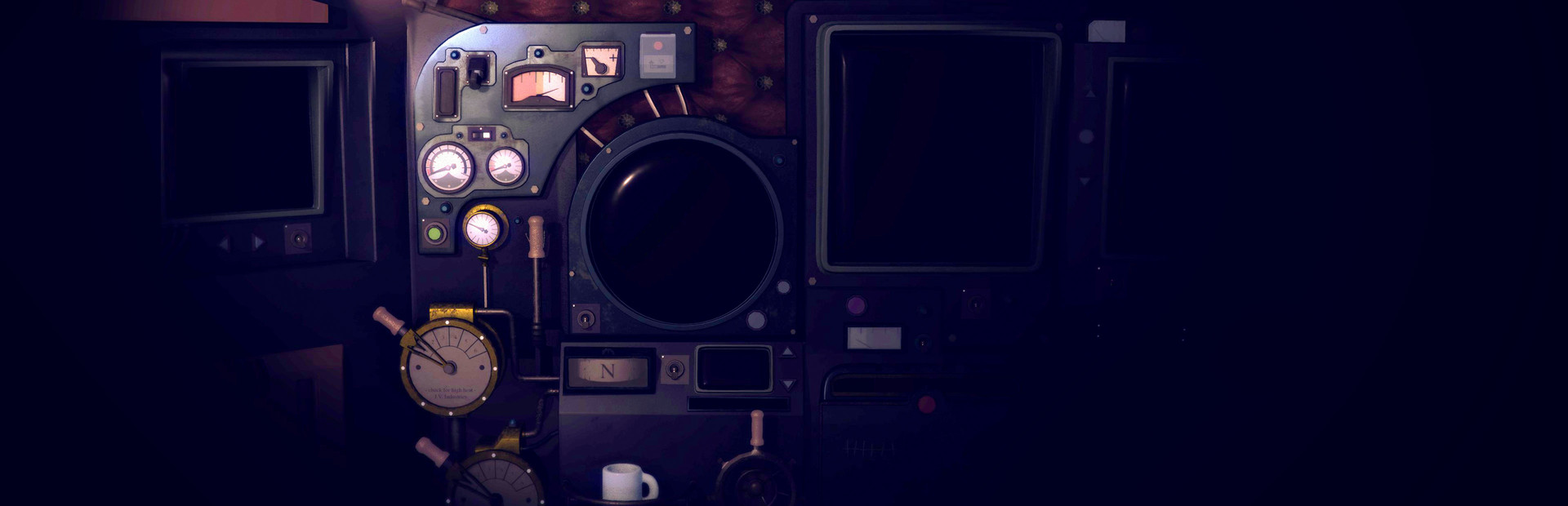
Nauticrawl
Spare Parts Oasis2019Simulation, Indie
68.1MBBuild 4969800Updated 53 days ago
About Nauticrawl
A stolen, enigmatic machine is your only way out. It's likely to kill you, but so will the hostile planet you're escaping. Pull levers, hack devices, and puzzle out how to pilot the Nauticrawl to freedom in this unusual atmospheric adventure... or die trying.

In a grasp for salvation with sentinels closing in, you've stolen a Nauticrawl. You check the radar, turn a few knobs, press some buttons… then you realize
I don’t know how to move this hunk of metal...
If the pursuing forces or the crushing atmosphere don't kill you first, the Nauticrawl - designed to be piloted only by the ruling elites - just might. This instrument, your only hope of survival, could also be your demise.

With the right amount of experimentation your escape plan just might succeed. Pull levers, redirect power, hack devices, uncover communications, try anything and everything.
You've heard the rumors. You know many have died doing what you're doing. But as the corners of the story pull back and you learn your way around the consoles, you just might get off this wretched rock.
Nauticrawl unfolds through turn-based exploration, as you puzzle out how everything fits together. Begin each run anew, but bring with you what you’ve learned along the way.
Think it through. Make mistakes and experiment.
You can do this.
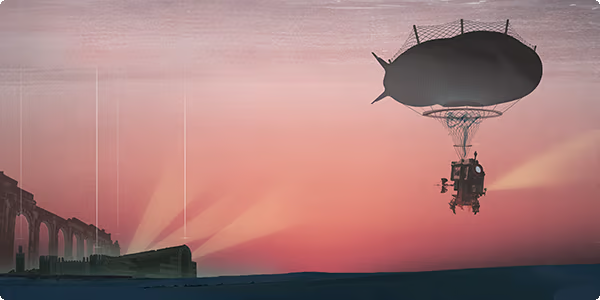
From the store page, unedited. May contain spoilers.
This release
Reviews and playtime
Very Positive
91% of 457
The game
Genres and features
How to install Nauticrawl
Pre-installed, so there is no setup wizard. Follow these in order.
- 01
Create a games folder
Make a folder like C:\Games\ and keep every game in it. Avoid Program Files, Downloads and the Desktop.
- 02
Exclude it from Windows Defender
Defender often deletes cracked files by mistake while they extract. Add C:\Games\ as an excluded folder:
Windows Security -> Virus & threat protection -> Manage settings -> Exclusions -> Add an exclusion -> Folder
- 03
Download into C:\Games\
Save the archive straight into that folder. This release is one 68.1MB file.
- 04
Extract it there
Use 7-Zip or WinRAR. Keep about 149.8 MB free while it unpacks.
- One file
- Right-click it -> Extract here.
- Several parts
- Extract only part1 (or .001). The other parts are read automatically.
- 05
Open README.html
It is inside the extracted folder and explains how to start the game.
Still stuck? Read the install help
Download
Set up your games folder and the Defender exclusion before you extract. The Install tab has the steps.
FileDitch
The whole game in one file
VikingFile
The whole game in one file
Gofile (legacy)
The whole game in one file
We don't accept fix requests when only one host is down. Please use another mirror above. Links broken? Let us know.
We never password-protect files or hide installers. If a page asks for a password or payment, that is the host's ad, not us. See our safety guide.
System requirements
- Min
- 3.1 GHz - AMD FX 8350 / Intel Core i5 - 4460
- Rec
- 3.4 GHz - AMD FX 8350 / Intel Core i5 - 4460
- Min
- 4 GB RAM
- Rec
- 8 GB RAM
- Min
- 2GB - Radeon R7 260 2GB / GTX 750 Ti 2GB
- Rec
- 4GB - Radeon R7 260 2GB / GTX 750 Ti 2GB
- Min
- 200 MB available space
- Rec
- -
Windows 7
These are the developer's listed requirements and may not be 100% accurate. If your specs fall below the minimum, try the game anyway; many games run fine below the listed requirements. When in doubt, check YouTube for performance benchmarks.