Neuron Activation
DR Studio2026Casual, Arcade
1.9GBBuild 26263390Updated 27 days ago
About Neuron Activation
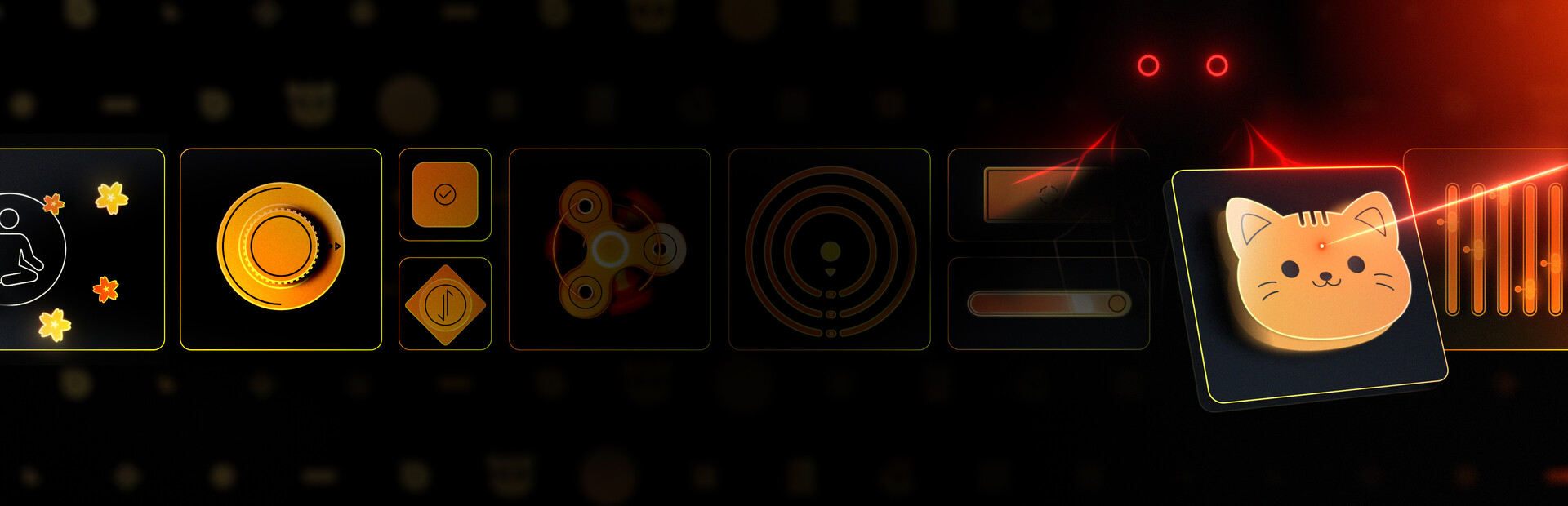
A digital fidget box of dopamine-fueled micro-challenges. Push buttons. Shoot targets. Chain actions for higher scores. Complete all tasks. Don’t ask questions.
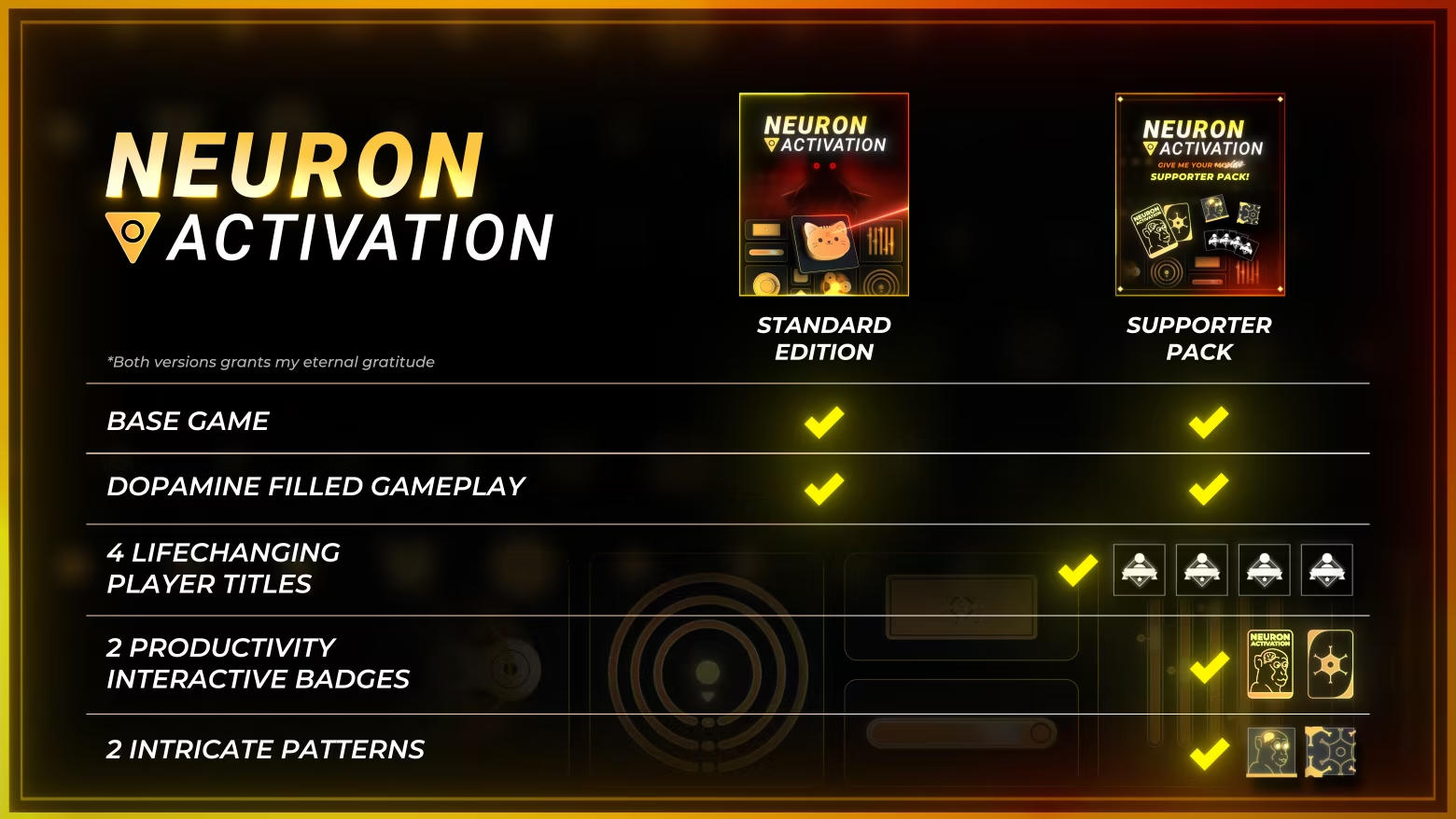
Edition Comparison
About the Game

Operate a futuristic control hub filled with switches, sliders, and strange tasks. Complete fast-paced challenges to satisfy The Board, the corporate entity overseeing your progress.

 Stay locked in through short, frantic sessions built around dopamine-fueled micro-challenges. Tasks overlap, timers keep moving, and The Board demands your full focus.
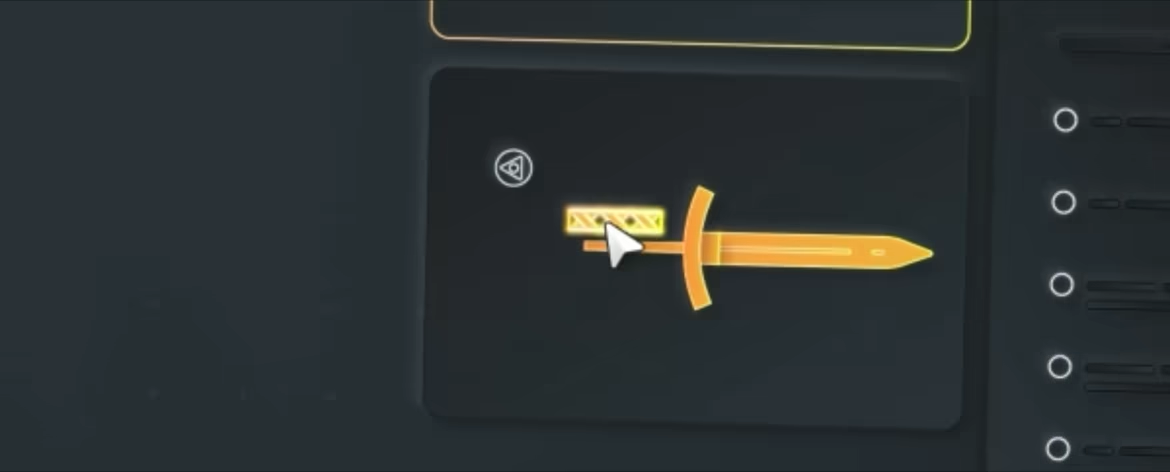
 Sharpen your multitasking. Juggle several tasks at once, chase the next stimulus, chain actions together. Make the chaos work and beat your high score.


The Handler watches your every move. Receive increasingly strange orders. Make uncomfortable choices. Complete all tasks. Don’t ask questions.


Play with a mouse or touch. Click, tap, drag, and slide through the entire game. Whether you prefer a mouse or the touchscreen on Steam Deck, the flow is built to feel natural.

Operational Details:
60+ handcrafted levels
Speed Tests, Bosses, and other gameplay stages
Zen Mode with no timers or scores
Player customization and leveling system
Detailed performance stats
From the store page, unedited. May contain spoilers.
This release
Reviews and playtime
Very Positive
96% of 150
The game
Genres and features


How to install Neuron Activation
Pre-installed, so there is no setup wizard. Follow these in order.
- 01
Create a games folder
Make a folder like C:\Games\ and keep every game in it. Avoid Program Files, Downloads and the Desktop.
- 02
Exclude it from Windows Defender
Defender often deletes cracked files by mistake while they extract. Add C:\Games\ as an excluded folder:
Windows Security -> Virus & threat protection -> Manage settings -> Exclusions -> Add an exclusion -> Folder
- 03
Download into C:\Games\
Save the archive straight into that folder. This release is one 1.9GB file.
- 04
Extract it there
Use 7-Zip or WinRAR. Keep about 4.2 GB free while it unpacks.
- One file
- Right-click it -> Extract here.
- Several parts
- Extract only part1 (or .001). The other parts are read automatically.
- 05
Open README.html
It is inside the extracted folder and explains how to start the game.
Still stuck? Read the install help
Download
Set up your games folder and the Defender exclusion before you extract. The Install tab has the steps.
FilesYard
The whole game in one file
FileDitch
The whole game in one file
VikingFile
The whole game in one file
We don't accept fix requests when only one host is down. Please use another mirror above. Links broken? Let us know.
We never password-protect files or hide installers. If a page asks for a password or payment, that is the host's ad, not us. See our safety guide.
System requirements
- Min
- Windows 10 64bit
- Rec
- Windows 10/11 64-bit
- Min
- Ryzen 3 3100, Core i3-10100
- Rec
- Ryzen 5 3600, Core i5-10400
- Min
- GTX 950, RX 550
- Rec
- GTX 1050, RX 560
8 GB RAM
3 GB available space
These are the developer's listed requirements and may not be 100% accurate. If your specs fall below the minimum, try the game anyway; many games run fine below the listed requirements. When in doubt, check YouTube for performance benchmarks.