
Luke Muscat2026Sports, Simulation
392.8MBBuild 26310800Updated 29 days ago
About Normal Golf Game
A very normal golf simulator. Hit anything. Shoot from anywhere. But remember: you’re not leaving until Luke Muscat himself (Fruit Ninja, Jetpack Joyride) is satisfied.
Hazy memories. A $100,000 fee. No sign of an exit.
Welcome to a very Normal Golf Game.
HOW HARD CAN IT BE?
From the twisted well-adjusted twisted mind of Luke Muscat (Fruit Ninja, Jetpack Joyride), Normal Golf Game is a sadistically accurate recreation of the noble game of golf. Use physics to manipulate the path of your club, while simultaneously managing your stance, direction, and the angle and path of the face.
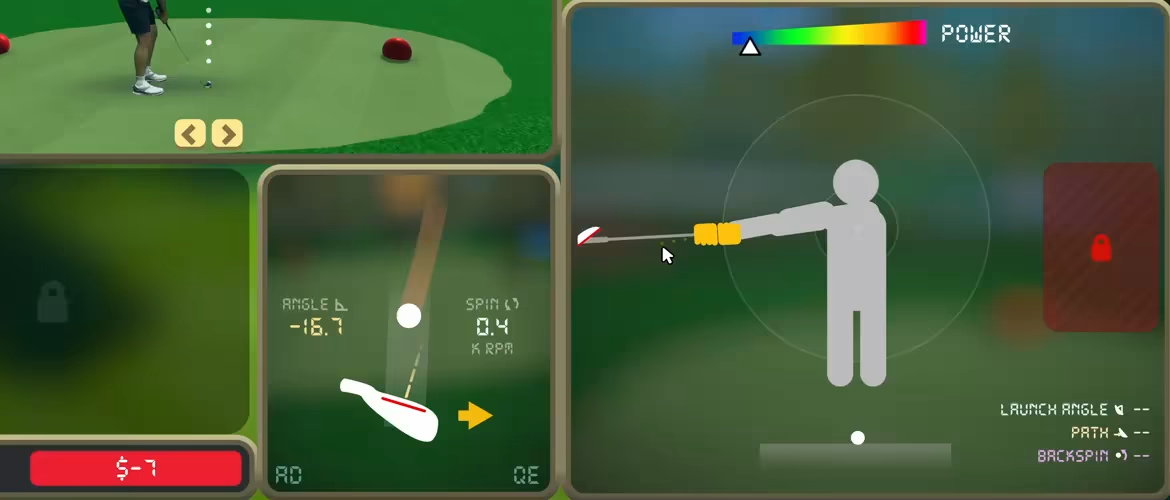
OKAY, QUITE HARD IT TURNS OUT.
Explore a giant golf course that is both a trap and a playground. Shoot from anywhere, aim at anything. So long as you don't try and leave, we will have a fun, normal time.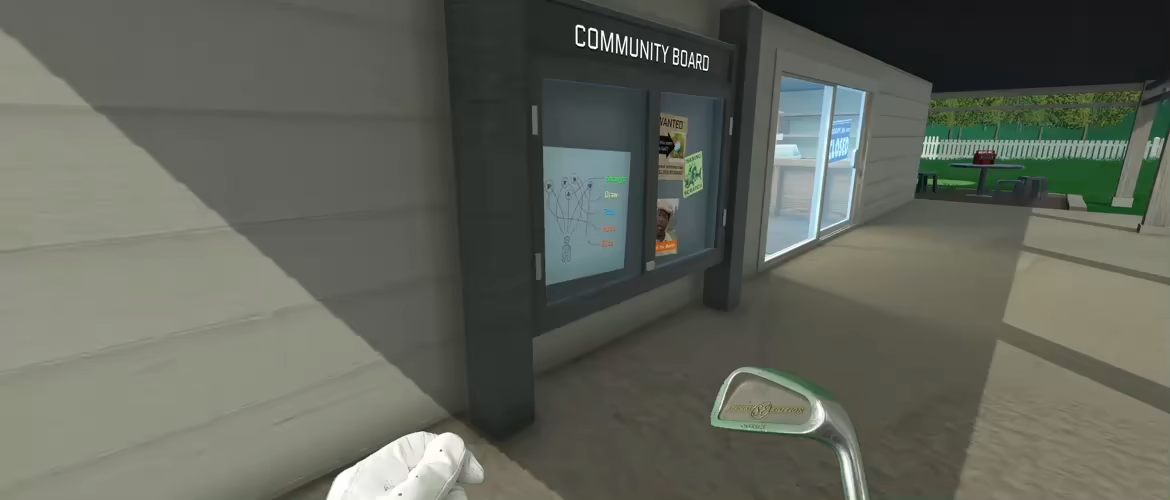
OTHER FEATURES
A nice day out
Learn a fun new sport
Meet a game developer
Have a great, very normal time
WAIT, WHO?
Normal Golf Game was built almost entirely by me, Luke Muscat. The real Luke Muscat that is, not the fictional Luke Muscat that traps you in the game. Confusing, I know. I’m a solo dev, Youtuber, and have the worlds worst golf swing.
From the store page, unedited. May contain spoilers.
This release
Reviews and playtime
Overwhelmingly Positive
98% of 1,744
The game
Genres and features
How to install Normal Golf Game
Pre-installed, so there is no setup wizard. Follow these in order.
- 01
Create a games folder
Make a folder like C:\Games\ and keep every game in it. Avoid Program Files, Downloads and the Desktop.
- 02
Exclude it from Windows Defender
Defender often deletes cracked files by mistake while they extract. Add C:\Games\ as an excluded folder:
Windows Security -> Virus & threat protection -> Manage settings -> Exclusions -> Add an exclusion -> Folder
- 03
Download into C:\Games\
Save the archive straight into that folder. This release is one 392.8MB file.
- 04
Extract it there
Use 7-Zip or WinRAR. Keep about 864.2 MB free while it unpacks.
- One file
- Right-click it -> Extract here.
- Several parts
- Extract only part1 (or .001). The other parts are read automatically.
- 05
Open README.html
It is inside the extracted folder and explains how to start the game.
Still stuck? Read the install help
Download
Set up your games folder and the Defender exclusion before you extract. The Install tab has the steps.
FilesYard
The whole game in one file
FileDitch
The whole game in one file
VikingFile
The whole game in one file
We don't accept fix requests when only one host is down. Please use another mirror above. Links broken? Let us know.
We never password-protect files or hide installers. If a page asks for a password or payment, that is the host's ad, not us. See our safety guide.
System requirements
- Min
- Windows 10 64-bit
- Rec
- -
- Min
- Version 11
- Rec
- -
- Min
- 1 GB available space
- Rec
- -
- Min
- Runs great on the Steam Deck and most entry level desktops. Setting the game to 1080p and low grass density makes a big difference for slow computers.
- Rec
- -
These are the developer's listed requirements and may not be 100% accurate. If your specs fall below the minimum, try the game anyway; many games run fine below the listed requirements. When in doubt, check YouTube for performance benchmarks.