NUI
DavidPixel2020Action, Platformer
117.3MBBuild 5749509Updated 54 days ago
About NUI
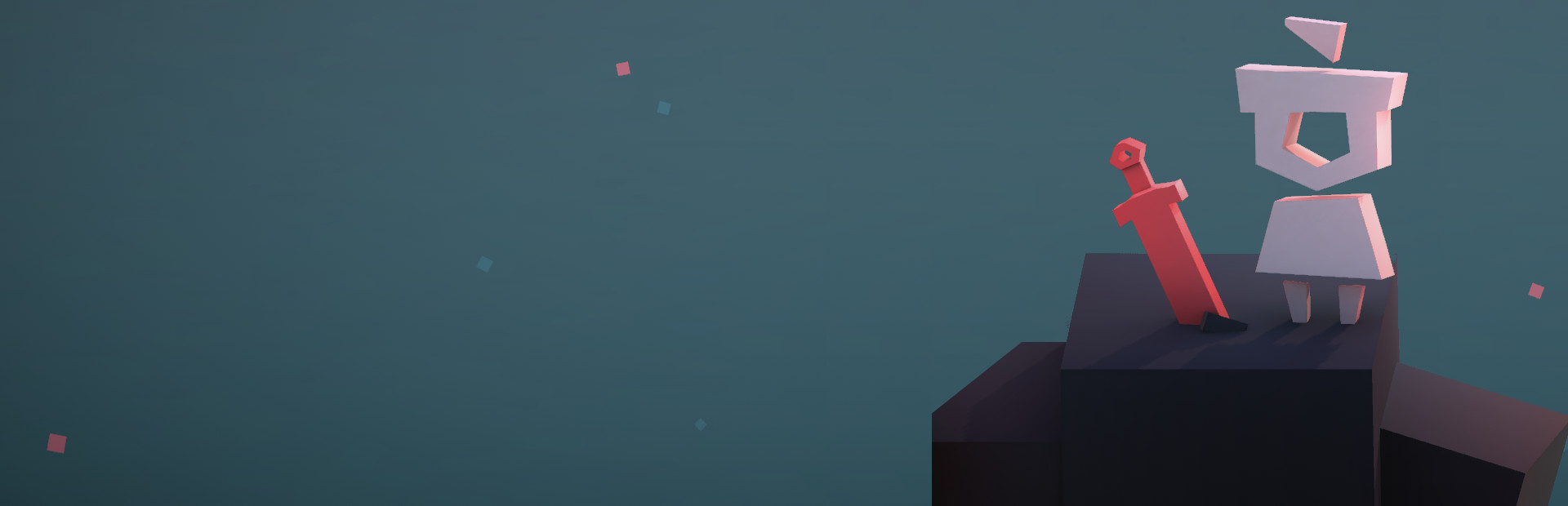
NUI is a minimalist puzzle-platformer about farewell where health is linked to your sword.

NUI is a game about farewell, a minimalistic puzzle-platformer where a mysterious character carries a sword deeply tied to him.
The sword must be taken to the end of the cave, while the sword limits the character movements, it can also be used as a powerful weapon. However, due to the bond with the sword distancing too much from it will damage you...

- A small puzzle-platformer with a minimalistic and touching story about farewell.
- Discover the way to carry your sword to the end of each screen
- Explore an ancient cave with 50 levels that mix platforming skills and puzzles
- More than 15 secrets scattered through the cave to be found
- Small Game: Main game can be completed in less than 1 hour

NUI is a small passion project made in our free time, for that reason, it is meant to be a short and fun experience.
Let us here your thoughts and suggestions about it! Contact us by any of the links available at
Have fun playing it!

From the store page, unedited. May contain spoilers.
This release
Reviews and playtime
7 user reviews
100% of 7
The game
Genres and features
How to install NUI
Pre-installed, so there is no setup wizard. Follow these in order.
- 01
Create a games folder
Make a folder like C:\Games\ and keep every game in it. Avoid Program Files, Downloads and the Desktop.
- 02
Exclude it from Windows Defender
Defender often deletes cracked files by mistake while they extract. Add C:\Games\ as an excluded folder:
Windows Security -> Virus & threat protection -> Manage settings -> Exclusions -> Add an exclusion -> Folder
- 03
Download into C:\Games\
Save the archive straight into that folder. This release is one 117.3MB file.
- 04
Extract it there
Use 7-Zip or WinRAR. Keep about 258.1 MB free while it unpacks.
- One file
- Right-click it -> Extract here.
- Several parts
- Extract only part1 (or .001). The other parts are read automatically.
- 05
Open README.html
It is inside the extracted folder and explains how to start the game.
Still stuck? Read the install help
Download
Set up your games folder and the Defender exclusion before you extract. The Install tab has the steps.
VikingFile
The whole game in one file
Gofile (legacy)
The whole game in one file
We don't accept fix requests when only one host is down. Please use another mirror above. Links broken? Let us know.
We never password-protect files or hide installers. If a page asks for a password or payment, that is the host's ad, not us. See our safety guide.
System requirements
- Min
- Windows 7
- Rec
- Windows 10
- Min
- Intel(R) Core(TM)2 Quad 2.7 Ghz, AMD Phenom(TM)II X4 3 Ghz
- Rec
- Intel(R) Core(TM) i5
- Min
- 4 GB RAM
- Rec
- 4 MB RAM
GeForce GTX 260, Radeon HD 5770, 1024 MB, Shader Model 3.0
1 GB available space
DirectX compatible
These are the developer's listed requirements and may not be 100% accurate. If your specs fall below the minimum, try the game anyway; many games run fine below the listed requirements. When in doubt, check YouTube for performance benchmarks.