Odd Realm
Unknown Origin Games Inc2024City Builder, Simulation
262.4MBBuild 23786403Updated 33 days ago
About Odd Realm
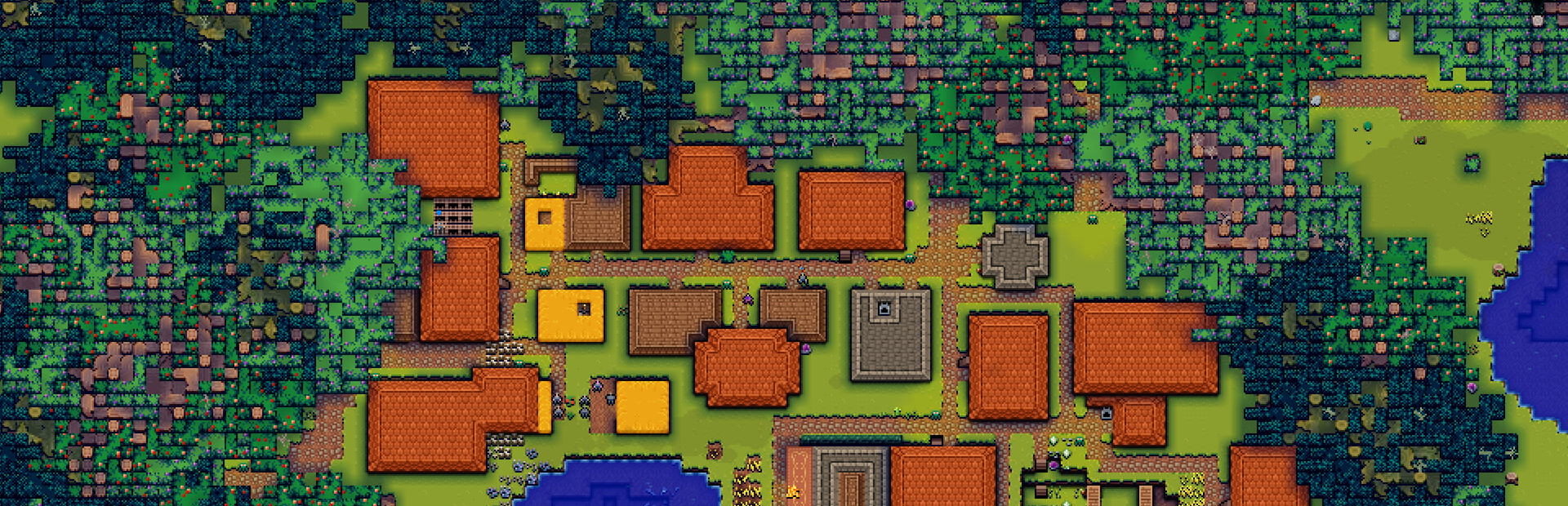
Build a settlement in a realm recovering from the Fracture, a calamity that nearly destroyed the realm. Choose from several unique races, establish a new kingdom, and survive in a land filled with magic and strange creatures. Farm the land, fish the seas, or raid rival kingdoms for their treasures.


Features
5 races to start your kingdom with, each with unique playstyles
Unlimited procedurally generated deserts, mountains, tropical islands, and frozen tundras
Dynamic weather and seasons unique to each biome
Hundreds of plants, animals, and items
A research tree with options for each race that unlock new blueprints and rooms
Outfit individual settlers with tools, weapons, and gear
Manage your kingdom and view other kingdoms on an expansive world map
Battle raiders, invading armies, and underground horrors

Choose from unlimited generated landscapes to make your new home. A desert oasis? The ribcage of a long-dead giant? A magical mountain range? Where you choose to settle will determine what resources you have at your disposal, what you encounter, and how challenging your experience will be.
Use the resources in your environment to build... well.. whatever you want! A sandstone castle in the desert? An underground fortress? Or, maybe, an island beach house? You decide!
Dig mines into the earth to uncover lost tombs, dormant gods, and lakes filled with creatures watching from the deep. Just make sure not to go too deep!
Welcome the less-than-friendly arrival of your neighbors with cold steel and hugs made of arrows. Ask questions later.
From the store page, unedited. May contain spoilers.
This release
Reviews and playtime
Very Positive
84% of 970
The game
Genres and features
How to install Odd Realm
Pre-installed, so there is no setup wizard. Follow these in order.
- 01
Create a games folder
Make a folder like C:\Games\ and keep every game in it. Avoid Program Files, Downloads and the Desktop.
- 02
Exclude it from Windows Defender
Defender often deletes cracked files by mistake while they extract. Add C:\Games\ as an excluded folder:
Windows Security -> Virus & threat protection -> Manage settings -> Exclusions -> Add an exclusion -> Folder
- 03
Download into C:\Games\
Save the archive straight into that folder. This release is one 262.4MB file.
- 04
Extract it there
Use 7-Zip or WinRAR. Keep about 577.3 MB free while it unpacks.
- One file
- Right-click it -> Extract here.
- Several parts
- Extract only part1 (or .001). The other parts are read automatically.
- 05
Open README.html
It is inside the extracted folder and explains how to start the game.
Still stuck? Read the install help
Download
Set up your games folder and the Defender exclusion before you extract. The Install tab has the steps.
FilesYard
The whole game in one file
FileDitch
The whole game in one file
VikingFile
The whole game in one file
We don't accept fix requests when only one host is down. Please use another mirror above. Links broken? Let us know.
We never password-protect files or hide installers. If a page asks for a password or payment, that is the host's ad, not us. See our safety guide.
System requirements
- Min
- Windows 10
- Rec
- -
- Min
- 2.2 Ghz
- Rec
- -
- Min
- 4 GB RAM
- Rec
- -
- Min
- Version 11
- Rec
- -
- Min
- 500 MB available space
- Rec
- -
- Min
- Min Display Res 1200x768
- Rec
- -
These are the developer's listed requirements and may not be 100% accurate. If your specs fall below the minimum, try the game anyway; many games run fine below the listed requirements. When in doubt, check YouTube for performance benchmarks.