Odd Town
The Flying Baguette2026Shooter, Sandbox
629.1MBBuild 26159474Updated 29 days ago
About Odd Town
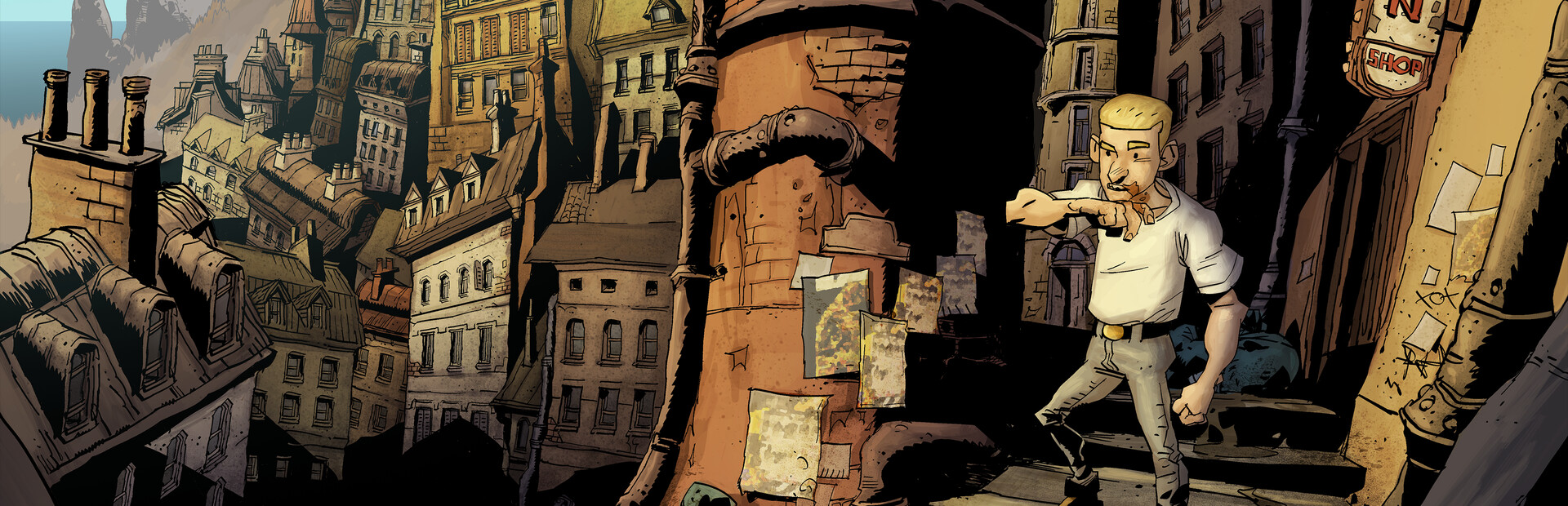
Odd Town is a story-driven first-person adventure about being stuck in a town where everything feels just a little wrong. Explore a handcrafted, bite-sized town, meet suspicious locals, take odd jobs, dodge cops, become a conspiracy theorist, and steal sandwiches.

Odd Town is a story-driven first-person adventure that’ll take you around 5+ hours to complete. Take odd jobs to fix your car and discover that the local conspiracy theorists aren’t nearly paranoid enough.
Your car has broken down in beautiful St. Sectaire. The locals look at you funny, the phone won’t stop ringing, and you desperately need money to fix your ride.
Get to know the peculiar residents and take on their odd jobs. But the longer you stay, the stranger things get. People go missing. The police get more aggressive. Something is very odd here, even by village standards.

Explore a bite-sized, handcrafted town. Follow the story from the mundane to the sinister. Find hidden paths, buy useful tools, and poke around in places you probably shouldn’t be.
There’s trouble to get into along the way. Steal someone’s lunch and they might fight back. Bring the police into it and your next meal might be behind bars. 
To uncover what the town is hiding, you’ll need to create a conspiracy of your own. Assemble a team of special specialists, dig up dirty secrets, and try not to get caught.
From the store page, unedited. May contain spoilers.
This release
Reviews and playtime
Mostly Positive
73% of 126
The game
Genres and features
How to install Odd Town
Pre-installed, so there is no setup wizard. Follow these in order.
- 01
Create a games folder
Make a folder like C:\Games\ and keep every game in it. Avoid Program Files, Downloads and the Desktop.
- 02
Exclude it from Windows Defender
Defender often deletes cracked files by mistake while they extract. Add C:\Games\ as an excluded folder:
Windows Security -> Virus & threat protection -> Manage settings -> Exclusions -> Add an exclusion -> Folder
- 03
Download into C:\Games\
Save the archive straight into that folder. This release is one 629.1MB file.
- 04
Extract it there
Use 7-Zip or WinRAR. Keep about 1.4 GB free while it unpacks.
- One file
- Right-click it -> Extract here.
- Several parts
- Extract only part1 (or .001). The other parts are read automatically.
- 05
Open README.html
It is inside the extracted folder and explains how to start the game.
Still stuck? Read the install help
Download
Set up your games folder and the Defender exclusion before you extract. The Install tab has the steps.
FilesYard
The whole game in one file
FileDitch
The whole game in one file
VikingFile
The whole game in one file
We don't accept fix requests when only one host is down. Please use another mirror above. Links broken? Let us know.
We never password-protect files or hide installers. If a page asks for a password or payment, that is the host's ad, not us. See our safety guide.
System requirements
- Min
- Windows 7 or later
- Min
- 2.4GHZ Dual Core Processor Or Better
- Min
- 2 GB RAM
- Min
- Version 9.0c
- Min
- 1 GB available space
These are the developer's listed requirements and may not be 100% accurate. If your specs fall below the minimum, try the game anyway; many games run fine below the listed requirements. When in doubt, check YouTube for performance benchmarks.