Orebits
Upgraded Studio2026Idle, Simulation
282.7MBBuild 25498375Updated 32 days ago
About Orebits
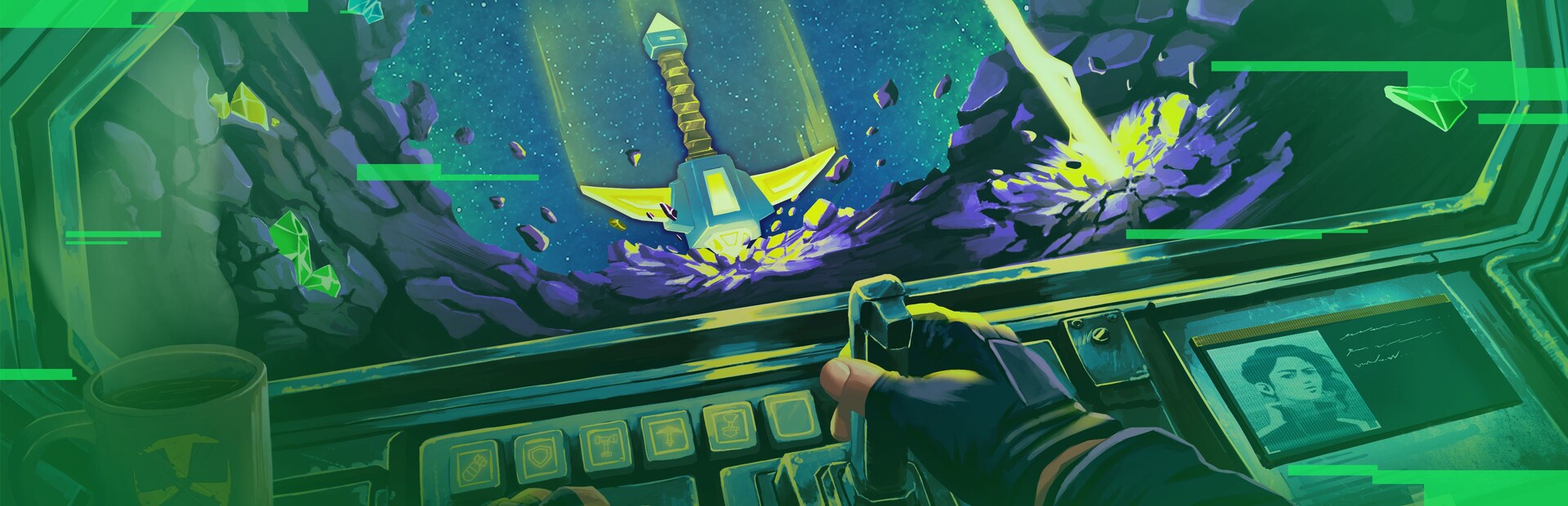
Bounce your pickaxe and smash through asteroids in this futuristic mining incremental! Explore a roguelite tech tree, discover gravitational anomalies, and deliver resources back to Earth. Upgrade and explore space to discover what secrets it holds!
Bounce your pickaxe and smash through asteroids in this futuristic mining incremental! Explore a roguelite tech tree, discover gravitational anomalies, and deliver resources back to Earth. Upgrade and explore space to discover what secrets it holds!

Mine asteroids to extract valuable resources using your trusty Clickaxe, Laser, and other mining gear.
Explore different mining sites, each with its own anomalies and rare artifacts.
Hire help before missions to multiply your resources and reach deeper and deeper into the asteroid.


Unlock new mining gear, invest in upgrades and discover rare skills.
Deliver resources back to earth to earn permanent research points.
Strategize and pick the best synergies in a massive roguelite tech tree.


Smash through asteroids with ease and one-shot anything in your way.
Clear uncountable extraction points, and discover what secrets the universe holds.
Become an asteroid-destroying, unstoppable mining force.

Made on Earth, by two humans, with love.
From the store page, unedited. May contain spoilers.
This release
Reviews and playtime
Mostly Positive
70% of 61
The game
Genres and features
How to install Orebits
Pre-installed, so there is no setup wizard. Follow these in order.
- 01
Create a games folder
Make a folder like C:\Games\ and keep every game in it. Avoid Program Files, Downloads and the Desktop.
- 02
Exclude it from Windows Defender
Defender often deletes cracked files by mistake while they extract. Add C:\Games\ as an excluded folder:
Windows Security -> Virus & threat protection -> Manage settings -> Exclusions -> Add an exclusion -> Folder
- 03
Download into C:\Games\
Save the archive straight into that folder. This release is one 282.7MB file.
- 04
Extract it there
Use 7-Zip or WinRAR. Keep about 621.9 MB free while it unpacks.
- One file
- Right-click it -> Extract here.
- Several parts
- Extract only part1 (or .001). The other parts are read automatically.
- 05
Open README.html
It is inside the extracted folder and explains how to start the game.
Still stuck? Read the install help
Download
Set up your games folder and the Defender exclusion before you extract. The Install tab has the steps.
FilesYard
The whole game in one file
FileDitch
The whole game in one file
VikingFile
The whole game in one file
We don't accept fix requests when only one host is down. Please use another mirror above. Links broken? Let us know.
We never password-protect files or hide installers. If a page asks for a password or payment, that is the host's ad, not us. See our safety guide.
System requirements
- Min
- Windows 10 (64-bit)
- Rec
- Windows 10/11 (64-bit)
- Min
- 2.0 GHz Dual Core (Intel i3 equivalent)
- Rec
- 2.6+ GHz Quad Core (Intel i5 / Ryzen 5)
- Min
- 4 GB RAM
- Rec
- 8 GB RAM
- Min
- Integrated GPU or entry-level discrete GPU (Intel Iris / Nvidia MX150 / Radeon Vega 8)
- Rec
- Mid-range GPU (GTX 1050 / RX 560 or better)
- Min
- Version 11
- Rec
- Version 12
- Min
- Any basic sound device (integrated or external)
- Rec
- Dedicated sound card or high-quality output device recommended for optimal soundtrack and voice experience
- Min
- Mouse and keyboard required
- Rec
- Mouse and keyboard required, SSD recommended
500 MB available space
These are the developer's listed requirements and may not be 100% accurate. If your specs fall below the minimum, try the game anyway; many games run fine below the listed requirements. When in doubt, check YouTube for performance benchmarks.