
Soulworks Interactive2026Adventure, Casual
267.9MBBuild 25515452Updated 64 days ago
About Otterly Lost
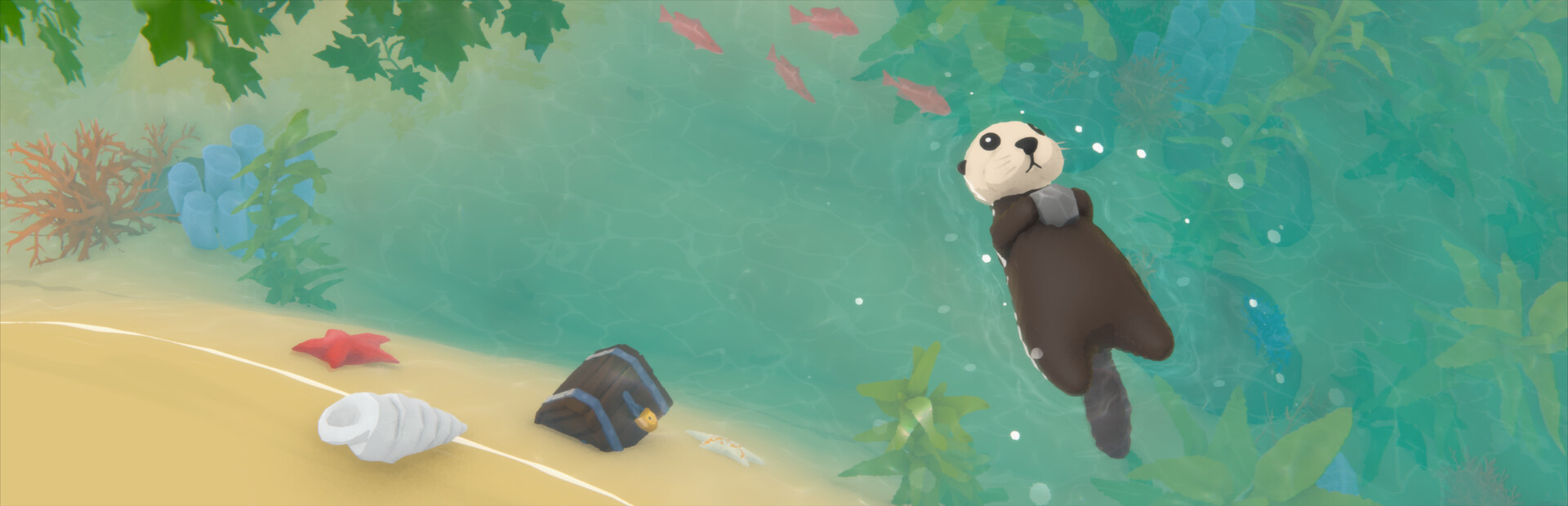
Swim, dive, and explore as a curious sea otter far from home. Meet charming animals, discover hidden places, use tools, and solve light challenges as you make your way back with your favorite rock by your side.
 Dive into a cozy, story-rich adventure about wonder, friendship, and finding where you belong
A curious sea otter named Otto was swept away from home after a mysterious event. Far from familiar waters,
you must find your way back. Meet friendly animals and explore a world full of places to discover.

 Every step (or splash) uncovers something new: a story, a view, or a quiet moment to take in
Swim through kelp forests and hidden caves, glide over sunny shores, or climb rocky canyons.
Solve soft puzzles, help others and enjoy light platforming as you explore the open world.
 Otters know a thing or two about tools, especially rocks!
Use your favorite rock to break through obstacles and discover new tools and treasures.
Upgrade your natural abilities to swim faster, jump higher, climb easier, and glide further.
 Meet lovely creatures, from an ancient turtle to an aspiring frog singer
Some will need your help, while others will guide you on your journey. Get to know them and their
stories, lend a paw in their troubles, and slowly learn how everything is connected.
 Going for cute, classy, or maybe a little chaotic? We fully support your choices!
Collect charming accessories and quirky hats by exploring the world, trading with a local
fisherman, or buying them in cosmetics shops.

From the store page, unedited. May contain spoilers.
This release
Reviews and playtime
Very Positive
99% of 311
The game
Genres and features
How to install Otterly Lost
Pre-installed, so there is no setup wizard. Follow these in order.
- 01
Create a games folder
Make a folder like C:\Games\ and keep every game in it. Avoid Program Files, Downloads and the Desktop.
- 02
Exclude it from Windows Defender
Defender often deletes cracked files by mistake while they extract. Add C:\Games\ as an excluded folder:
Windows Security -> Virus & threat protection -> Manage settings -> Exclusions -> Add an exclusion -> Folder
- 03
Download into C:\Games\
Save the archive straight into that folder. This release is one 267.9MB file.
- 04
Extract it there
Use 7-Zip or WinRAR. Keep about 589.4 MB free while it unpacks.
- One file
- Right-click it -> Extract here.
- Several parts
- Extract only part1 (or .001). The other parts are read automatically.
- 05
Open README.html
It is inside the extracted folder and explains how to start the game.
Still stuck? Read the install help
Download
Set up your games folder and the Defender exclusion before you extract. The Install tab has the steps.
FileDitch
The whole game in one file
VikingFile
The whole game in one file
0807
The whole game in one file
Gofile (legacy)
The whole game in one file
We don't accept fix requests when only one host is down. Please use another mirror above. Links broken? Let us know.
We never password-protect files or hide installers. If a page asks for a password or payment, that is the host's ad, not us. See our safety guide.
System requirements
- Min
- Windows 10 or later
- Rec
- -
- Min
- 2 GB RAM
- Rec
- -
- Min
- Version 11
- Rec
- -
- Min
- 2 GB available space
- Rec
- -
These are the developer's listed requirements and may not be 100% accurate. If your specs fall below the minimum, try the game anyway; many games run fine below the listed requirements. When in doubt, check YouTube for performance benchmarks.