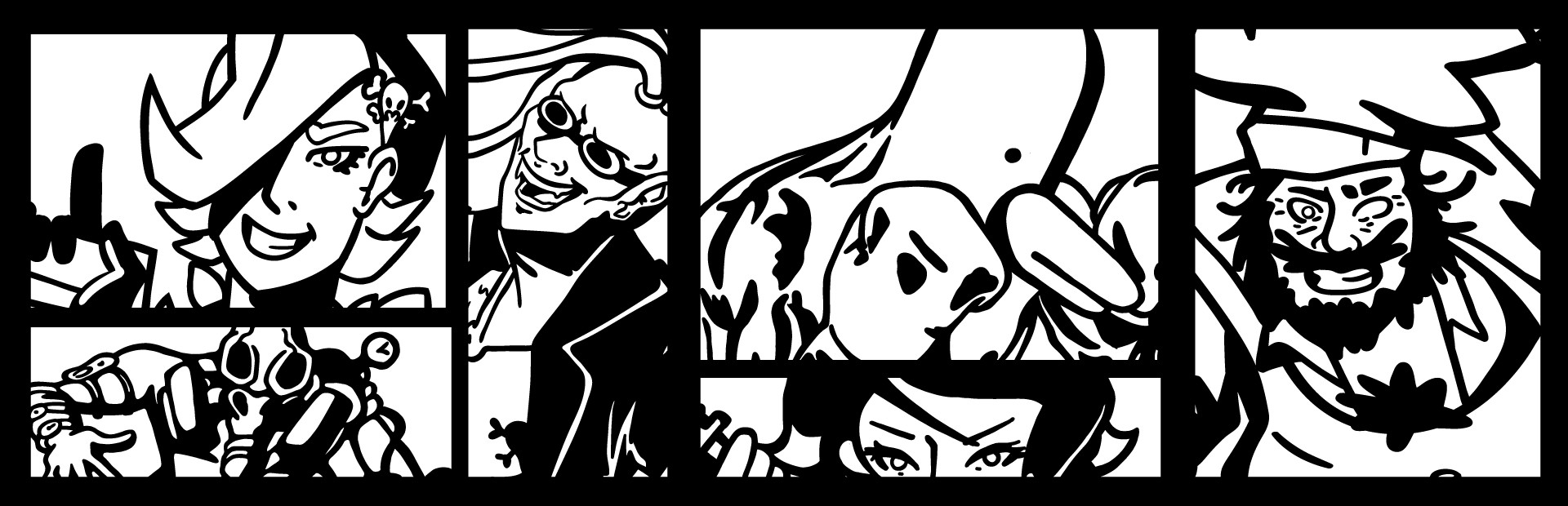
Pato Box
2think design studio2018Action, Indie
394.4 MBBuild 3823829Updated 139 days ago
About Pato Box
A surreal boxing quest with a duck! Test your reflexes as you fight your way through an evil corporation in search for retribution.
Discord
About the Game
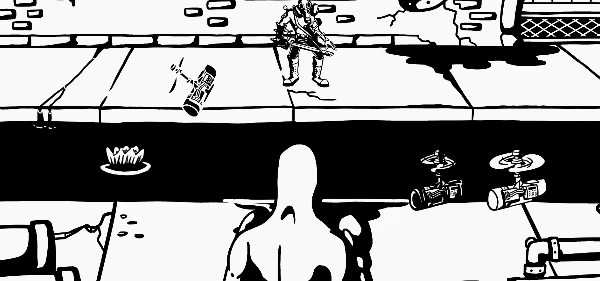
A surreal boxing quest with a duck!
Test your reflexes as you fight your way through an evil corporation in search for retribution.
Uncover their deepest secrets by exploring thrilling 3d environments with a graphic novel/comic book art style.
Find the henchmen who took your dream away in an action-packed and fast-paced fights that will test you to the limit as a true boxing champion!
Will you chicken out or learn how to DUCK?
Features
- Challenging and surreal 2D fights with a comic book art style.
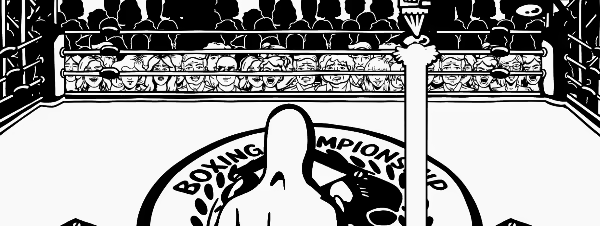
- Innovative visual proposal, inspired by graphic novels and comics.
- Find the truth on Story Mode, a single player adventure filled with surprises and 3D environments as well as 2D boss fights!
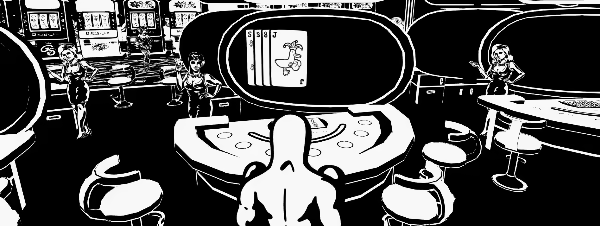
- Interactive dialogues. Learn more about Deathflock and Patobox by talking to members of the organization and reveal their dark secrets, what is Deathflock hiding and what it means to our hero Patobox?
- Amazing Soundtrack by Controvol that will fill you with adrenaline.

- Explore a world full of traps and mini games.
- Hidden collectables to expand the story. Reveal the darkest secrets of the game by reading special documents with more information about the background of the members of Deathflock and even Patobox himself!

- Fight your way through Arcade Mode, defeat all the bosses as fast as possible one at a time or all in row with a special boss at the end!

- Ducks... a lot of ducks!
From the store page, unedited. May contain spoilers.
This release
Reviews and playtime
Mixed
69% of 117
The game
Genres and features
How to install Pato Box
Pre-installed, so there is no setup wizard. Follow these in order.
- 01
Create a games folder
Make a folder like C:\Games\ and keep every game in it. Avoid Program Files, Downloads and the Desktop.
- 02
Exclude it from Windows Defender
Defender often deletes cracked files by mistake while they extract. Add C:\Games\ as an excluded folder:
Windows Security -> Virus & threat protection -> Manage settings -> Exclusions -> Add an exclusion -> Folder
- 03
Download into C:\Games\
Save the archive straight into that folder. This release is one 394.4 MB file.
- 04
Extract it there
Use 7-Zip or WinRAR. Keep about 867.6 MB free while it unpacks.
- One file
- Right-click it -> Extract here.
- Several parts
- Extract only part1 (or .001). The other parts are read automatically.
- 05
Open README.html
It is inside the extracted folder and explains how to start the game.
Still stuck? Read the install help
Download
Set up your games folder and the Defender exclusion before you extract. The Install tab has the steps.
FileDitch
The whole game in one file
Pixeldrain
The whole game in one file
Pixeldrain slows free downloads to a few MB/s. The Copy fast link button gives you a bypass link with no speed limit. Paste it into your download manager, or into your browser's address bar.
Gofile (legacy)
The whole game in one file
We don't accept fix requests when only one host is down. Please use another mirror above. Links broken? Let us know.
We never password-protect files or hide installers. If a page asks for a password or payment, that is the host's ad, not us. See our safety guide.
System requirements
- Min
- Windows 7
- Min
- Intel Core i5
- Min
- 2 GB RAM
- Min
- Intel Iris Pro Graphics 6200
- Min
- Version 11
- Min
- 2 GB available space
These are the developer's listed requirements and may not be 100% accurate. If your specs fall below the minimum, try the game anyway; many games run fine below the listed requirements. When in doubt, check YouTube for performance benchmarks.