Phantom Veil
SilentVigil Studios2026Horror, Strategy
5.0 GBBuild 22747548Updated 152 days ago
About Phantom Veil
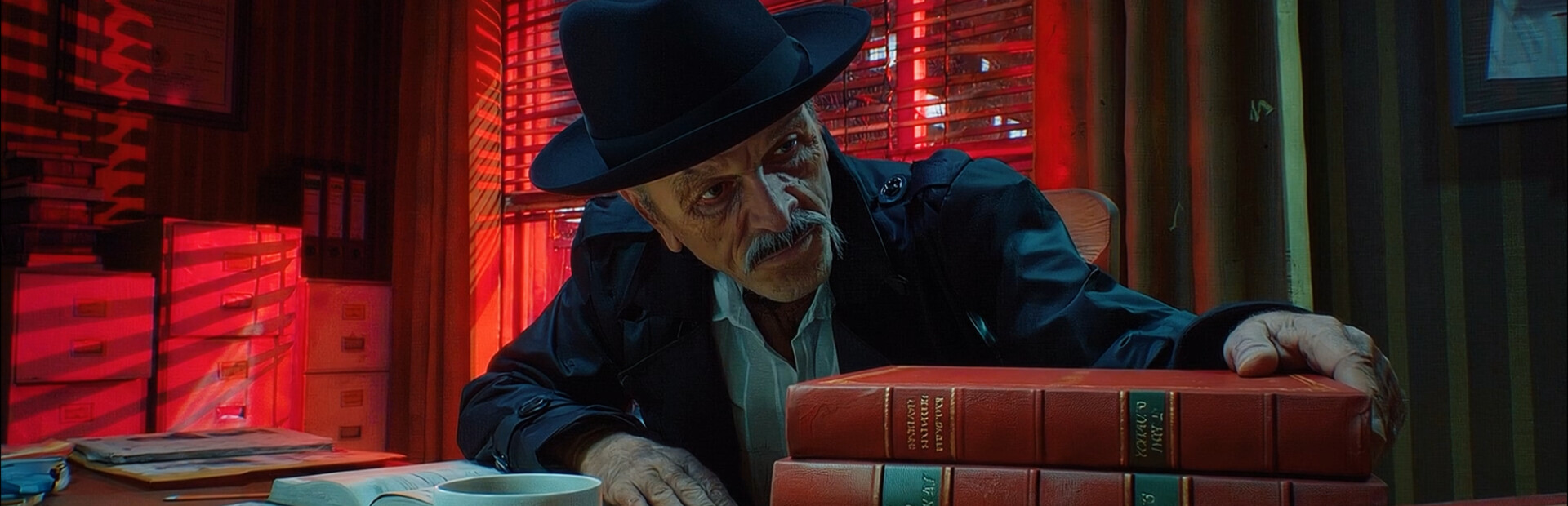
A story-driven psychological horror where you play as an investigative reporter drawn into a disturbing and dangerous case. Explore haunting, atmospheric environments, uncover hidden clues, solve intricate environmental puzzles, and confront the terrifying truth that was never meant to be revealed.
Studio Announcement
We are proud to announce the official launch of our new studio alongside our debut title, Panthom Veil. This project marks the beginning of our journey as an independent development team, driven by a passion for immersive storytelling and atmospheric horror experiences.
Thank you for supporting our first step into the industry.

About the Game
Step into the shoes of an investigative reporter drawn into a case that was never meant to be uncovered.
In Panthom Veil, you will explore a dark and unsettling environment where every clue hides a deeper truth. What begins as a routine investigation quickly spirals into something far more disturbing.
Uncover hidden secrets, solve intricate puzzles, and survive the psychological horror that lurks behind every shadow.
FEATURES:
• Story-driven investigative experience
• Immersive psychological horror atmosphere
• Environmental puzzles and hidden clues
• Tense exploration and narrative-focused gameplay
• Dark, cinematic presentation powered by Unreal Engine 5
The truth is buried beneath layers of fear.
Will you dare to reveal it?

From the store page, unedited. May contain spoilers.
This release
Reviews and playtime
2 user reviews
100% of 2
The game
Genres and features
How to install Phantom Veil
Pre-installed, so there is no setup wizard. Follow these in order.
- 01
Create a games folder
Make a folder like C:\Games\ and keep every game in it. Avoid Program Files, Downloads and the Desktop.
- 02
Exclude it from Windows Defender
Defender often deletes cracked files by mistake while they extract. Add C:\Games\ as an excluded folder:
Windows Security -> Virus & threat protection -> Manage settings -> Exclusions -> Add an exclusion -> Folder
- 03
Download into C:\Games\
Save the archive straight into that folder. This release is one 5.0 GB file.
- 04
Extract it there
Use 7-Zip or WinRAR. Keep about 11.0 GB free while it unpacks.
- One file
- Right-click it -> Extract here.
- Several parts
- Extract only part1 (or .001). The other parts are read automatically.
- 05
Open README.html
It is inside the extracted folder and explains how to start the game.
Still stuck? Read the install help
Download
Set up your games folder and the Defender exclusion before you extract. The Install tab has the steps.
FileDitch
The whole game in one file
Pixeldrain
The whole game in one file
Pixeldrain slows free downloads to a few MB/s. The Copy fast link button gives you a bypass link with no speed limit. Paste it into your download manager, or into your browser's address bar.
Gofile (legacy)
The whole game in one file
We don't accept fix requests when only one host is down. Please use another mirror above. Links broken? Let us know.
We never password-protect files or hide installers. If a page asks for a password or payment, that is the host's ad, not us. See our safety guide.
System requirements
- Min
- Windows 10 64-bit
- Rec
- Windows 10/11 64-bit
- Min
- Intel Core i5-8400 / AMD Ryzen 5 2600
- Rec
- Intel Core i7-10700K / AMD Ryzen 7 3700X
- Min
- 16 GB RAM
- Rec
- 32 GB RAM
- Min
- NVIDIA GTX 1060 6GB / AMD RX 580 8GB
- Rec
- NVIDIA RTX 3060 / AMD RX 6600 XT
- Min
- -
- Rec
- Version 12
- Min
- DirectX compatible
- Rec
- DirectX 12
- Min
- -
- Rec
- SSD required
5 GB available space
These are the developer's listed requirements and may not be 100% accurate. If your specs fall below the minimum, try the game anyway; many games run fine below the listed requirements. When in doubt, check YouTube for performance benchmarks.