Pipkin
Gregdude2025JRPG, RPG
415.8MBBuild 20674929Updated 76 days ago
About Pipkin
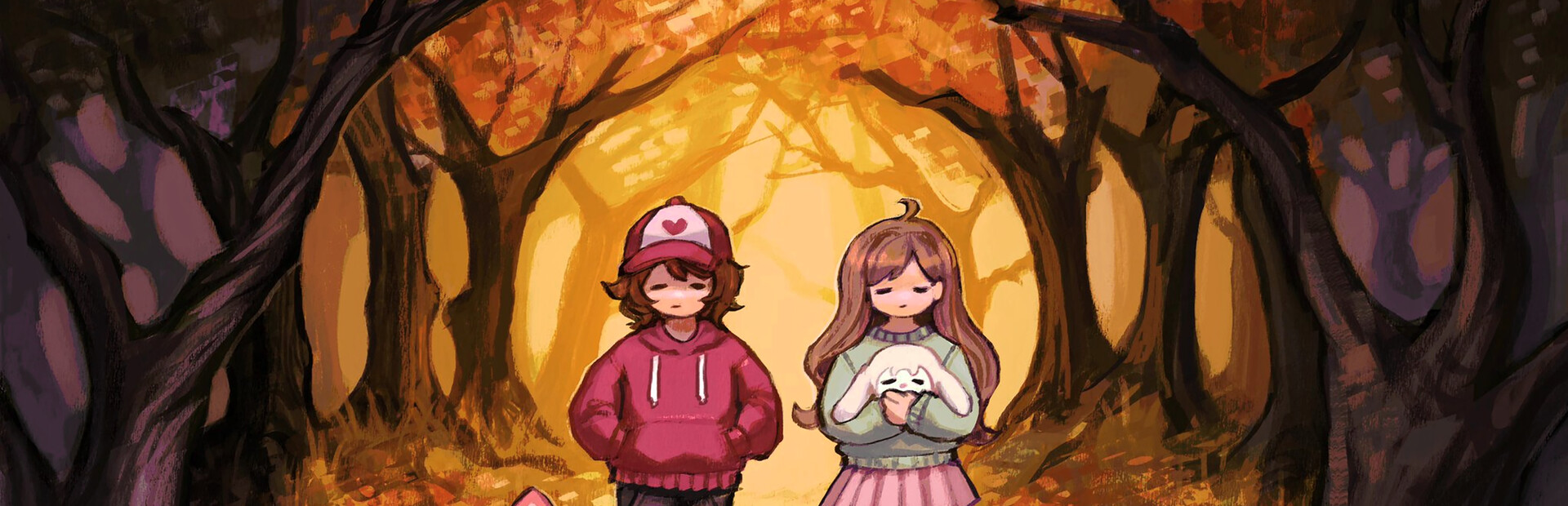
Explore a spooky, Halloween-themed world - make friends, dance with a turkey, or become a witch. Catch 60+ pipkin and fight alongside them as you explore the magical world of New Haven.

A Cute and Spooky Creature Collecting Game with a Fall / Halloween Aesthetic
An In-Depth Battle System: with ~250 moves, 15 elemental types, and 4 classes. Providing a wide variety of playstyles and replay value. (There is also a hard mode, for gamers who want an extra challenge)
Explore Unique and Colorful Areas: Explore moonlit forests, a witch academy, a fairytale town where people live in giant pumpkins, and more!
Create Your Own Character: Set your character's appearance, as well as their class and elemental type, giving every character a unique move-set and role in battles.
A Bloat-Free RPG Experience: Pipkin is designed to minimize filler content that is commonplace in RPGs. Wild encounters and grinding, for example, are largely optional, and unnecessary to beat the game.
Customizable Pace: Players can speed battle animations up to 4x speed, allowing players to breeze through battles as quickly, or as comfortably as they'd like.
Average Playthrough Length: 6-10 hours
From the store page, unedited. May contain spoilers.
This release
Reviews and playtime
Mostly Positive
79% of 34
The game
Genres and features
How to install Pipkin
Pre-installed, so there is no setup wizard. Follow these in order.
- 01
Create a games folder
Make a folder like C:\Games\ and keep every game in it. Avoid Program Files, Downloads and the Desktop.
- 02
Exclude it from Windows Defender
Defender often deletes cracked files by mistake while they extract. Add C:\Games\ as an excluded folder:
Windows Security -> Virus & threat protection -> Manage settings -> Exclusions -> Add an exclusion -> Folder
- 03
Download into C:\Games\
Save the archive straight into that folder. This release is one 415.8MB file.
- 04
Extract it there
Use 7-Zip or WinRAR. Keep about 914.8 MB free while it unpacks.
- One file
- Right-click it -> Extract here.
- Several parts
- Extract only part1 (or .001). The other parts are read automatically.
- 05
Open README.html
It is inside the extracted folder and explains how to start the game.
Still stuck? Read the install help
Download
Set up your games folder and the Defender exclusion before you extract. The Install tab has the steps.
FileDitch
The whole game in one file
FileQ
The whole game in one file
Pixeldrain
The whole game in one file
Pixeldrain slows free downloads to a few MB/s. The Copy fast link button gives you a bypass link with no speed limit. Paste it into your download manager, or into your browser's address bar.
Gofile (legacy)
The whole game in one file
We don't accept fix requests when only one host is down. Please use another mirror above. Links broken? Let us know.
We never password-protect files or hide installers. If a page asks for a password or payment, that is the host's ad, not us. See our safety guide.
System requirements
- Min
- Microsoft Windows 7 or later
- Rec
- Microsoft Windows 10
- Min
- 2 GB RAM
- Rec
- 4 GB RAM
500 MB available space
These are the developer's listed requirements and may not be 100% accurate. If your specs fall below the minimum, try the game anyway; many games run fine below the listed requirements. When in doubt, check YouTube for performance benchmarks.