ploink
Pyrocreep2026Pinball, Roguelike
96.5MBBuild 25671293Updated 11 days ago
About ploink
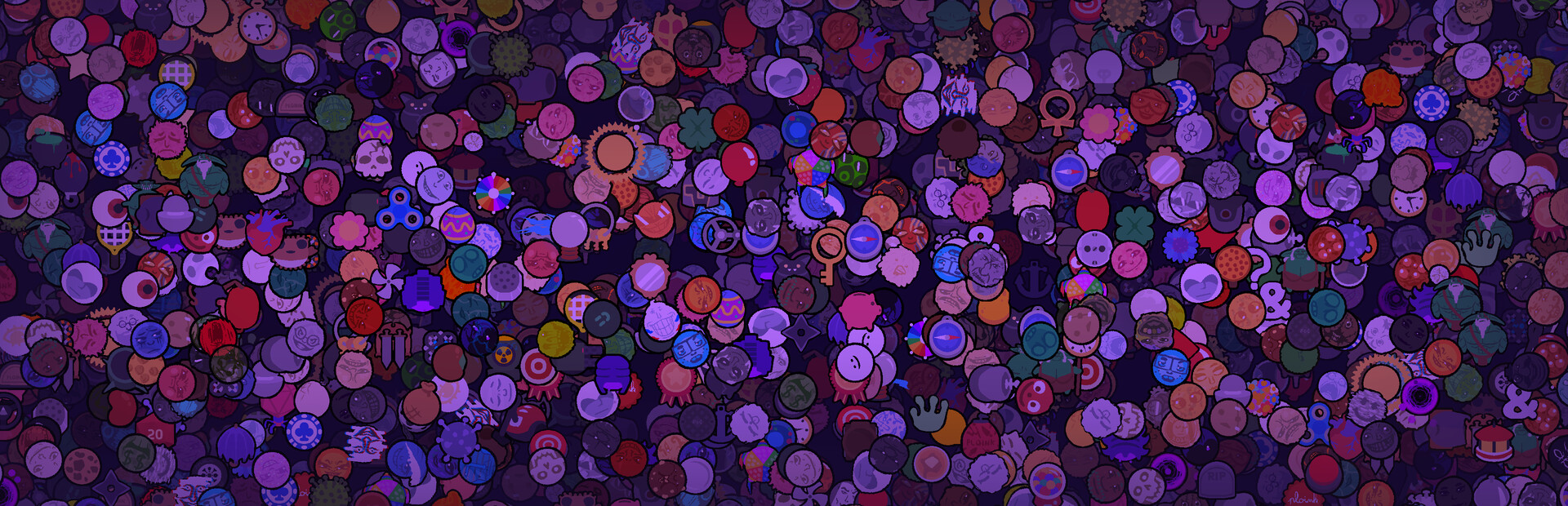
A chaotic plinko inspired roguelike with a focus on wacky items and creative setups. Design a board of random crap and fill the screen with balls and numbers. There are no bad items you just gotta figure out how to use them.
Place pegs, drop balls. ploink is all about building fun and creative Rube Goldberg style plinko boards to pass the score requirement.

DISCOVER WACKY ITEMS
With over 200 pegs and 100 balls, there's many crazy items to discover:
Pocket Dimensions you can place pegs inside of
Knight Helmets with built-in skill trees
Vaults that let you save pegs for another run
Virtual Pets you can feed to increase their score
Amalgamations that can combine multiple pegs together
Alternate Universes that open entire new runs
DESIGN CREATIVE SETUPS
There are no forced item interactions, every item is an open-ended component you can utilize to create unique builds:
Summon a bunch of balls and guide them to specific pegs using walls and obstacles
Generate money and shop items to buy whatever you want
Trap a ball to let your automatic pegs grant you score over time
Create a network of power giving pegs that all connect to a single peg
MAKE IT harder
Trinkets add modifiers and increase the score requirement, making the game harder. Boards add even more variety by switching up how you design your builds. Unlock trinkets and boards by winning runs:
20 Trinkets
6 Boards
ENCOUNTER BOSSES
Every few levels a boss will try to stop you, and with a colorful cast of 20 bosses you'll surely grow to hate at least one of them:
Hot serial killer
Cute frog summoner 🐸
Disturbing cheese god
Cool kamikaze uncle
Horrifying void entity
Busty goblin woman

From the store page, unedited. May contain spoilers.
This release
Reviews and playtime
Very Positive
96% of 103
The game
Genres and features
How to install ploink
Pre-installed, so there is no setup wizard. Follow these in order.
- 01
Create a games folder
Make a folder like C:\Games\ and keep every game in it. Avoid Program Files, Downloads and the Desktop.
- 02
Exclude it from Windows Defender
Defender often deletes cracked files by mistake while they extract. Add C:\Games\ as an excluded folder:
Windows Security -> Virus & threat protection -> Manage settings -> Exclusions -> Add an exclusion -> Folder
- 03
Download into C:\Games\
Save the archive straight into that folder. This release is one 96.5MB file.
- 04
Extract it there
Use 7-Zip or WinRAR. Keep about 212.3 MB free while it unpacks.
- One file
- Right-click it -> Extract here.
- Several parts
- Extract only part1 (or .001). The other parts are read automatically.
- 05
Open README.html
It is inside the extracted folder and explains how to start the game.
Still stuck? Read the install help
Download
Set up your games folder and the Defender exclusion before you extract. The Install tab has the steps.
FilesYard
The whole game in one file
FileDitch
The whole game in one file
VikingFile
The whole game in one file
We don't accept fix requests when only one host is down. Please use another mirror above. Links broken? Let us know.
We never password-protect files or hide installers. If a page asks for a password or payment, that is the host's ad, not us. See our safety guide.
System requirements
- Min
- Windows 10+
- Rec
- Windows 11
- Min
- 1 GB RAM
- Rec
- 2 GB RAM
- Min
- 200 MB
- Rec
- 400 MB
200 MB available space
These are the developer's listed requirements and may not be 100% accurate. If your specs fall below the minimum, try the game anyway; many games run fine below the listed requirements. When in doubt, check YouTube for performance benchmarks.