Prodigal
Colorgrave2020Dungeon Crawler, Puzzle
446 MBBuild 12310524Updated 249 days ago
About Prodigal
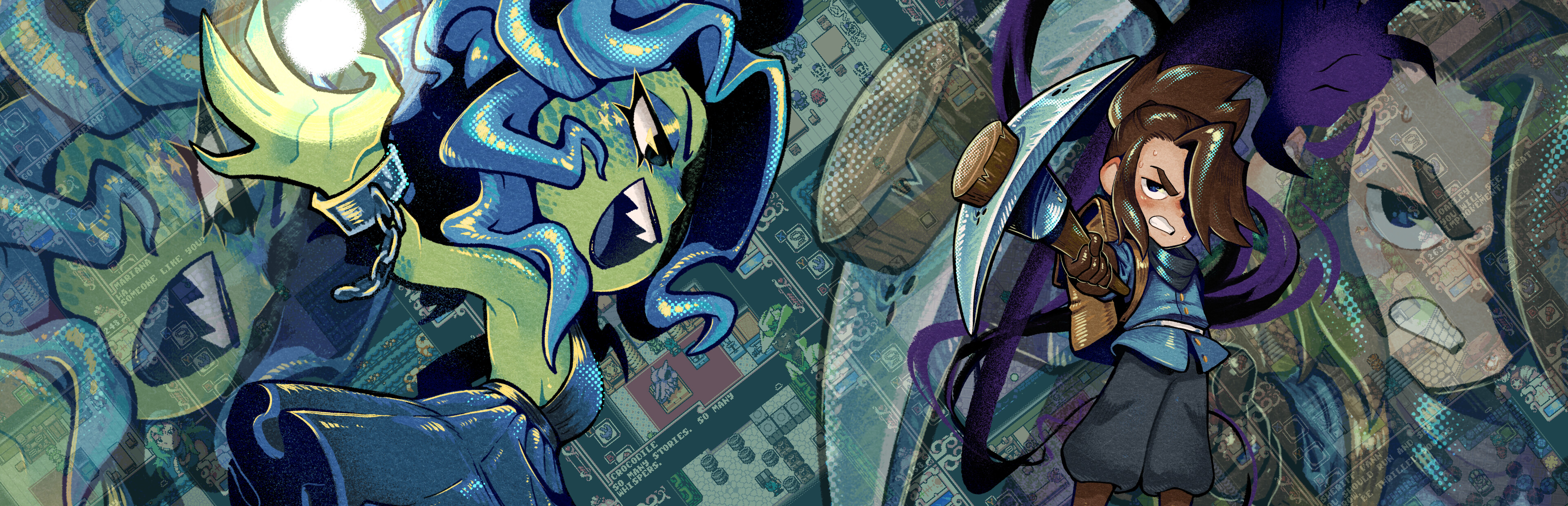
Journey through a vibrant world fighting vicious monsters, exploring puzzling dungeons, and collecting magical artifacts. Unravel the mysteries of Vann's Point and bond with all of its curious townsfolk!

ENCOUNTER dangerous monsters as you explore caves, castles, and crypts on journeying through your childhood home of Vann’s Point and beyond the world of Lyrian!

OVERCOME any challenge that stands between you and redemption on your return to a now unfamiliar childhood home. Face the sins of your past and reunite with friends from years past. Even ignite new relationships as you right the wrongs that haunt you!

DISCOVER mysterious secrets of those who came before as you collect fragments of long forgotten knowledge. Learn of dangerous prophecies and legends foretelling what is yet to come!

Countless ways to play: Chaos, Altars, Curses and more
A nostalgic hybrid chiptune/organic OST
Fun, story-building side quests
More than a dozen dungeons
Extensive post-game content
Over 24 hours of gameplay
10 pursuable relationships
Over 20 bosses
Plenty more!
From the store page, unedited. May contain spoilers.
This release
Reviews and playtime
Very Positive
90% of 609
The game
Genres and features
How to install Prodigal
Pre-installed, so there is no setup wizard. Follow these in order.
- 01
Create a games folder
Make a folder like C:\Games\ and keep every game in it. Avoid Program Files, Downloads and the Desktop.
- 02
Exclude it from Windows Defender
Defender often deletes cracked files by mistake while they extract. Add C:\Games\ as an excluded folder:
Windows Security -> Virus & threat protection -> Manage settings -> Exclusions -> Add an exclusion -> Folder
- 03
Download into C:\Games\
Save the archive straight into that folder. This release is one 446 MB file.
- 04
Extract it there
Use 7-Zip or WinRAR. Keep about 981.2 MB free while it unpacks.
- One file
- Right-click it -> Extract here.
- Several parts
- Extract only part1 (or .001). The other parts are read automatically.
- 05
Open README.html
It is inside the extracted folder and explains how to start the game.
Still stuck? Read the install help
Download
Set up your games folder and the Defender exclusion before you extract. The Install tab has the steps.
VikingFile
The whole game in one file
FileQ
The whole game in one file
Pixeldrain
The whole game in one file
Pixeldrain slows free downloads to a few MB/s. The Copy fast link button gives you a bypass link with no speed limit. Paste it into your download manager, or into your browser's address bar.
Gofile (legacy)
The whole game in one file
We don't accept fix requests when only one host is down. Please use another mirror above. Links broken? Let us know.
We never password-protect files or hide installers. If a page asks for a password or payment, that is the host's ad, not us. See our safety guide.
System requirements
- Min
- Windows 7 (SP1+) and Windows 10
- Min
- x86, x64 architecture with SSE2 instruction set support
- Min
- DX10, DX11, DX12 capable
- Min
- Version 10
- Min
- 324 MB available space
These are the developer's listed requirements and may not be 100% accurate. If your specs fall below the minimum, try the game anyway; many games run fine below the listed requirements. When in doubt, check YouTube for performance benchmarks.