
Push Push
1ceAgain2026Casual, Idle
422.4MBBuild 25258623Updated 78 days ago
About Push Push
Push Push is a cute and relaxing idle balloon game! Pump balloons, unlock adorable cats, and collect all kinds of quirky pumps and animal companions. Perfect for quick breaks and stress relief.
 PushPush is a desktop idle balloon-pumping game! Keep inflating balloons, unlock adorable cats, and collect all kinds of quirky pumps and animal companions.
Perfect for daily relaxation and stress relief.

· An infinitely growing tree, plus over 100 cute cats, balloons, pumps, and accessories — your desktop just got livelier!


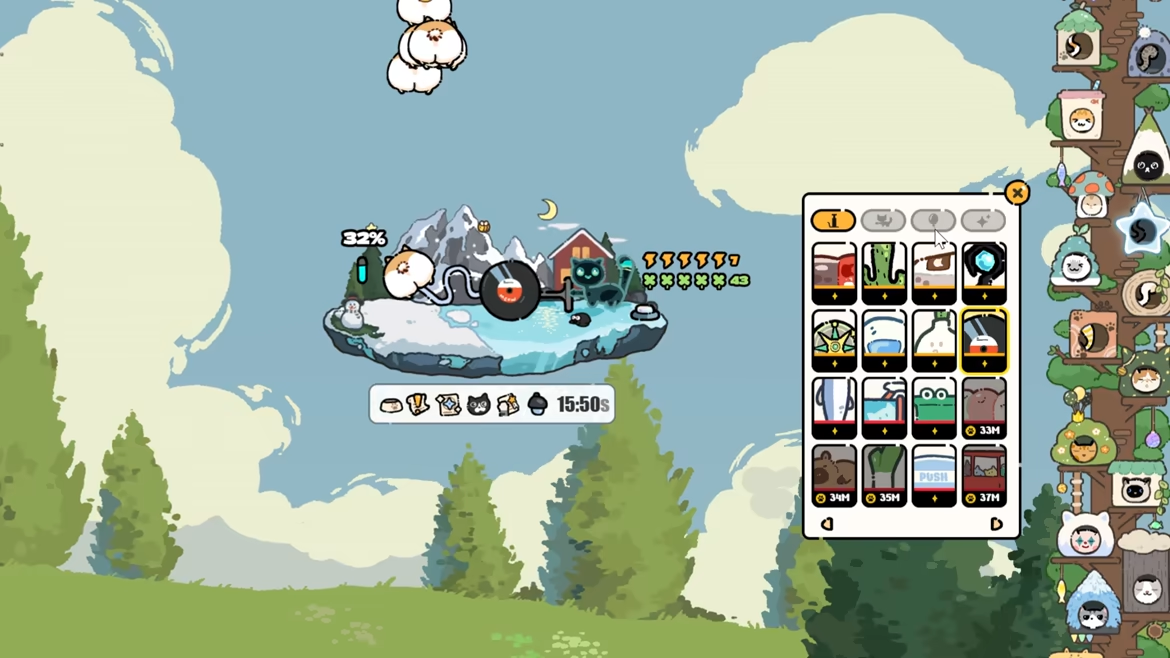

· No more boring idle! With Slacktail, Slackhoof, and other animal pals, you can arrange resources wisely and automate everything!

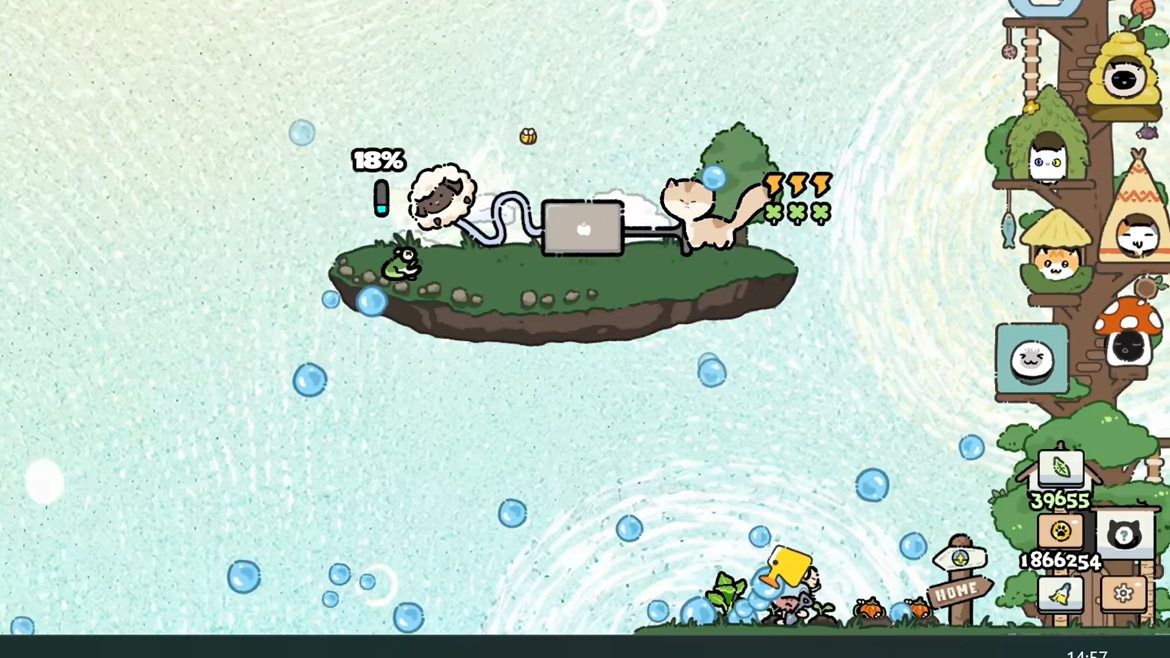

· Every cat has its own Stamina and Luck stats! The harder you pump, the faster stamina drops. Don't forget to farm and harvest on your desktop, and cook their favorite cat food cans!



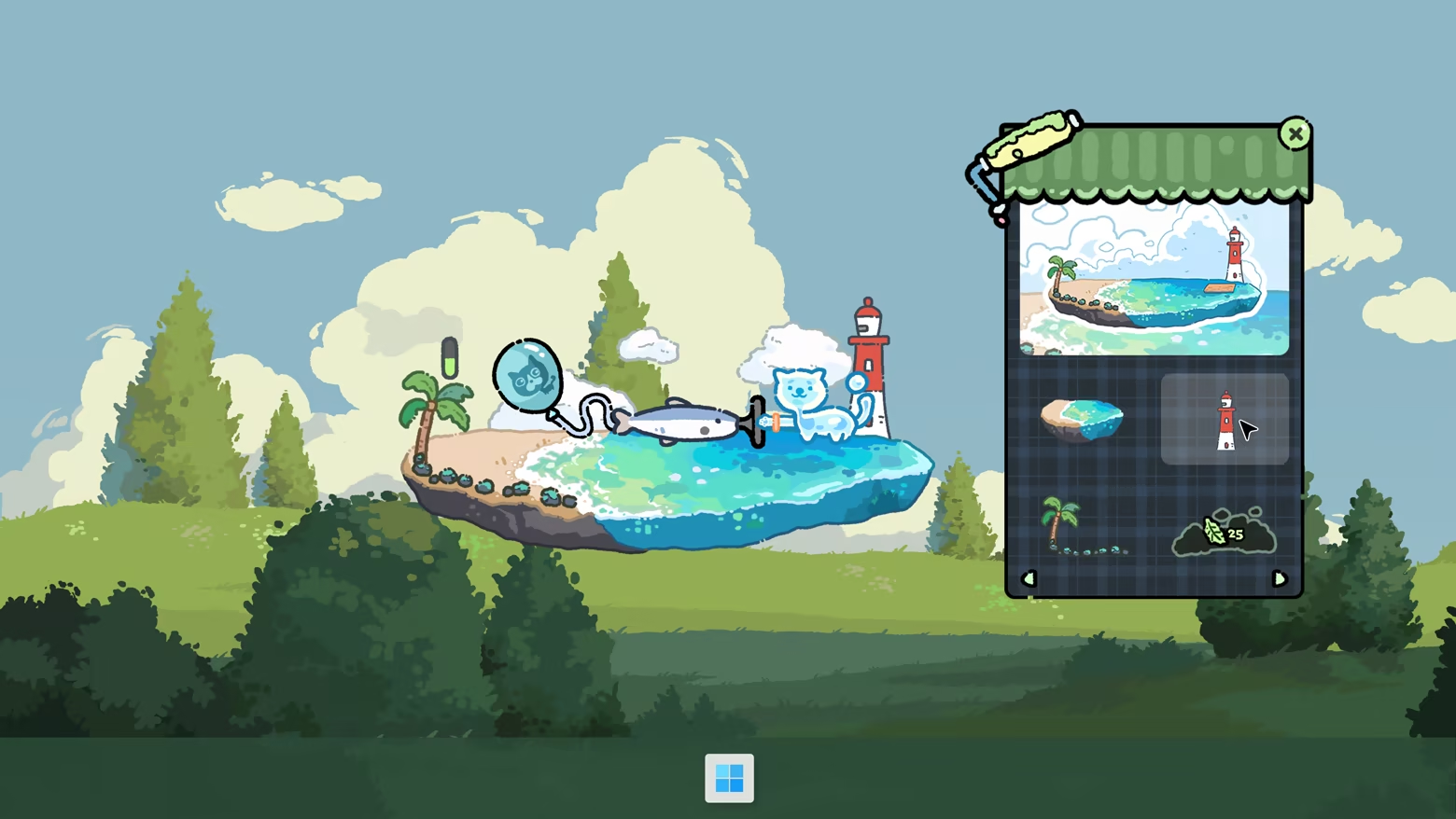
· Island skins are fully customizable! Choose from a variety of scenes to satisfy your love for decoration and curiosity!

· The thrill of going all-in is a must! Rocket Gacha stays with you from early to late game — the more rare items you put in, the more powerful it becomes!
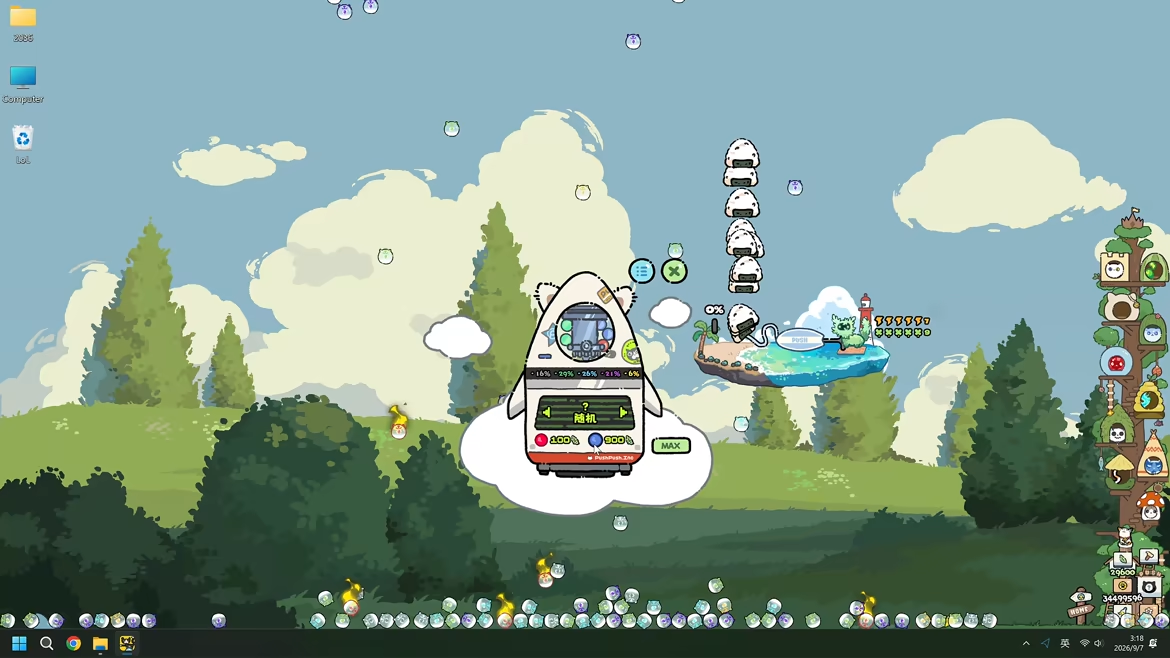

· Cats and their lab are always full of cute little stories! Take your time to explore and uncover them all!
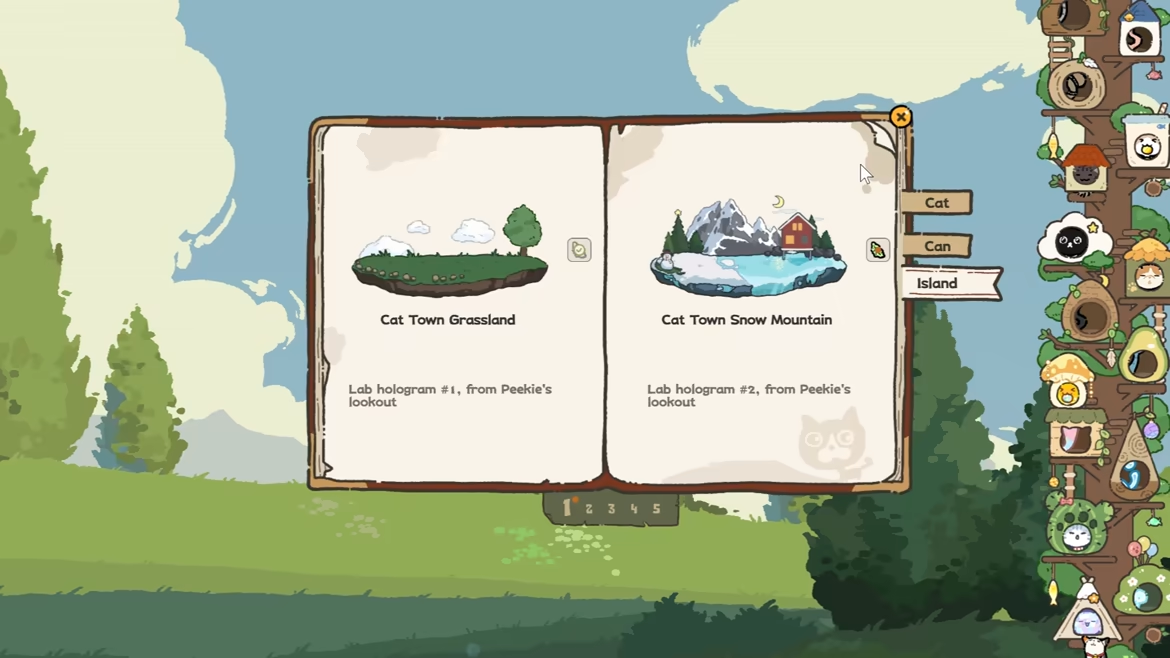

· Popping balloons is the most direct way to earn Meow Coins — but it’s not that "simple" either. Balloons can overclock into Gold or even Prismatic ones, so you’ll need to make smart decisions based on your cats’ Luck stats!


· One-click hide – accompany your work and study!

From the store page, unedited. May contain spoilers.
This release
Reviews and playtime
Very Positive
93% of 129
The game
Genres and features
How to install Push Push
Pre-installed, so there is no setup wizard. Follow these in order.
- 01
Create a games folder
Make a folder like C:\Games\ and keep every game in it. Avoid Program Files, Downloads and the Desktop.
- 02
Exclude it from Windows Defender
Defender often deletes cracked files by mistake while they extract. Add C:\Games\ as an excluded folder:
Windows Security -> Virus & threat protection -> Manage settings -> Exclusions -> Add an exclusion -> Folder
- 03
Download into C:\Games\
Save the archive straight into that folder. This release is one 422.4MB file.
- 04
Extract it there
Use 7-Zip or WinRAR. Keep about 929.3 MB free while it unpacks.
- One file
- Right-click it -> Extract here.
- Several parts
- Extract only part1 (or .001). The other parts are read automatically.
- 05
Open README.html
It is inside the extracted folder and explains how to start the game.
Still stuck? Read the install help
Download
Set up your games folder and the Defender exclusion before you extract. The Install tab has the steps.
FileDitch
The whole game in one file
FileQ
The whole game in one file
Pixeldrain
The whole game in one file
Pixeldrain slows free downloads to a few MB/s. The Copy fast link button gives you a bypass link with no speed limit. Paste it into your download manager, or into your browser's address bar.
Gofile (legacy)
The whole game in one file
We don't accept fix requests when only one host is down. Please use another mirror above. Links broken? Let us know.
We never password-protect files or hide installers. If a page asks for a password or payment, that is the host's ad, not us. See our safety guide.
System requirements
- Min
- Windows 10
- Min
- Intel i3
- Min
- 8 GB RAM
- Min
- GTX 1060 / RX 580
- Min
- 1 GB available space
These are the developer's listed requirements and may not be 100% accurate. If your specs fall below the minimum, try the game anyway; many games run fine below the listed requirements. When in doubt, check YouTube for performance benchmarks.