Sokpop Collective2026Action, Horror
1.3GBBuild 26403247Updated now
About Rat Game
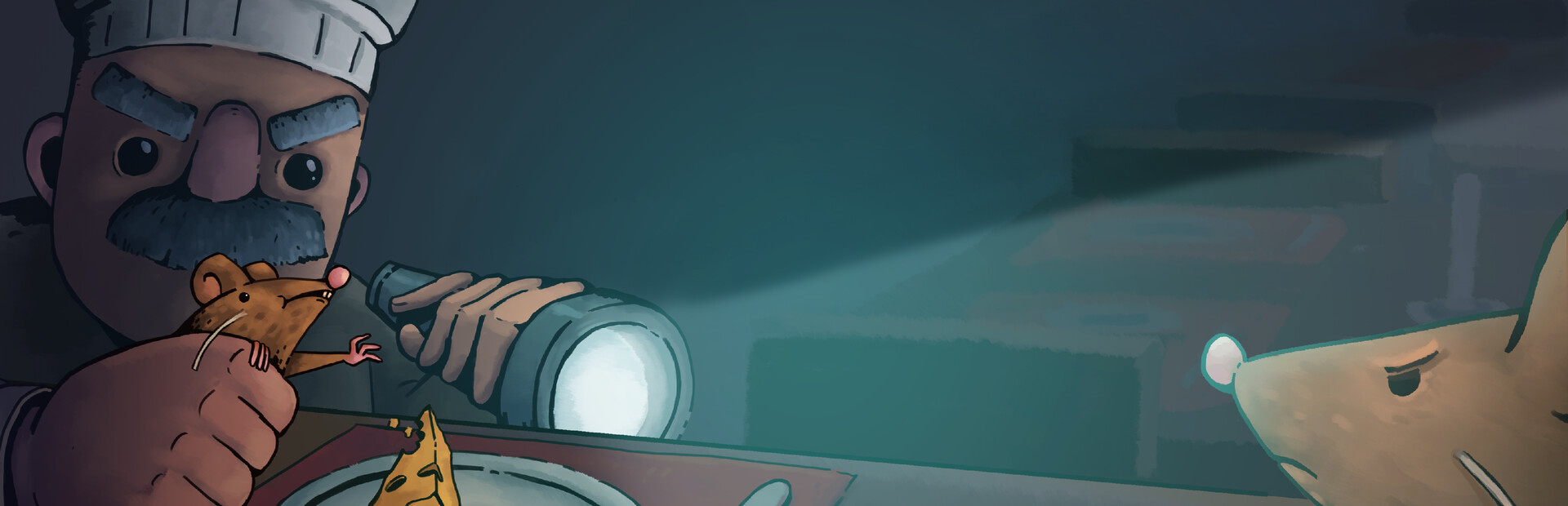
Asymmetrical horror comedy co-op for up to 8 players. Play either a pack of Rats trying to sabotage a restaurant, or the Chef determined to stop them.
OVERVIEW 📙
Asymmetrical online co-op with 1 Chef vs 2 to 7 Rats
Play against a human or robot-controlled Chef
Interconnected map filled with tasks & secrets
Around 3 hours of playtime
OH, RATS!!!!!!!!!🐀
Chef has been trying to exterminate the rats, leaving them no choice but to ruin his restaurant. Crawl through hidden shortcuts and hide in dark corners in a vast human-scale map. Work in teams of 2-8 to nibble through wires, clog the toilet, hack the PC – anything to get this place shut down for good!

YOU’RE COOKED!!!!!!👨🍳
Rats are destroying your treasured family restaurant. Stomp around listening for the tell-tale sound of scrabbling claws, waiting for the right moment to grab them and throw them in the cage. If all else fails, you also have a gun. Time for some pest control!

DEFEAT THE ROBO-CHEF!!!! 🤖
Co-op only mode sets you and your rat friends against the mighty mechanical Robo-Chef. He’s programmed to cook, clean… and to kill!

Rat Game is an asymmetrical comedy horror with a dynamic soundtrack, an interconnected map, squeaky proximity chat, and plenty of cheese. Last one standing wins.
From the store page, unedited. May contain spoilers.
This release
Reviews and playtime
Very Positive
92% of 492
The game
Genres and features
How to install Rat Game
Pre-installed, so there is no setup wizard. Follow these in order.
- 01
Create a games folder
Make a folder like C:\Games\ and keep every game in it. Avoid Program Files, Downloads and the Desktop.
- 02
Exclude it from Windows Defender
Defender often deletes cracked files by mistake while they extract. Add C:\Games\ as an excluded folder:
Windows Security -> Virus & threat protection -> Manage settings -> Exclusions -> Add an exclusion -> Folder
- 03
Download into C:\Games\
Save the archive straight into that folder. This release is one 1.3GB file.
- 04
Extract it there
Use 7-Zip or WinRAR. Keep about 2.9 GB free while it unpacks.
- One file
- Right-click it -> Extract here.
- Several parts
- Extract only part1 (or .001). The other parts are read automatically.
- 05
Open README.html
It is inside the extracted folder and explains how to start the game.
Still stuck? Read the install help
Download
Set up your games folder and the Defender exclusion before you extract. The Install tab has the steps.
FilesYard
The whole game in one file
VikingFile
The whole game in one file
We don't accept fix requests when only one host is down. Please use another mirror above. Links broken? Let us know.
We never password-protect files or hide installers. If a page asks for a password or payment, that is the host's ad, not us. See our safety guide.
System requirements
- Min
- Windows 8
- Rec
- -
- Min
- Dual Core 2 GHz
- Rec
- -
- Min
- 2 GB RAM
- Rec
- -
- Min
- DirectX11 compatible with at least 1GB of memory
- Rec
- -
- Min
- Version 11
- Rec
- -
- Min
- 1 GB available space
- Rec
- -
These are the developer's listed requirements and may not be 100% accurate. If your specs fall below the minimum, try the game anyway; many games run fine below the listed requirements. When in doubt, check YouTube for performance benchmarks.