Red Light
LampDog Studio2025Shooter, Horror
1.1 GBBuild 22968051Updated 161 days ago
About Red Light
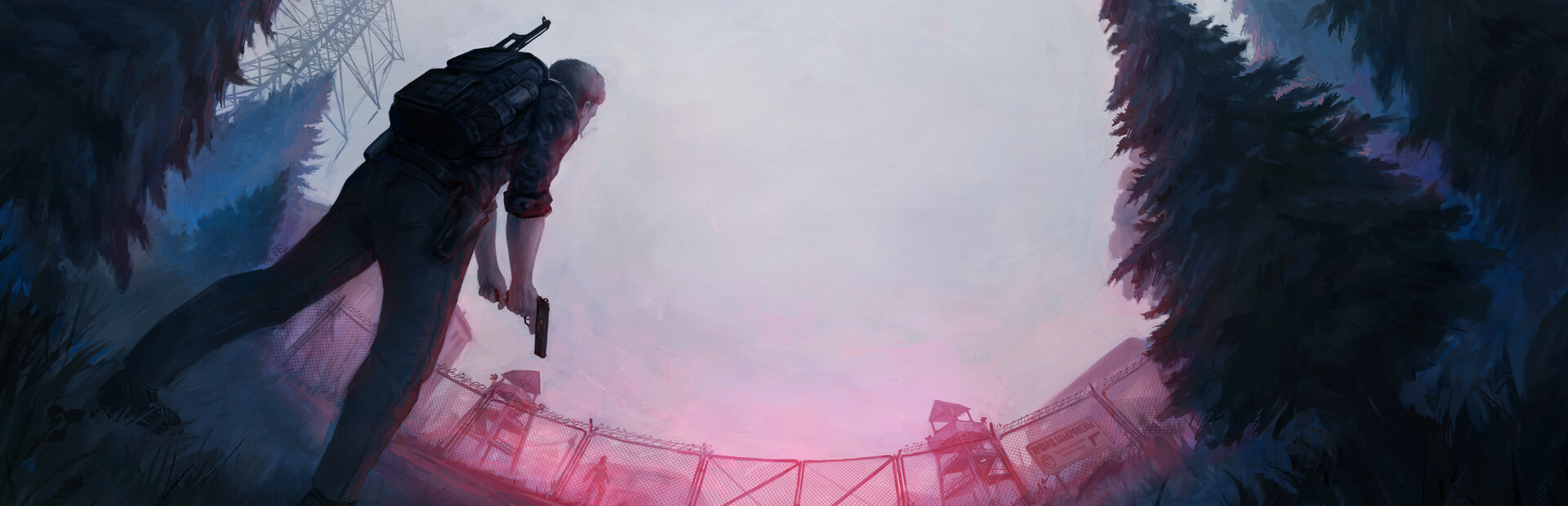
Red Light is a retro-styled extraction shooter where you take a mission to raid an abandoned Soviet R&D Institute filled with mercenaries and living results of human experiments to solve the mystery of your disappeared brother.

You are Max, on a mission to find your missing brother. Your only lead takes you to an old Soviet R&D Institute, now taken over by mercenaries and creepy results of human experiments.
Fight your way through enemies, complete quests, and go deeper underground with each level. The more you explore, the more secrets you uncover about what really happened here.
Gear up, stay sharp, and get ready for a dangerous journey into the unknown.
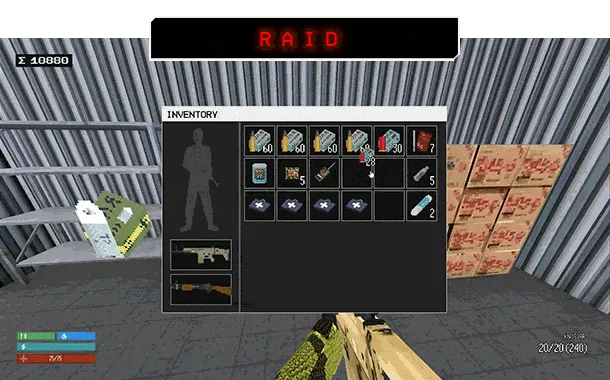
Fight against monsters, mercenaries and bosses as you head into an abandoned mega structure.

Search every corner for useful gear, supplies, and valuables. Everything you find can help you survive — or be sold later for profit.

Stock up on food, water, ammo, and meds. Once you are inside, you are on your own until exits open. Complete tasks, find better gear and upgrade your stats to improve your chances for the next raid.

Make it to the exfil point to keep your loot — or die and lose everything you found and brought with you.
From the store page, unedited. May contain spoilers.
This release
Reviews and playtime
Mixed
55% of 53
The game
Genres and features
How to install Red Light
Pre-installed, so there is no setup wizard. Follow these in order.
- 01
Create a games folder
Make a folder like C:\Games\ and keep every game in it. Avoid Program Files, Downloads and the Desktop.
- 02
Exclude it from Windows Defender
Defender often deletes cracked files by mistake while they extract. Add C:\Games\ as an excluded folder:
Windows Security -> Virus & threat protection -> Manage settings -> Exclusions -> Add an exclusion -> Folder
- 03
Download into C:\Games\
Save the archive straight into that folder. This release is one 1.1 GB file.
- 04
Extract it there
Use 7-Zip or WinRAR. Keep about 2.4 GB free while it unpacks.
- One file
- Right-click it -> Extract here.
- Several parts
- Extract only part1 (or .001). The other parts are read automatically.
- 05
Open README.html
It is inside the extracted folder and explains how to start the game.
Still stuck? Read the install help
Download
Set up your games folder and the Defender exclusion before you extract. The Install tab has the steps.
FileDitch
The whole game in one file
FileQ
The whole game in one file
Pixeldrain
The whole game in one file
Pixeldrain slows free downloads to a few MB/s. The Copy fast link button gives you a bypass link with no speed limit. Paste it into your download manager, or into your browser's address bar.
We don't accept fix requests when only one host is down. Please use another mirror above. Links broken? Let us know.
We never password-protect files or hide installers. If a page asks for a password or payment, that is the host's ad, not us. See our safety guide.
System requirements
- Min
- Ryzen 3
- Rec
- AMD Ryzen 5 6500
- Min
- 8 GB RAM
- Rec
- 16 GB RAM
- Min
- Radeon Vega Mobile GFX
- Rec
- AMD Radeon HD 6450 / NVIDIA GeForce GT 710 / GTX 460
- Min
- Version 9.0
- Rec
- Version 11
Windows 10 64-bit
1 GB available space
These are the developer's listed requirements and may not be 100% accurate. If your specs fall below the minimum, try the game anyway; many games run fine below the listed requirements. When in doubt, check YouTube for performance benchmarks.