REDCON
Hexage2016Strategy, Indie
237.4 MBBuild 16964662Updated 176 days ago
About REDCON
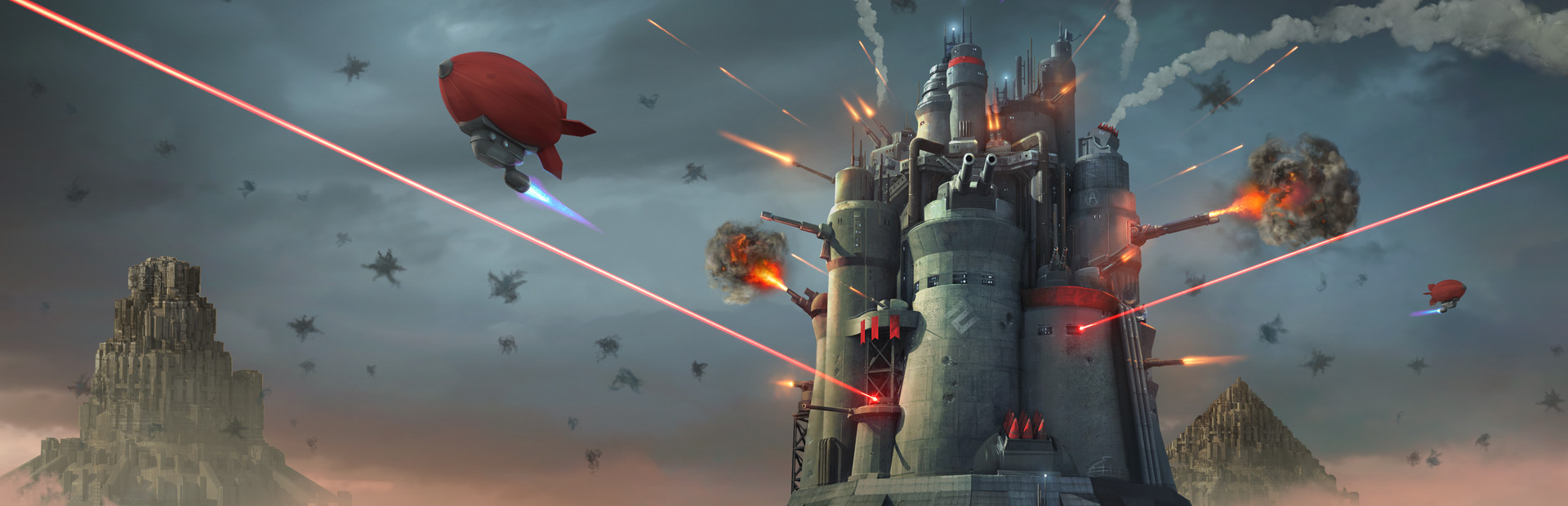
Command your own fortress in FTL-like real-time battles! Crush the enemy fortress with unrelenting bombardment or seize it with carefully executed invasion.
Major Update 2.0
New World Map to replay levels throughout the campaign.
Enhanced graphics quality with sharper, clearer visuals.
High refresh rate support for buttery smooth animations.
Various bug fixes and optimizations.
About the Game
COMMAND YOUR OWN FORTRESS
Crush the enemy fortress with unrelenting bombardment or seize it with surprise invasion!

Strategic FTL-like real-time battles involve choosing enemy systems to target, while balancing ammo, power and manpower to keep your fortress functioning.
Order your crew to put out fires, repair and operate machinery and fight off intruders.
★ Build and customize your battle fortress as you wish
★ Use Active Pause to freeze time and issue multiple orders instantly
★ Command vast arsenal of weapons, from individual soldiers to superguns
★ Infiltrate, Annihilate or grind your targets down through Attrition

Set in the dystopian steampunk future in which the First World War never ended, humanity knows only war and bombardment.
You are a Strike Commander, tasked by Fuhrer of the Empire State to spearhead an artillery offensive against Traitor General Kranz. You might be the one to end all wars.
Customize and manage your battle fortress.
Grow and upgrade your arsenal of weapons and utility facilities, then place them in different slots of your fortress layout.
You are in command.
Target your guns and command your soldiers. Active Pause allows you to freeze time and issue multiple orders simultaneously. Put out fires, repair damaged weapons and unleash orchestrated assaults on your opponent.
Get rewards for victory.
Gain new fortress layouts as you conquer the rogue state of Krux, earn medals and perks to aid you in battle.
From the store page, unedited. May contain spoilers.
This release
Reviews and playtime
Very Positive
85% of 812
The game
Genres and features
How to install REDCON
Pre-installed, so there is no setup wizard. Follow these in order.
- 01
Create a games folder
Make a folder like C:\Games\ and keep every game in it. Avoid Program Files, Downloads and the Desktop.
- 02
Exclude it from Windows Defender
Defender often deletes cracked files by mistake while they extract. Add C:\Games\ as an excluded folder:
Windows Security -> Virus & threat protection -> Manage settings -> Exclusions -> Add an exclusion -> Folder
- 03
Download into C:\Games\
Save the archive straight into that folder. This release is one 237.4 MB file.
- 04
Extract it there
Use 7-Zip or WinRAR. Keep about 522.3 MB free while it unpacks.
- One file
- Right-click it -> Extract here.
- Several parts
- Extract only part1 (or .001). The other parts are read automatically.
- 05
Open README.html
It is inside the extracted folder and explains how to start the game.
Still stuck? Read the install help
Download
Set up your games folder and the Defender exclusion before you extract. The Install tab has the steps.
FileDitch
The whole game in one file
FileQ
The whole game in one file
Gofile (legacy)
The whole game in one file
We don't accept fix requests when only one host is down. Please use another mirror above. Links broken? Let us know.
We never password-protect files or hide installers. If a page asks for a password or payment, that is the host's ad, not us. See our safety guide.
System requirements
- Min
- Windows 8
- Rec
- -
- Min
- 2 Ghz
- Rec
- -
- Min
- 4 GB RAM
- Rec
- -
- Min
- DirectX 11.1
- Rec
- -
- Min
- Version 11
- Rec
- -
- Min
- 200 MB available space
- Rec
- -
These are the developer's listed requirements and may not be 100% accurate. If your specs fall below the minimum, try the game anyway; many games run fine below the listed requirements. When in doubt, check YouTube for performance benchmarks.