
LEAP Game Studios2026Horror, Management
807.1MBBuild 25108183Updated 58 days ago
About Retail Hell
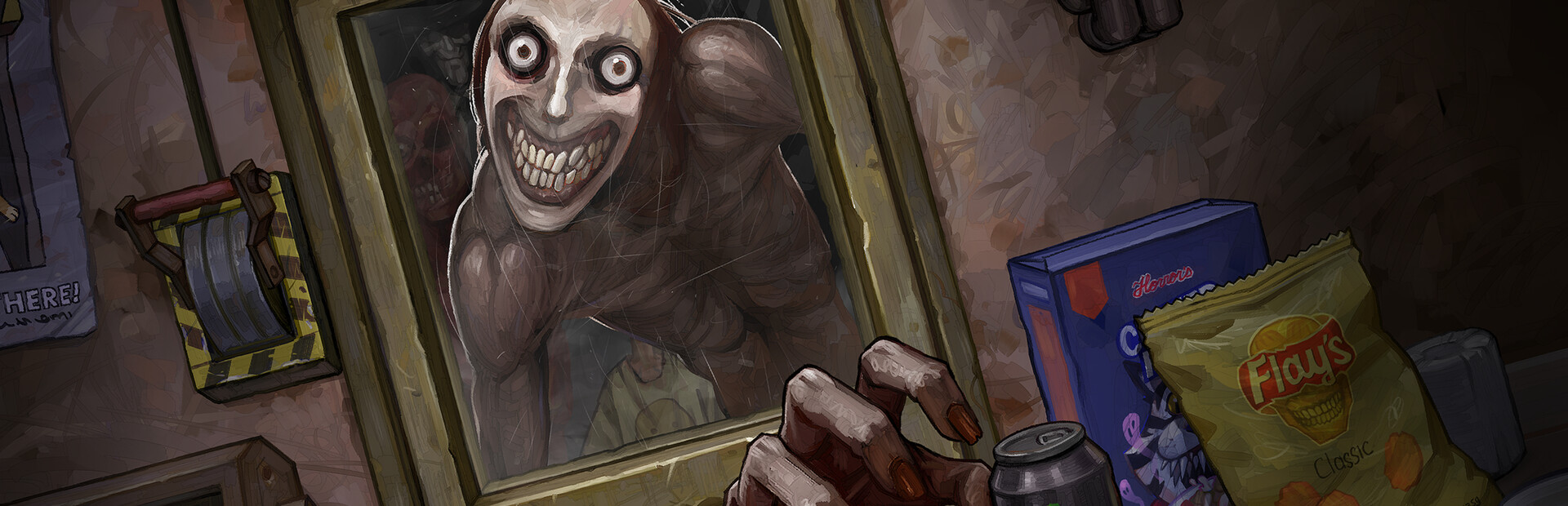
Trapped in an infinite shift, you are the sole clerk of purgatory’s only convenience store. Manage stock, pay your taxes and keep nightmarish creatures at bay as you uncover the secret of why your shift never ends. Clock in. Serve the dead. Survive the shift.
WELCOME TO RETAIL HELL
Clock in at the only convenience store in the liminal void between life and death. Juggle supernatural customer service, collapsing inventory, and unravel the truth behind your own damnation.
As an overworked clerk stuck in a literal dead-end job you'll have to deal with the unpredictable threats of the abyss and manage your stock in order to pay your debt to the faceless management.
In this psychological horror job simulator, the mundane is your lifeline. If the store goes under, your soul goes with it.
EMPLOYEE HANDBOOK
Run your store
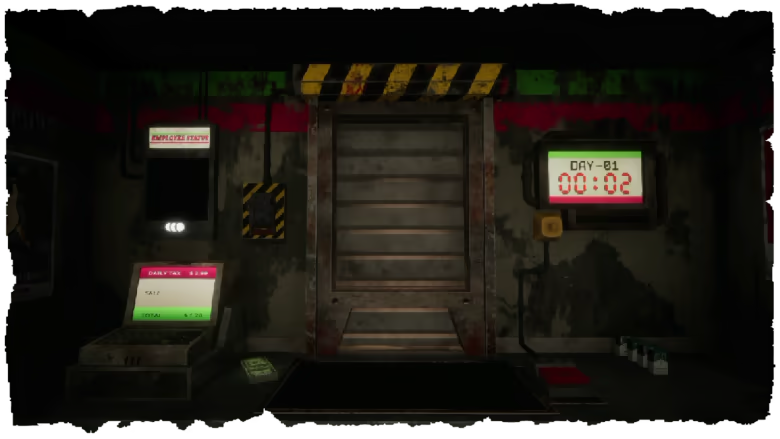
Keep the coffee brewing, make hot dogs, maintain your machinery and keep your store tidy. Be ready for anything.The customer is always right (even the dead ones)
Fulfil strange requests from a roster of grotesque entities while avoiding reality-warping curses and unexpected eldritch side effects.
Serve them quickly and you might get a tip, or upset them and face the consequences.Survive the shift
Manage your resources, trade for grisly upgrades, keep your shelves stocked and decipher cryptic orders from the dead.


UNCOVER YOUR PAST
This isn't just a job; it's a prison. Uncover the sins of your past life (and death) to understand why you’re trapped in this fluorescent-lit corner of the afterlife.
With multiple endings to discover, will you piece together the mystery of your purgatory and break the cycle, or are you doomed to forever be employee of the month?
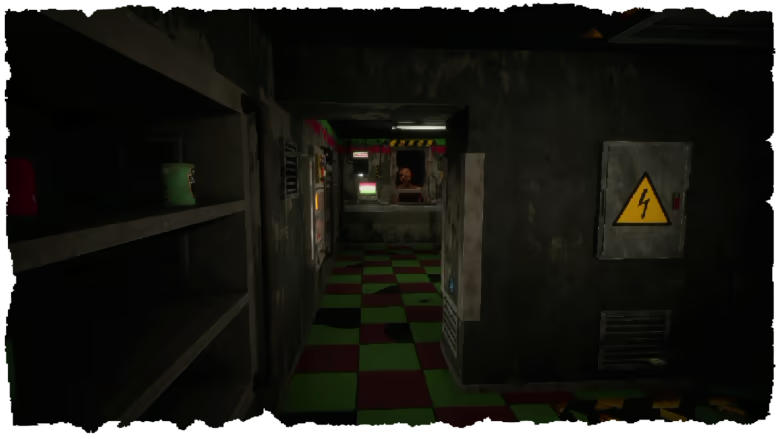
From the store page, unedited. May contain spoilers.
This release
Reviews and playtime
Overwhelmingly Positive
95% of 639
The game
Genres and features
How to install Retail Hell
Pre-installed, so there is no setup wizard. Follow these in order.
- 01
Create a games folder
Make a folder like C:\Games\ and keep every game in it. Avoid Program Files, Downloads and the Desktop.
- 02
Exclude it from Windows Defender
Defender often deletes cracked files by mistake while they extract. Add C:\Games\ as an excluded folder:
Windows Security -> Virus & threat protection -> Manage settings -> Exclusions -> Add an exclusion -> Folder
- 03
Download into C:\Games\
Save the archive straight into that folder. This release is one 807.1MB file.
- 04
Extract it there
Use 7-Zip or WinRAR. Keep about 1.7 GB free while it unpacks.
- One file
- Right-click it -> Extract here.
- Several parts
- Extract only part1 (or .001). The other parts are read automatically.
- 05
Open README.html
It is inside the extracted folder and explains how to start the game.
Still stuck? Read the install help
Download
Set up your games folder and the Defender exclusion before you extract. The Install tab has the steps.
FileDitch
The whole game in one file
VikingFile
The whole game in one file
0807
The whole game in one file
We don't accept fix requests when only one host is down. Please use another mirror above. Links broken? Let us know.
We never password-protect files or hide installers. If a page asks for a password or payment, that is the host's ad, not us. See our safety guide.
System requirements
- Min
- Windows 10 (64-bit)
- Min
- Intel Core i5-8400 or AMD Ryzen 5 2600
- Min
- 8 GB RAM
- Min
- NVIDIA GeForce GTX 1060 (6 GB) or AMD Radeon RX 580 (8 GB)
- Min
- Version 11
- Min
- 6 GB available space
These are the developer's listed requirements and may not be 100% accurate. If your specs fall below the minimum, try the game anyway; many games run fine below the listed requirements. When in doubt, check YouTube for performance benchmarks.