
Rhythia
Capo Games2026Rhythm, Casual
423.8MBBuild 26184811Updated 24 days ago
About Rhythia
Rhythia is a Casual game developed and published by Capo Games. It was released on Steam on 20 Feb, 2026. This game is no longer listed on the Steam store, so the original store description is not available.
Rhythia on Steam, compared to other open source alternatives and implementations, is a completely new and refreshed client that aims to bring online and community features. The goal is to develop and improve on the familiar gameplay concept. More information and links are available on the Rhythia portal.

Rhythia is a game in which you aim and hit musical beats with precision. You will be targeting blocks, mastering timing, building combos, perfecting your accuracy and climbing leaderboards.
In the beginning you will find yourself learning the 3x3 grid layout, aiming at individual blocks and building basic combos by hand, but in short time you can become a rhythm master, with flawless accuracy, perfect timing and seamless aim transitions, all for those satisfying perfect scores. This intense focus on precision and timing rewards dedicated practice, so you will need to develop your aim and musical reflexes to achieve mastery.
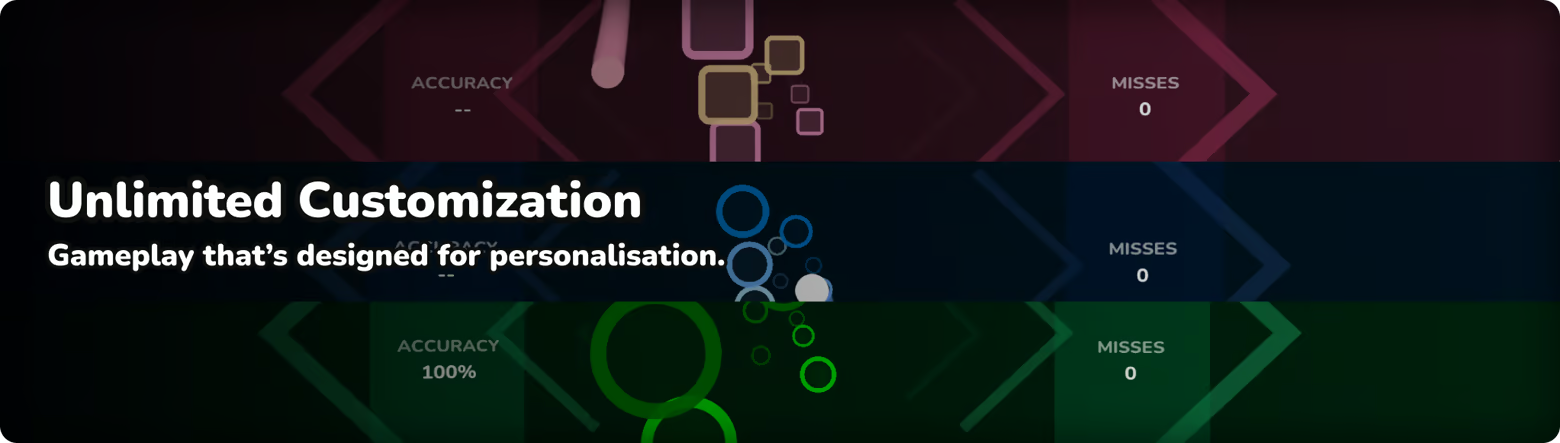
Rhythia offers players unlimited customization of the game - to the smallest detail of gameplay, game interface and elements. It comes bundled with existing shapes, models and presets for you to choose from, and build your own experience.
From the store page, unedited. May contain spoilers.
This release
Reviews and playtime
Very Positive
86% of 2,979
The game
Genres and features
How to install Rhythia
Pre-installed, so there is no setup wizard. Follow these in order.
- 01
Create a games folder
Make a folder like C:\Games\ and keep every game in it. Avoid Program Files, Downloads and the Desktop.
- 02
Exclude it from Windows Defender
Defender often deletes cracked files by mistake while they extract. Add C:\Games\ as an excluded folder:
Windows Security -> Virus & threat protection -> Manage settings -> Exclusions -> Add an exclusion -> Folder
- 03
Download into C:\Games\
Save the archive straight into that folder. This release is one 423.8MB file.
- 04
Extract it there
Use 7-Zip or WinRAR. Keep about 932.4 MB free while it unpacks.
- One file
- Right-click it -> Extract here.
- Several parts
- Extract only part1 (or .001). The other parts are read automatically.
- 05
Open README.html
It is inside the extracted folder and explains how to start the game.
Still stuck? Read the install help
Download
Set up your games folder and the Defender exclusion before you extract. The Install tab has the steps.
FilesYard
The whole game in one file
FileDitch
The whole game in one file
VikingFile
The whole game in one file
We don't accept fix requests when only one host is down. Please use another mirror above. Links broken? Let us know.
We never password-protect files or hide installers. If a page asks for a password or payment, that is the host's ad, not us. See our safety guide.
System requirements
- Min
- 10
- Rec
- 11
- Min
- Intel Core i3-10100
- Rec
- Intel Core i5-12400
- Min
- 2048 MB RAM
- Rec
- 4096 MB RAM
GTX 1050
200 MB available space
These are the developer's listed requirements and may not be 100% accurate. If your specs fall below the minimum, try the game anyway; many games run fine below the listed requirements. When in doubt, check YouTube for performance benchmarks.