ROGUE LIGHT DECK BUILDER
Gil Lawson2025Roguelike, Rhythm
1.2 GBBuild 17824612Updated 249 days ago
About ROGUE LIGHT DECK BUILDER
Your house needs a deck. You have a hammer. Freedom is $1,000,000.
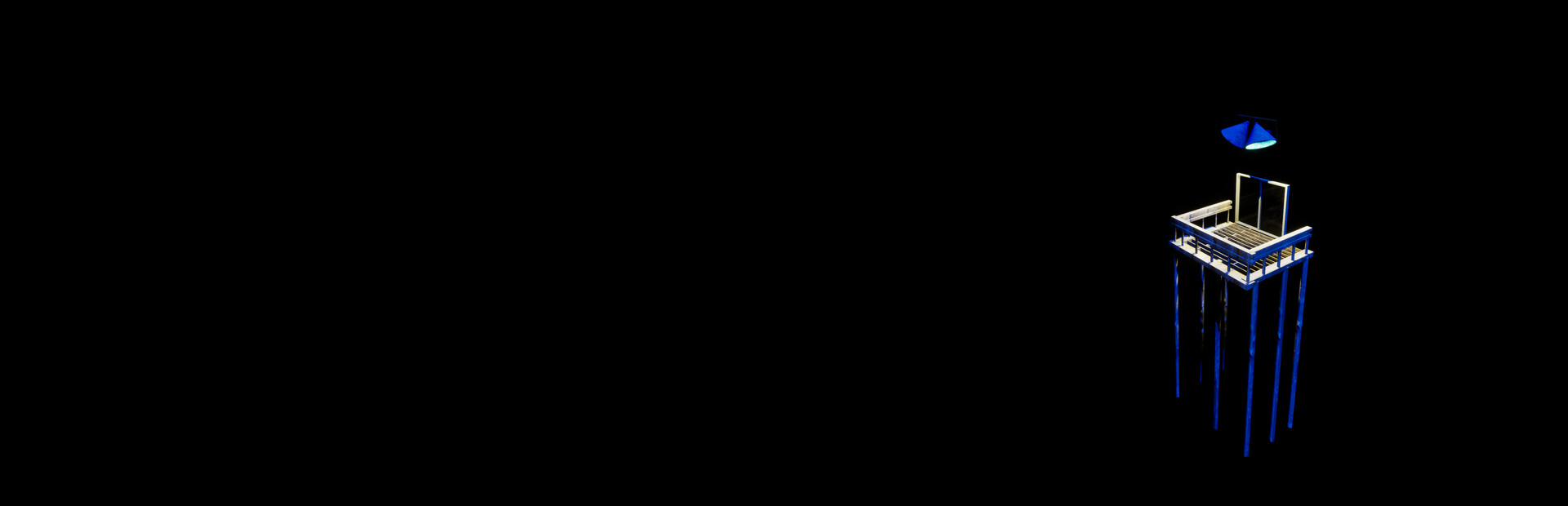
Your house needs a deck. You have a hammer. You have wood and you have nails. The light outside is faulty. You work, you earn. Freedom is $1,000,000.
Build a deck. Use your hammer. Drive the nails in. Scrimp and save. Freedom is just around the corner.
Upgrade your hammer, your hand, your nails. Squash a bug. Upgrade the bug. Squash it again. Say it with me: "Freedom is just around the corner."
Keep your streak alive. The light is blinking. Listen to your nails. Cash out. $1,000,000, remember? Step by step. Hit your hand. Ignore the pain. Just around the corner.
Features:
- achingly-detailed physical simulations of swinging a hammer around to whang on some nails
- numerous upgrades and build paths
- cash planks
- loving husband
- run-based gameplay with random elements to mix it up
- achievements
- leaderboards
- endless mode
From the store page, unedited. May contain spoilers.
This release
Reviews and playtime
Very Positive
94% of 901
The game
Genres and features
How to install ROGUE LIGHT DECK BUILDER
Pre-installed, so there is no setup wizard. Follow these in order.
- 01
Create a games folder
Make a folder like C:\Games\ and keep every game in it. Avoid Program Files, Downloads and the Desktop.
- 02
Exclude it from Windows Defender
Defender often deletes cracked files by mistake while they extract. Add C:\Games\ as an excluded folder:
Windows Security -> Virus & threat protection -> Manage settings -> Exclusions -> Add an exclusion -> Folder
- 03
Download into C:\Games\
Save the archive straight into that folder. This release is one 1.2 GB file.
- 04
Extract it there
Use 7-Zip or WinRAR. Keep about 2.6 GB free while it unpacks.
- One file
- Right-click it -> Extract here.
- Several parts
- Extract only part1 (or .001). The other parts are read automatically.
- 05
Open README.html
It is inside the extracted folder and explains how to start the game.
Still stuck? Read the install help
Download
Set up your games folder and the Defender exclusion before you extract. The Install tab has the steps.
VikingFile
The whole game in one file
FileQ
The whole game in one file
Pixeldrain
The whole game in one file
Pixeldrain slows free downloads to a few MB/s. The Copy fast link button gives you a bypass link with no speed limit. Paste it into your download manager, or into your browser's address bar.
Gofile (legacy)
The whole game in one file
Datavaults.co
The whole game in one file
Ranoz.gg
The whole game in one file
Bowfile
The whole game in one file
We don't accept fix requests when only one host is down. Please use another mirror above. Links broken? Let us know.
We never password-protect files or hide installers. If a page asks for a password or payment, that is the host's ad, not us. See our safety guide.
System requirements
- Min
- Windows 10 version 1703 (Creators Update)
- Rec
- Windows 10 64-bit version 1909 revision .1350 or higher, or versions 2004 and 20H2 revision .789 or higher
- Min
- i3-12100F or equivalent.
- Rec
- Quad-core Intel or AMD, 2.5 GHz or faster.
- Min
- GeForce GTX 1050, RX 6400 or equivalent
- Rec
- GeForce RTX 2060 or equivalent
- Min
- Version 11
- Rec
- Version 12
- Min
- For DirectX 11 compatibility, please change the game's branch to "dx11" in Properties>Betas.
- Rec
- -
8 GB RAM
2 GB available space
These are the developer's listed requirements and may not be 100% accurate. If your specs fall below the minimum, try the game anyway; many games run fine below the listed requirements. When in doubt, check YouTube for performance benchmarks.