Horizont Computergrafik2026Card Game, Roguelike
289.1MBBuild 25584328Updated 39 days ago
About Rogue Voltage
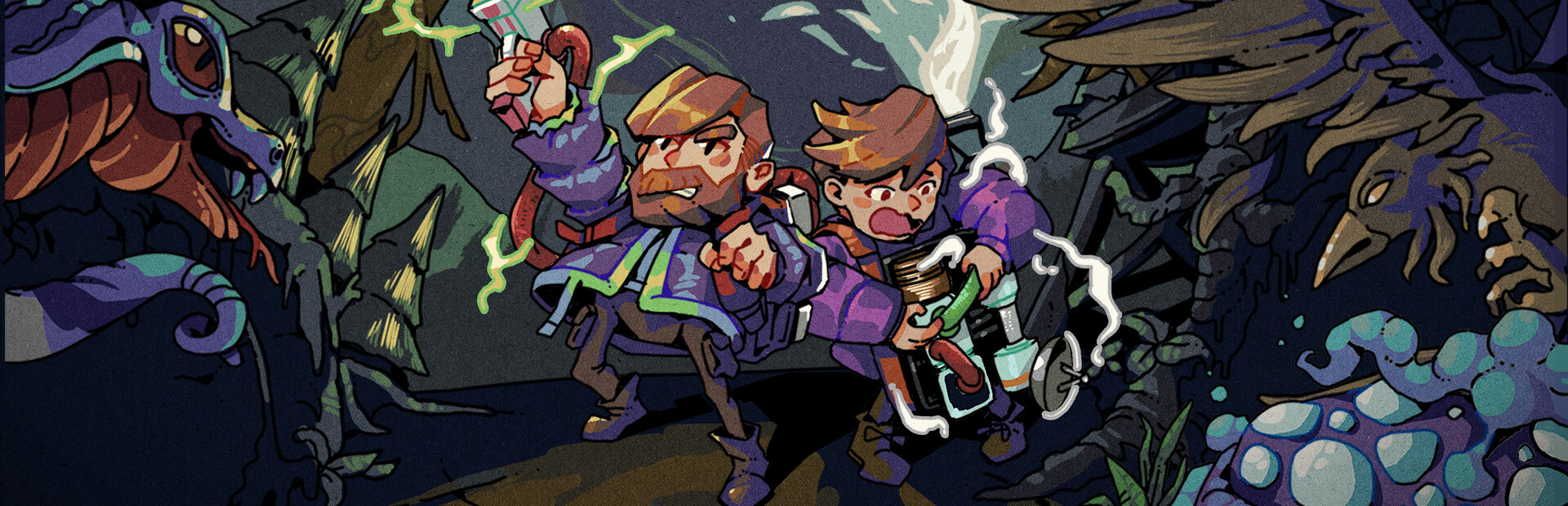
The engineering roguelike. Construct your combos by wiring circuits. Build crazy machines to zap the monsters and trigger satisfying chain reactions. Discover devastating synergies and create overpowered builds.

Craft your own skills by wiring up modules. Some generate energy, others amplify or store it, and others convert it into effects. Pick from over 150 unique modules to construct crazy machines, discover devastating synergies, and create overpowered builds.

Connect the right modules and watch chaos unfold: Energy cascades through your circuits, triggering satisfying chain reactions. Feel like a mad scientist as you tinker, experiment, and discover new ways to amplify your power.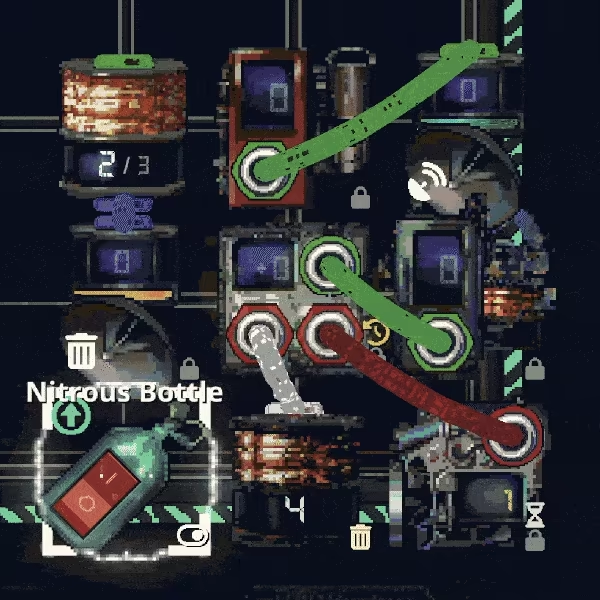

Every turn you have to decide where you want to put your energy: Into your blaster module? Do you have to crack a healing potion? Or do you store energy in a battery to prepare an even bigger move next turn?


Turns can be tactically pushed and pulled forward or backward in time: Dodge volcano eruptions and lightning strikes, slip before your enemies on the timeline or throw them into a devastating Grav-Spike.


Your adventure leads you through strange biomes where tricky enemies try to ruin your day. Compose your racks wisely to deal with the procedurally generated and progressively dangerous threats.

Between runs, return to your camp to upgrade buildings and unlock permanent progression. Store your favorite modules, expand your collection, and even build your own custom character.


From the store page, unedited. May contain spoilers.
This release
Reviews and playtime
Very Positive
92% of 604
The game
Genres and features
How to install Rogue Voltage
Pre-installed, so there is no setup wizard. Follow these in order.
- 01
Create a games folder
Make a folder like C:\Games\ and keep every game in it. Avoid Program Files, Downloads and the Desktop.
- 02
Exclude it from Windows Defender
Defender often deletes cracked files by mistake while they extract. Add C:\Games\ as an excluded folder:
Windows Security -> Virus & threat protection -> Manage settings -> Exclusions -> Add an exclusion -> Folder
- 03
Download into C:\Games\
Save the archive straight into that folder. This release is one 289.1MB file.
- 04
Extract it there
Use 7-Zip or WinRAR. Keep about 636.0 MB free while it unpacks.
- One file
- Right-click it -> Extract here.
- Several parts
- Extract only part1 (or .001). The other parts are read automatically.
- 05
Open README.html
It is inside the extracted folder and explains how to start the game.
Still stuck? Read the install help
Download
Set up your games folder and the Defender exclusion before you extract. The Install tab has the steps.
FilesYard
The whole game in one file
FileDitch
The whole game in one file
VikingFile
The whole game in one file
0807
The whole game in one file
We don't accept fix requests when only one host is down. Please use another mirror above. Links broken? Let us know.
We never password-protect files or hide installers. If a page asks for a password or payment, that is the host's ad, not us. See our safety guide.
System requirements
- Min
- Windows 10
- Min
- 2 GHz
- Min
- 2 GB RAM
- Min
- Version 10
- Min
- 500 MB available space
These are the developer's listed requirements and may not be 100% accurate. If your specs fall below the minimum, try the game anyway; many games run fine below the listed requirements. When in doubt, check YouTube for performance benchmarks.