RollScape
Leonardo the Vinchy2024Strategy, Roguelike
2.1GBBuild 18132191Updated 71 days ago
About RollScape
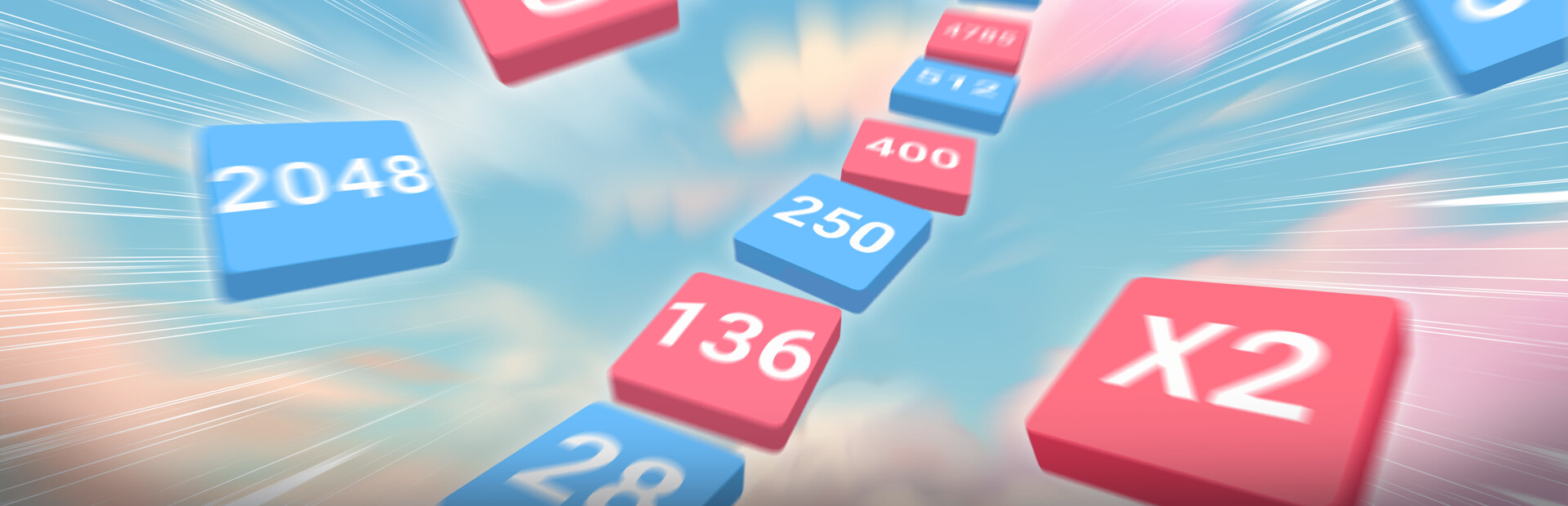
Roll, strategize, and upgrade your way to victory in this accessible and ultra-satisfying, yet captivating roguelike. Will you reach the end before running out of rolls? KEEP MULTIPLYING!!
ROLL, ROLL, ROLL
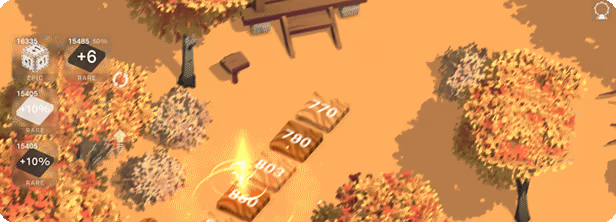
Roll your dice! Not once, not twice. Easily more than a thousand times!
With each roll, reveal tiles and earn points to enhance their value.
Throughout your journey, you will find many ways of gaining more rolls to reach the final location. None left? We go again!

ARTIFACTS & LOCATIONS
As you try to conquer the challenging path ahead, you will be faced with many difficult decisions. Choose your path wisely and wield powerful artifacts that shape your strategy, presenting intriguing synergies along the way.

SKINS
Explore new locations and unlock fresh tile skins, stunning visual effects or new satisfying sound packs. So even if your last run fell short, return to conquer in style!

GAMEMODES & DIFFICULTIES
Complete the 'Standard' gamemode to unlock challenging variants, each with its own twists and turns. If you're in for a casual experience, you can lower the game's difficulty at any time, in every gamemode. And remember, no content is locked behind difficulty levels — every achievement is within your reach.
From the store page, unedited. May contain spoilers.
This release
Reviews and playtime
Very Positive
87% of 371
The game
Genres and features
How to install RollScape
Pre-installed, so there is no setup wizard. Follow these in order.
- 01
Create a games folder
Make a folder like C:\Games\ and keep every game in it. Avoid Program Files, Downloads and the Desktop.
- 02
Exclude it from Windows Defender
Defender often deletes cracked files by mistake while they extract. Add C:\Games\ as an excluded folder:
Windows Security -> Virus & threat protection -> Manage settings -> Exclusions -> Add an exclusion -> Folder
- 03
Download into C:\Games\
Save the archive straight into that folder. This release is one 2.1GB file.
- 04
Extract it there
Use 7-Zip or WinRAR. Keep about 4.6 GB free while it unpacks.
- One file
- Right-click it -> Extract here.
- Several parts
- Extract only part1 (or .001). The other parts are read automatically.
- 05
Open README.html
It is inside the extracted folder and explains how to start the game.
Still stuck? Read the install help
Download
Set up your games folder and the Defender exclusion before you extract. The Install tab has the steps.
FileDitch
The whole game in one file
VikingFile
The whole game in one file
0807
The whole game in one file
Gofile (legacy)
The whole game in one file
We don't accept fix requests when only one host is down. Please use another mirror above. Links broken? Let us know.
We never password-protect files or hide installers. If a page asks for a password or payment, that is the host's ad, not us. See our safety guide.
System requirements
- Min
- Windows 7
- Min
- i3 8100
- Min
- 8 GB RAM
- Min
- GT1030
- Min
- 2 GB available space
These are the developer's listed requirements and may not be 100% accurate. If your specs fall below the minimum, try the game anyway; many games run fine below the listed requirements. When in doubt, check YouTube for performance benchmarks.