Sable
Shedworks2021Adventure
1.9 GBBuild 10132013Updated 162 days ago
About Sable
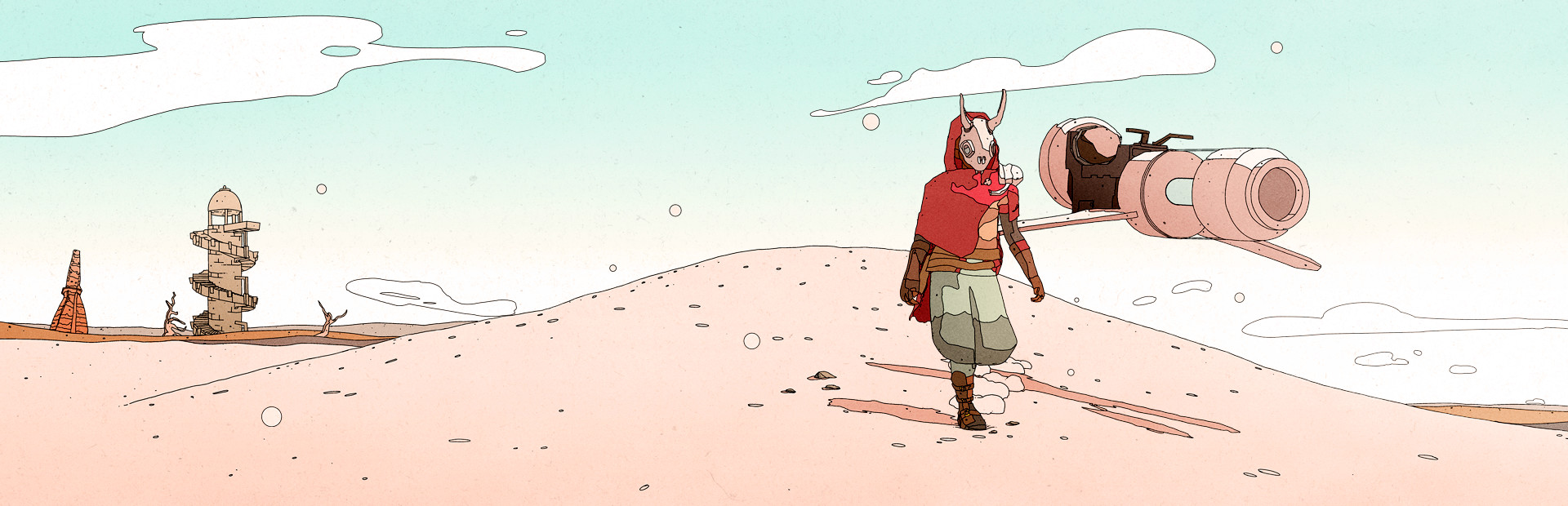
Embark on an unique and unforgettable journey and guide Sable through her Gliding; a rite of passage that will take her across vast deserts and mesmerizing landscapes, capped by the remains of spaceships and ancient wonders.
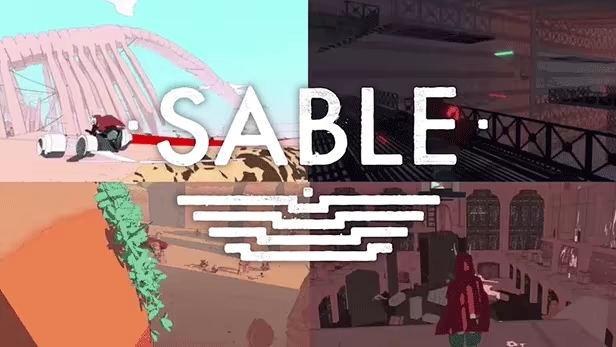

Embark on a unique and unforgettable journey and guide Sable through her Gliding; a rite of passage that will take her across vast deserts and mesmerizing landscapes, capped by the remains of spaceships and ancient wonders.
Explore the dunes on your hoverbike, scale monumental ruins and encounter other nomads as you unearth mysteries long forgotten and discover who she really is behind her mask.
With its unique art style and original soundtrack by Japanese Breakfast, envelop yourself in Sable’s world and explore everything at your own pace. There is a lot in this world just waiting to be discovered. Do not be afraid. Take the leap.

• Explore a rich world, full of remnants of past civilisations.
• Climb, leap, hover, glide – use everything at your disposal to discover every inch of the world in front of you
• Customise your hover bike as you find, or earn, new parts
• Help other clans and nomads that you meet along the way
• Lose yourself in an adventure and find yourself through masks, outfits and other collectables, to represent who you are to those around you…
• Complete puzzles to earn rewards and forge your path in an unforgiving terrain
• Try your hand at fishing in the desert, and showcase your collection of bugs and fish in the Vivarium.
From the store page, unedited. May contain spoilers.
This release
Reviews and playtime
Very Positive
86% of 5,433
The game
Genres and features
How to install Sable
Pre-installed, so there is no setup wizard. Follow these in order.
- 01
Create a games folder
Make a folder like C:\Games\ and keep every game in it. Avoid Program Files, Downloads and the Desktop.
- 02
Exclude it from Windows Defender
Defender often deletes cracked files by mistake while they extract. Add C:\Games\ as an excluded folder:
Windows Security -> Virus & threat protection -> Manage settings -> Exclusions -> Add an exclusion -> Folder
- 03
Download into C:\Games\
Save the archive straight into that folder. This release is one 1.9 GB file.
- 04
Extract it there
Use 7-Zip or WinRAR. Keep about 4.2 GB free while it unpacks.
- One file
- Right-click it -> Extract here.
- Several parts
- Extract only part1 (or .001). The other parts are read automatically.
- 05
Open README.html
It is inside the extracted folder and explains how to start the game.
Still stuck? Read the install help
Download
Set up your games folder and the Defender exclusion before you extract. The Install tab has the steps.
FileDitch
The whole game in one file
Gofile (legacy)
The whole game in one file
We don't accept fix requests when only one host is down. Please use another mirror above. Links broken? Let us know.
We never password-protect files or hide installers. If a page asks for a password or payment, that is the host's ad, not us. See our safety guide.
System requirements
- Min
- AMD Ryzen™ 5 1400/ Intel i3-6100
- Rec
- AMD Ryzen™ 5 2600X / Intel i5-9600K
- Min
- 8 GB RAM
- Rec
- 16 GB RAM
- Min
- GTX 750Ti/HD 6970
- Rec
- GTX 1050 Ti/R9 285
Windows 10
Version 11
3 GB available space
Use of controller recommended
These are the developer's listed requirements and may not be 100% accurate. If your specs fall below the minimum, try the game anyway; many games run fine below the listed requirements. When in doubt, check YouTube for performance benchmarks.