Shuttle Commander
Immersive VR Education2020Simulation
3.1GBBuild 5965957Updated 10 days ago
About Shuttle Commander
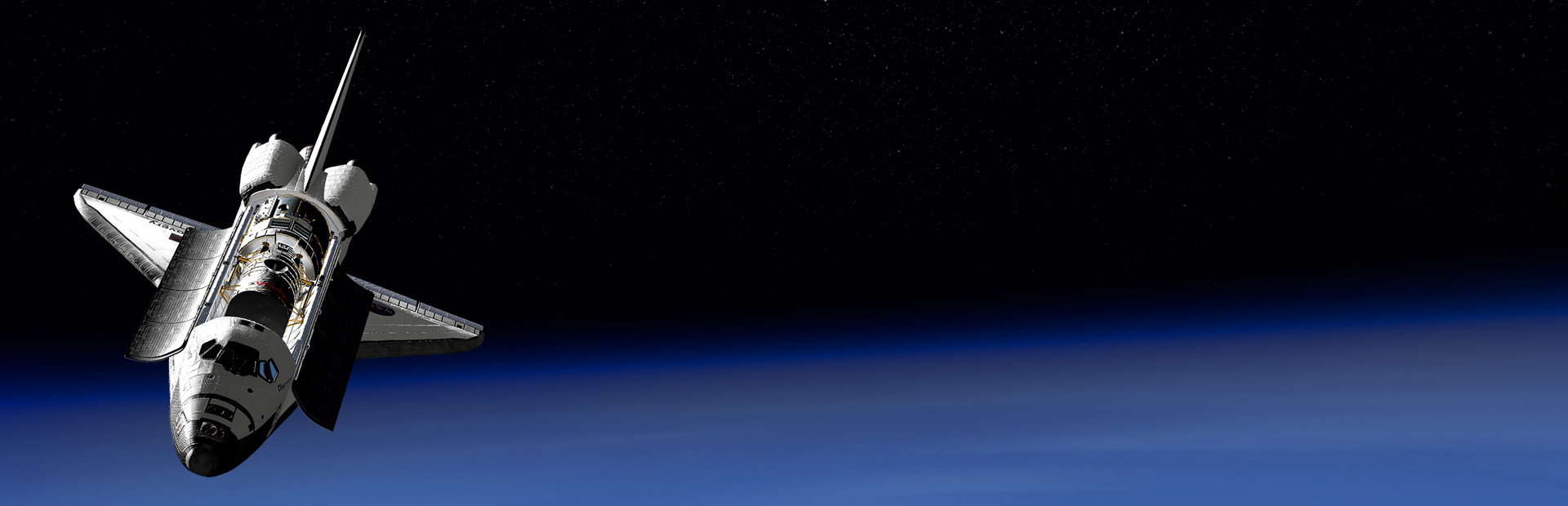
Take command of the Space Shuttle as it embarks on various missions to the Hubble Space Telescope. Fly the shuttle in a full landing simulation based on real physics and flight dynamics.
Take command of the Space Shuttle as it embarks on various missions to the Hubble Space Telescope. Fly the shuttle in a full landing simulation based on real physics and flight dynamics.
Choose your landing site, weather conditions and approach difficulty. Explore the Galaxy with 3 remarkable visual experiences and witness a full Shuttle launch from the pilot seat.
568 kilometers above us, the Hubble Space Telescope circles the Earth. For almost 30 years, this observatory has helped us explore the solar system around us and understand how galaxies and planets form. Now you can embark along the journey of discovery with this modern-age marvel.
Shuttle Commander allows you to take part in the Hubble Space Telescope missions first hand with accurate recreations of the space missions, shuttle cockpit and Hubble Space Telescope. Join the crew on the space shuttle missions and assist in the deployment and servicing of the Hubble.
Celebrate the discoveries and experience how this remarkable apparatus changed our understanding of the universe around us through science visualization segments which are based on actual data discovered by the Hubble Space Telescope over the past 3 decades.
Fly the space shuttle in an accurate physics based landing simulation and take control of the Canada Arm in space as you witness the Earth pass below during a full day / night cycle.
From the store page, unedited. May contain spoilers.
This release
Reviews and playtime
Mixed
54% of 26
The game
Genres and features
How to install Shuttle Commander
Pre-installed, so there is no setup wizard. Follow these in order.
- 01
Create a games folder
Make a folder like C:\Games\ and keep every game in it. Avoid Program Files, Downloads and the Desktop.
- 02
Exclude it from Windows Defender
Defender often deletes cracked files by mistake while they extract. Add C:\Games\ as an excluded folder:
Windows Security -> Virus & threat protection -> Manage settings -> Exclusions -> Add an exclusion -> Folder
- 03
Download into C:\Games\
Save the archive straight into that folder. This release is one 3.1GB file.
- 04
Extract it there
Use 7-Zip or WinRAR. Keep about 6.8 GB free while it unpacks.
- One file
- Right-click it -> Extract here.
- Several parts
- Extract only part1 (or .001). The other parts are read automatically.
- 05
Open README.html
It is inside the extracted folder and explains how to start the game.
Still stuck? Read the install help
Download
Set up your games folder and the Defender exclusion before you extract. The Install tab has the steps.
FilesYard
The whole game in one file
FileDitch
The whole game in one file
VikingFile
The whole game in one file
We don't accept fix requests when only one host is down. Please use another mirror above. Links broken? Let us know.
We never password-protect files or hide installers. If a page asks for a password or payment, that is the host's ad, not us. See our safety guide.
System requirements
- Min
- GTX 980
- Rec
- GTX 1080ti or above
Windows 10
i7
8 GB RAM
4 GB available space
These are the developer's listed requirements and may not be 100% accurate. If your specs fall below the minimum, try the game anyway; many games run fine below the listed requirements. When in doubt, check YouTube for performance benchmarks.