SLUDGE LIFE
Terri Vellmann2021Indie, Adventure
540.6 MBBuild 20369077Updated 105 days ago
About SLUDGE LIFE
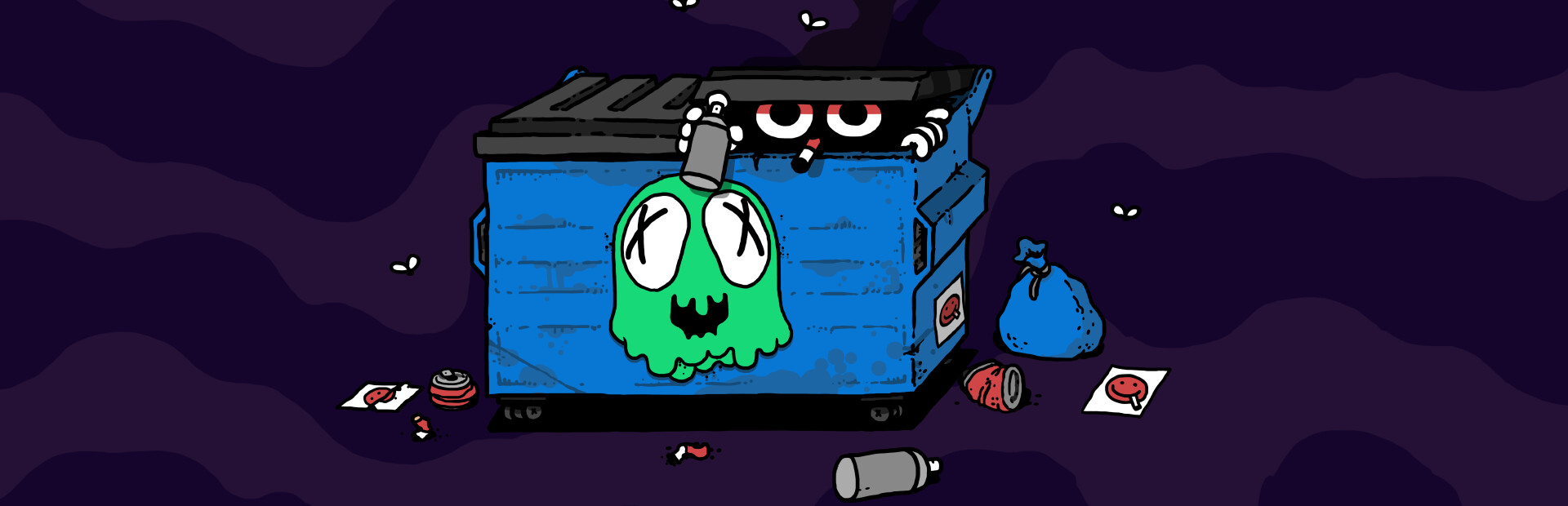
SLUDGE LIFE is a first-person / open-world / vandalism-centric stroll through a polluted island full of cranky idiots and a vibe so thick you can taste it.

SLUDGE LIFE is a first-person / open-world / vandalism-centric stroll through a polluted island full of cranky idiots and a vibe so thick you can taste it.
Roam a tiny island stuck on a sludge covered planet as an upcoming tagger GHOST set on staking their claim amongst the graffiti elite. Traverse the corporately branded landscape, chat up other taggers, and discover secrets and idiots along the way. Will you become the king of the island and tag every open inch, infiltrate sludge-pumping corporation GLUG to find a way out, or just take it all down in flames with you?

- Experience the thrills of vandalism from the safety of your computer.
- Curiosity and free will are your only motivators - roll as you please.
- Find and download apps to your laptop and waste your life away playing a game in a game.
- Smoke Ciggy Cigs brand cigarettes. Smoke ‘em up real good.
- Take photos of exotic fauna and ambivalent NPCs.
- Dedicated fart button.
- A huge baby, community basketball court, and a cat with two buttholes. [no extra charge]
- Three distinct endings and a pretty robust credits.

From the store page, unedited. May contain spoilers.
This release
Reviews and playtime
Overwhelmingly Positive
95% of 1,937
The game
Genres and features



How to install SLUDGE LIFE
Pre-installed, so there is no setup wizard. Follow these in order.
- 01
Create a games folder
Make a folder like C:\Games\ and keep every game in it. Avoid Program Files, Downloads and the Desktop.
- 02
Exclude it from Windows Defender
Defender often deletes cracked files by mistake while they extract. Add C:\Games\ as an excluded folder:
Windows Security -> Virus & threat protection -> Manage settings -> Exclusions -> Add an exclusion -> Folder
- 03
Download into C:\Games\
Save the archive straight into that folder. This release is one 540.6 MB file.
- 04
Extract it there
Use 7-Zip or WinRAR. Keep about 1.2 GB free while it unpacks.
- One file
- Right-click it -> Extract here.
- Several parts
- Extract only part1 (or .001). The other parts are read automatically.
- 05
Open README.html
It is inside the extracted folder and explains how to start the game.
Still stuck? Read the install help
Download
Set up your games folder and the Defender exclusion before you extract. The Install tab has the steps.
FileDitch
The whole game in one file
0807
The whole game in one file
FileQ
The whole game in one file
We don't accept fix requests when only one host is down. Please use another mirror above. Links broken? Let us know.
We never password-protect files or hide installers. If a page asks for a password or payment, that is the host's ad, not us. See our safety guide.
System requirements
- Min
- Intel Core 2 Duo E6320 (2*1866) or equivalent
- Rec
- Intel Core i3-2100 (2 * 3100) or equivalent or AMD Phenom II X4 965 (4 * 3400) or equivalent
- Min
- 2 GB RAM
- Rec
- 4 GB RAM
- Min
- GeForce 7600 GS (512 MB) or equivalent
- Rec
- GeForce GTX 660 (2048 MB)
Windows 7/8.1/10 x64
2 GB available space
These are the developer's listed requirements and may not be 100% accurate. If your specs fall below the minimum, try the game anyway; many games run fine below the listed requirements. When in doubt, check YouTube for performance benchmarks.