Saber Interactive2021Simulation, Racing
76.1GBBuild 26218478Updated 1 hour ago
About SnowRunner
Get ready for the next-generation off-road experience! Drive powerful vehicles and overcome extreme open environments to complete dozens of challenging missions solo or with up to 3 friends!


SnowRunner puts you in the driver’s seat of powerful vehicles as you conquer extreme open environments with the most advanced terrain simulation ever, by the makers of multi-million seller MudRunner.


Overcome mud, torrential waters, snow, and frozen lakes powered by Saber Interactive’s best-in-class terrain physics engine. Traverse wild environments inspired by North American and Eurasian wilderness that accurately react to your trucks’ weight, speed and momentum.

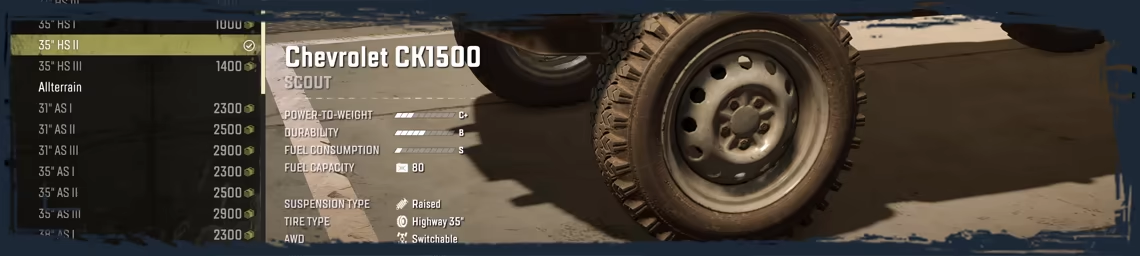
Drive 40 vehicles from brands such as Ford, Chevrolet, and Freightliner as you leave your mark on an untamed open world. Expand and customize your fleet with many upgrades and accessories including an exhaust snorkel for heavy waters or chain tires to battle the snow.


Drive 40 vehicles from brands such as Ford, Chevrolet, and Freightliner as you leave your mark on an untamed open world. Expand and customize your fleet with many upgrades and accessories including an exhaust snorkel for heavy waters or chain tires to battle the snow.
From the store page, unedited. May contain spoilers.
This release
Reviews and playtime
Very Positive
90% of 48,120
The game
Genres and features


How to install SnowRunner
Pre-installed, so there is no setup wizard. Follow these in order.
- 01
Create a games folder
Make a folder like C:\Games\ and keep every game in it. Avoid Program Files, Downloads and the Desktop.
- 02
Exclude it from Windows Defender
Defender often deletes cracked files by mistake while they extract. Add C:\Games\ as an excluded folder:
Windows Security -> Virus & threat protection -> Manage settings -> Exclusions -> Add an exclusion -> Folder
- 03
Download into C:\Games\
This release comes in 3 parts. Save every part into that folder, all from the same mirror.
- 04
Extract it there
Use 7-Zip or WinRAR. Keep about 167.4 GB free while it unpacks.
- One file
- Right-click it -> Extract here.
- Several parts
- Extract only part1 (or .001). The other parts are read automatically.
- 05
Open README.html
It is inside the extracted folder and explains how to start the game.
Still stuck? Read the install help
Download
Set up your games folder and the Defender exclusion before you extract. The Install tab has the steps.
Download every part. You need all of them.
We never password-protect files or hide installers. If a page asks for a password or payment, that is the host's ad, not us. See our safety guide.