SOMA
Frictional Games2015Horror
11.5GBBuild 20049349Updated 70 days ago
About SOMA
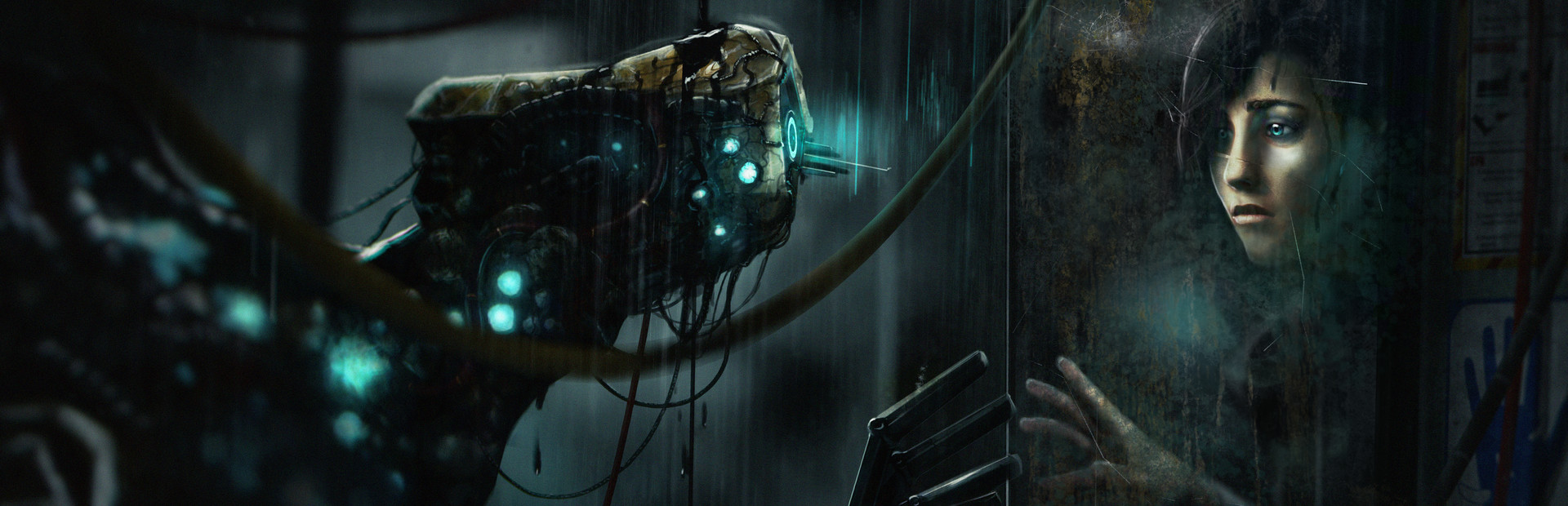
From the creators of Amnesia: The Dark Descent comes SOMA, a sci-fi horror game set below the waves of the Atlantic ocean. Struggle to survive a hostile world that will make you question your very existence.
The radio is dead, food is running out, and the machines have started to think they are people. Underwater facility PATHOS-II has suffered an intolerable isolation and we’re going to have to make some tough decisions. What can be done? What makes sense? What is left to fight for?
Enter the world of SOMA and face horrors buried deep beneath the ocean waves. Delve through locked terminals and secret documents to uncover the truth behind the chaos. Seek out the last remaining inhabitants and take part in the events that will ultimately shape the fate of the station. But be careful, danger lurks in every corner: corrupted humans, twisted creatures, insane robots, and even an inscrutable omnipresent A.I.
You will need to figure out how to deal with each one of them. Just remember there’s no fighting back, either you outsmart your enemies or you get ready to run.
From the store page, unedited. May contain spoilers.
This release
Reviews and playtime
Overwhelmingly Positive
95% of 47,645
The game
Genres and features


How to install SOMA
Pre-installed, so there is no setup wizard. Follow these in order.
- 01
Create a games folder
Make a folder like C:\Games\ and keep every game in it. Avoid Program Files, Downloads and the Desktop.
- 02
Exclude it from Windows Defender
Defender often deletes cracked files by mistake while they extract. Add C:\Games\ as an excluded folder:
Windows Security -> Virus & threat protection -> Manage settings -> Exclusions -> Add an exclusion -> Folder
- 03
Download into C:\Games\
Save the archive straight into that folder. This release is one 11.5GB file.
- 04
Extract it there
Use 7-Zip or WinRAR. Keep about 25.3 GB free while it unpacks.
- One file
- Right-click it -> Extract here.
- Several parts
- Extract only part1 (or .001). The other parts are read automatically.
- 05
Open README.html
It is inside the extracted folder and explains how to start the game.
Still stuck? Read the install help
Download
Set up your games folder and the Defender exclusion before you extract. The Install tab has the steps.
VikingFile
The whole game in one file
0807
The whole game in one file
Gofile (legacy)
The whole game in one file
We don't accept fix requests when only one host is down. Please use another mirror above. Links broken? Let us know.
We never password-protect files or hide installers. If a page asks for a password or payment, that is the host's ad, not us. See our safety guide.
System requirements
- Min
- 64-bit Windows Vista
- Rec
- 64-bit Windows 7
- Min
- Core i3 / AMD A6 2.4Ghz
- Rec
- Core i5 / AMD FX 2.4Ghz
- Min
- 4 GB RAM
- Rec
- 8 GB RAM
- Min
- NVIDIA GeForce GTX 260 / AMD Radeon HD 5750. OpenGL 3.3
- Rec
- NVIDIA GeForce GTX 480 / AMD Radeon HD 5970. OpenGL 3.3
25 GB available space
Integrated Intel graphics are not supported. They should work (Intel HD 4000-series or better), but with issues.
These are the developer's listed requirements and may not be 100% accurate. If your specs fall below the minimum, try the game anyway; many games run fine below the listed requirements. When in doubt, check YouTube for performance benchmarks.