Store Keeper
AlexsusDev2025Simulation, Sandbox
344.6 MBBuild 22096089Updated 183 days ago
About Store Keeper
Become a wholesale warehouse manager! Receive shipments, optimize storage, maintain proper conditions, and manage inventory. Streamline logistics and make your warehouse as efficient as possible!
Welcome to Store Keeper — a game where you take on the role of a large wholesale warehouse manager!
Your task is to establish a seamless logistics operation: from receiving goods from suppliers to delivering them to retail stores. Smart inventory management, precise calculations, and efficient space organization will help you build a warehouse that runs like clockwork.
Key Features:
🔹 Receiving and Inspecting Shipments

Monitor incoming goods, check invoices, and identify supplier errors. Decide how to handle defective or surplus products. Every decision impacts your reputation and profits.
🔹 Optimizing Warehouse Space
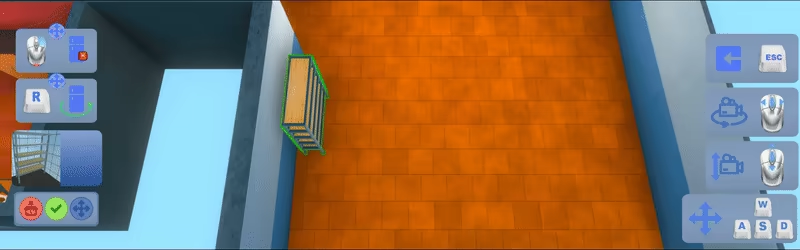
Arrange products strategically to speed up shipments and minimize losses. Upgrade warehouse facilities and organize storage areas for maximum efficiency.
🔹 Maintaining Proper Storage Conditions

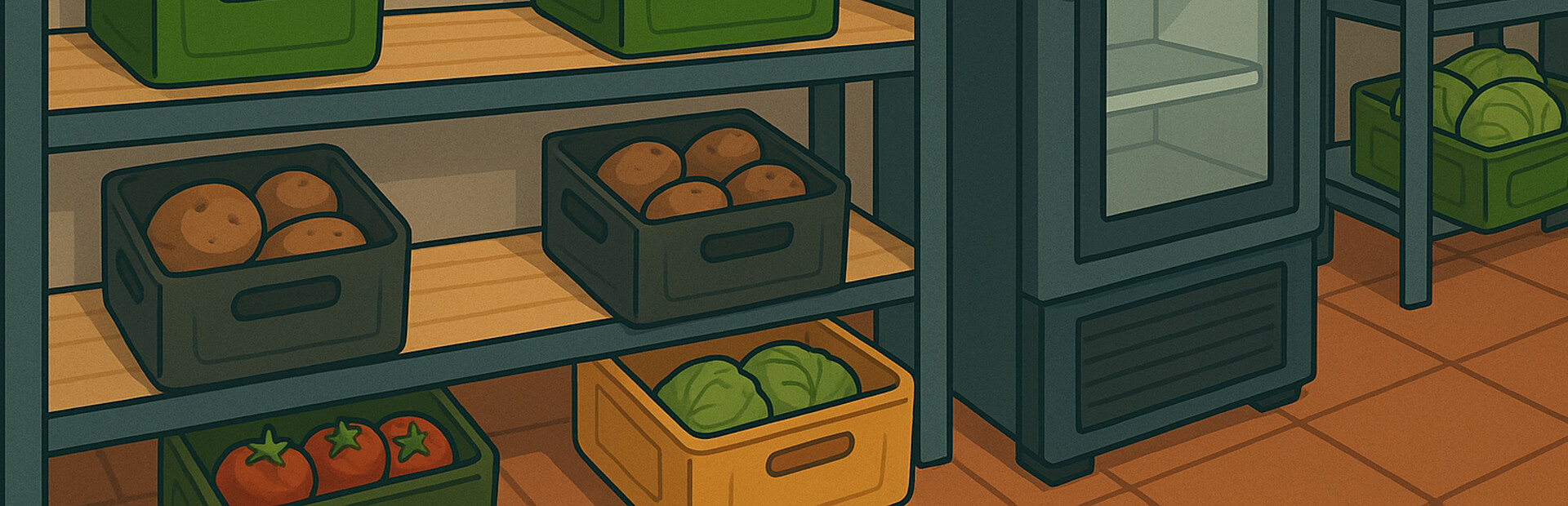
Certain products require special storage conditions: refrigerated goods must be kept in cooling chambers, while dry goods should be stored in well-ventilated areas. Manage warehouse resources wisely to streamline storage and shipping processes.
🔹 Order Analysis and Inventory Management
Track store demands, forecast trends, and prevent stock shortages or overflows. Plan purchases strategically to keep your warehouse profitable.
Can you build the perfect logistics system and become a true master of warehouse management? Test your skills in Store Keeper!
From the store page, unedited. May contain spoilers.
This release
Reviews and playtime
Mostly Positive
79% of 14
The game
Genres and features
How to install Store Keeper
Pre-installed, so there is no setup wizard. Follow these in order.
- 01
Create a games folder
Make a folder like C:\Games\ and keep every game in it. Avoid Program Files, Downloads and the Desktop.
- 02
Exclude it from Windows Defender
Defender often deletes cracked files by mistake while they extract. Add C:\Games\ as an excluded folder:
Windows Security -> Virus & threat protection -> Manage settings -> Exclusions -> Add an exclusion -> Folder
- 03
Download into C:\Games\
Save the archive straight into that folder. This release is one 344.6 MB file.
- 04
Extract it there
Use 7-Zip or WinRAR. Keep about 758.1 MB free while it unpacks.
- One file
- Right-click it -> Extract here.
- Several parts
- Extract only part1 (or .001). The other parts are read automatically.
- 05
Open README.html
It is inside the extracted folder and explains how to start the game.
Still stuck? Read the install help
Download
Set up your games folder and the Defender exclusion before you extract. The Install tab has the steps.
VikingFile
The whole game in one file
FileQ
The whole game in one file
Gofile (legacy)
The whole game in one file
We don't accept fix requests when only one host is down. Please use another mirror above. Links broken? Let us know.
We never password-protect files or hide installers. If a page asks for a password or payment, that is the host's ad, not us. See our safety guide.
System requirements
- Min
- intel core i3
- Rec
- intel core i5
- Min
- GeForce 1030 2gb
- Rec
- GeForce 1050 4gb
Windows 10, 64
8 GB RAM
Version 11
2000 MB available space
These are the developer's listed requirements and may not be 100% accurate. If your specs fall below the minimum, try the game anyway; many games run fine below the listed requirements. When in doubt, check YouTube for performance benchmarks.