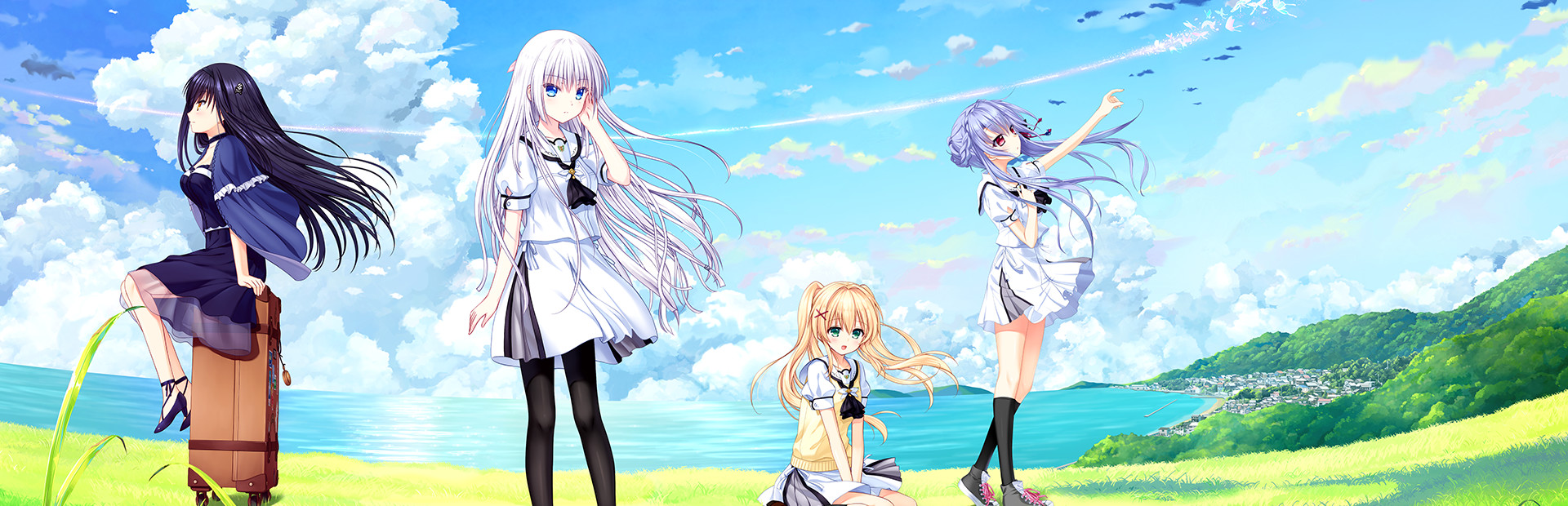
Summer Pockets
VisualArts/Key2020Visual Novel, Adventure
7.1GBBuild 8364739Updated 26 days ago
About Summer Pockets
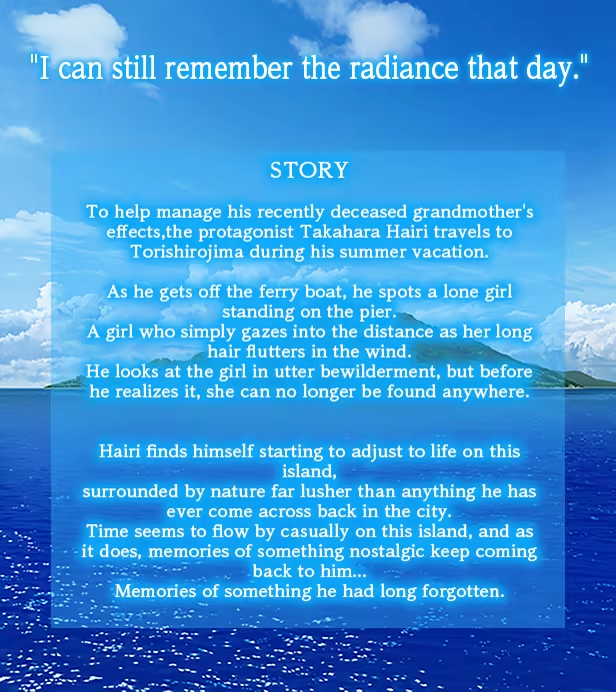
From the creators of Angel Beats! and CLANNAD, Key, comes their latest emotional, award-winning journey. Follow protagonist Takahara Hairi as he travels to the secluded island Torishirojima, where he rediscovers what it means to enjoy summer vacation.


Staff
Original Story: Jun MaedaProducer: Touya Okano
Director: Kai
Illustrators: Na-Ga, Tsubasu Izumi, Yuunon Nagayama, Humuyun (Side characters)
SD Illustrator: Engiyoshi
Scenario Writers: Yuu Niijima, Kai, Hasama
Music: Shinji Orito, Jun Maeda, Donmaru, Tomohiro Takeshita, Ryo Mizutsuki
Voice Cast
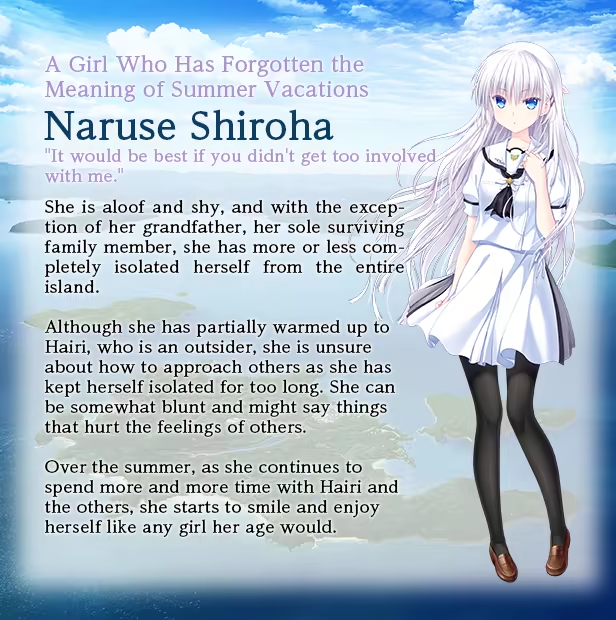
Naruse Shiroha / Konomi KoharaSorakado Ao / Takamori Natsumi
Kushima Kamome / Tomomi Mineuchi
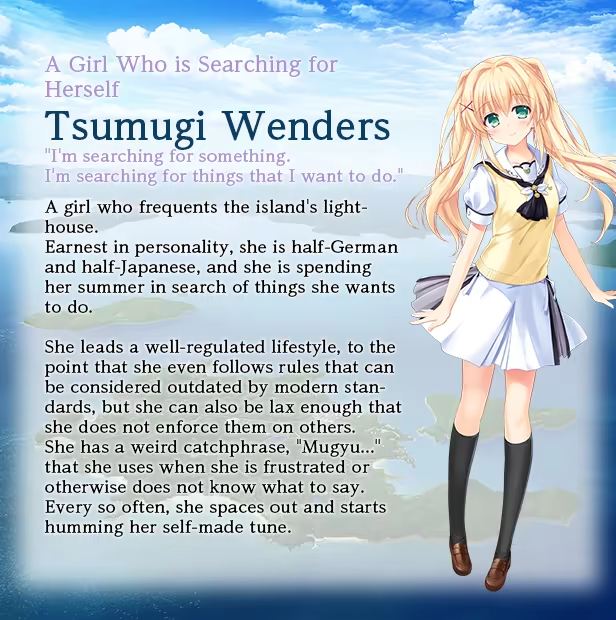
Tsumugi Wenders / Emiri Iwai
Umi Katou / Aimi Tanaka
Miki Nomura / Saku Ichimiya
Mizuori Shizuku / Sahomi Koyama
Mizutani Ryouichi / Kentarou Kumagai
Kanou Tenzen / Youhei Hamada
Misaki Kyouko / Megumi Takamoto
Naruse Kobato / Minoru Shiraishi
Nanami / Kana Hanazawa
Main Theme "Alka Tale"
Vocals: Konomi SuzukiLyrics: Kai
Composition: Shinji Orito
Arrangement: Masato Nakayama
Ending Theme "Hane no Yurikago" ("Cradle of Wings")
Vocals: Konomi SuzukiLyrics: Yuu Niijima
Composition: Donmaru
From the store page, unedited. May contain spoilers.
This release
Reviews and playtime
Overwhelmingly Positive
98% of 4,680
The game
Genres and features
How to install Summer Pockets
Pre-installed, so there is no setup wizard. Follow these in order.
- 01
Create a games folder
Make a folder like C:\Games\ and keep every game in it. Avoid Program Files, Downloads and the Desktop.
- 02
Exclude it from Windows Defender
Defender often deletes cracked files by mistake while they extract. Add C:\Games\ as an excluded folder:
Windows Security -> Virus & threat protection -> Manage settings -> Exclusions -> Add an exclusion -> Folder
- 03
Download into C:\Games\
Save the archive straight into that folder. This release is one 7.1GB file.
- 04
Extract it there
Use 7-Zip or WinRAR. Keep about 15.6 GB free while it unpacks.
- One file
- Right-click it -> Extract here.
- Several parts
- Extract only part1 (or .001). The other parts are read automatically.
- 05
Open README.html
It is inside the extracted folder and explains how to start the game.
Still stuck? Read the install help
Download
Set up your games folder and the Defender exclusion before you extract. The Install tab has the steps.
FilesYard
The whole game in one file
FileDitch
The whole game in one file
VikingFile
The whole game in one file
We don't accept fix requests when only one host is down. Please use another mirror above. Links broken? Let us know.
We never password-protect files or hide installers. If a page asks for a password or payment, that is the host's ad, not us. See our safety guide.
System requirements
- Min
- 2 GB RAM
- Rec
- 4 GB RAM
Microsoft Windows® 11/10/8.1
Intel Core 2 Duo or higher
256MB Video Memory (with Pixel Shader 2.0)
Version 9.0
8 GB available space
Required
These are the developer's listed requirements and may not be 100% accurate. If your specs fall below the minimum, try the game anyway; many games run fine below the listed requirements. When in doubt, check YouTube for performance benchmarks.