mightyraccoon! Studios2025Shooter, Roguelike
6.2GBBuild 22529721Updated 62 days ago
About Superhero Simulator
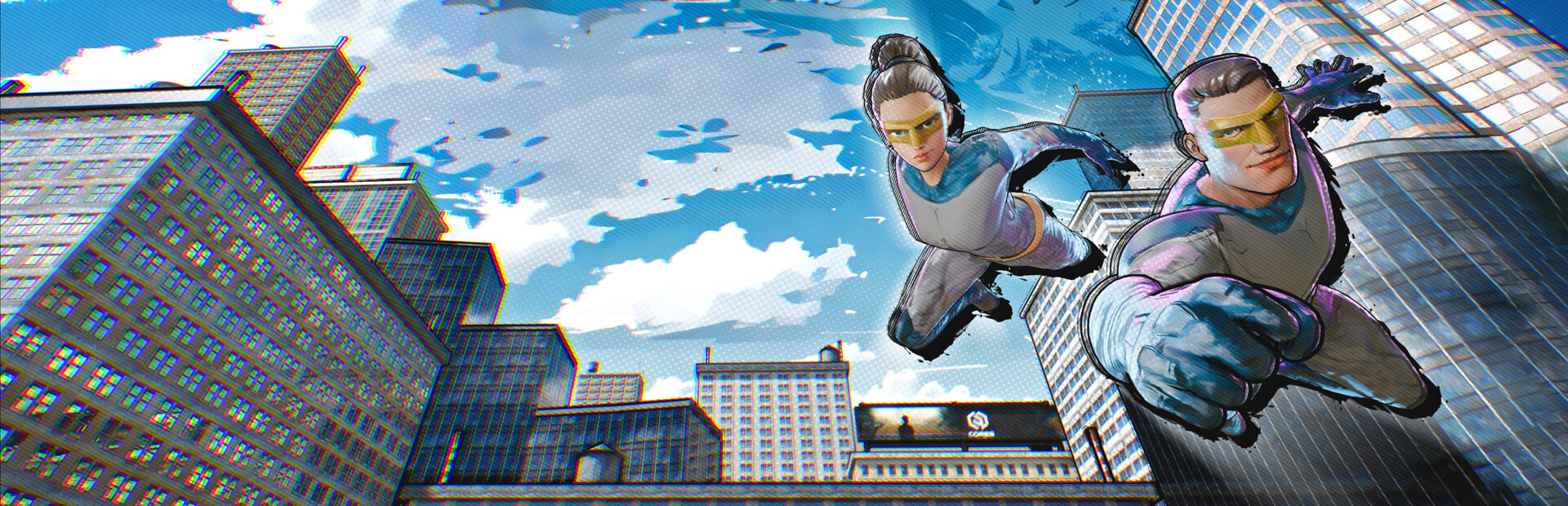
Superhero Simulator is an open-world superhero game where you fight villains and save lives! But being a hero isn’t free! You’ll need to work, pay rent, and survive. Can you handle both sides of the superhero life?
FULL RELEASE COMING SOON!

About the Game
Are you ready to protect your city? In Superhero Simulator, take on the rising crime rate as you patrol the streets, stop robberies, rescue civilians, and battle powerful villains. Your choices shape the city!

SAVE THE CITY
Stop robberies, rescue civilians, and fight crime your way. Every heroic act unlocks new abilities - become the hero Goldpine needs!

MANAGE YOUR DAILY NEEDS
Being a hero doesn’t pay the bills—so you’ll need a job to survive. Drive a taxi, flip burgers, or find other ways to earn money Every "Gollar" counts, whether it’s for food, or upgrading your gear. Balance your heroic duties with everyday struggles.

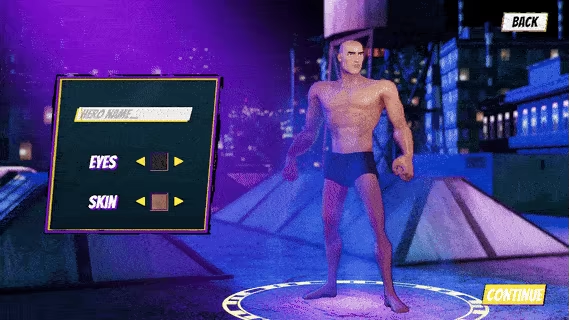
CUSTOMIZE YOUR HERO
Design your perfect superhero AND civilian identity! Mix and match masks, capes, and armor sets to create your signature look. Your hero, your style, your legend.
RISE OR FALL
Manage your health, hygiene, mental state, and respect to stay at your best. Neglect them, and your journey becomes harder. Every action shapes your legend—will you rise or break under the pressure?

From the store page, unedited. May contain spoilers.
This release
Reviews and playtime
Mostly Positive
72% of 1,018
The game
Genres and features
How to install Superhero Simulator
Pre-installed, so there is no setup wizard. Follow these in order.
- 01
Create a games folder
Make a folder like C:\Games\ and keep every game in it. Avoid Program Files, Downloads and the Desktop.
- 02
Exclude it from Windows Defender
Defender often deletes cracked files by mistake while they extract. Add C:\Games\ as an excluded folder:
Windows Security -> Virus & threat protection -> Manage settings -> Exclusions -> Add an exclusion -> Folder
- 03
Download into C:\Games\
Save the archive straight into that folder. This release is one 6.2GB file.
- 04
Extract it there
Use 7-Zip or WinRAR. Keep about 13.6 GB free while it unpacks.
- One file
- Right-click it -> Extract here.
- Several parts
- Extract only part1 (or .001). The other parts are read automatically.
- 05
Open README.html
It is inside the extracted folder and explains how to start the game.
Still stuck? Read the install help
Download
Set up your games folder and the Defender exclusion before you extract. The Install tab has the steps.
FileDitch
The whole game in one file
VikingFile
The whole game in one file
0807
The whole game in one file
Gofile (legacy)
The whole game in one file
We don't accept fix requests when only one host is down. Please use another mirror above. Links broken? Let us know.
We never password-protect files or hide installers. If a page asks for a password or payment, that is the host's ad, not us. See our safety guide.
System requirements
- Min
- Intel Core i5-3550
- Rec
- Intel Core i5-6400
- Min
- NVidia GeForce GTX 1050
- Rec
- NVidia GeForce GTX 1070
Windows (64-bit) 10
8 GB RAM
Version 12
12 GB available space
These are the developer's listed requirements and may not be 100% accurate. If your specs fall below the minimum, try the game anyway; many games run fine below the listed requirements. When in doubt, check YouTube for performance benchmarks.